
3D Werkstattplaner
Founded in 1999, the family-owned company Powerplustools offers high-quality tools and workshop furniture. The company´s focus lies on responsibility toward employees, sustainability, fair pricing, and customer satisfaction. With a dedicates team, Powerplustools provides personal consultation and reliable service six days a week. With the 3D workshop planner developed by redPlant Realtime Studios, Powerplustools goes one step further – making customized workshop planning possible anytime and anywhere.
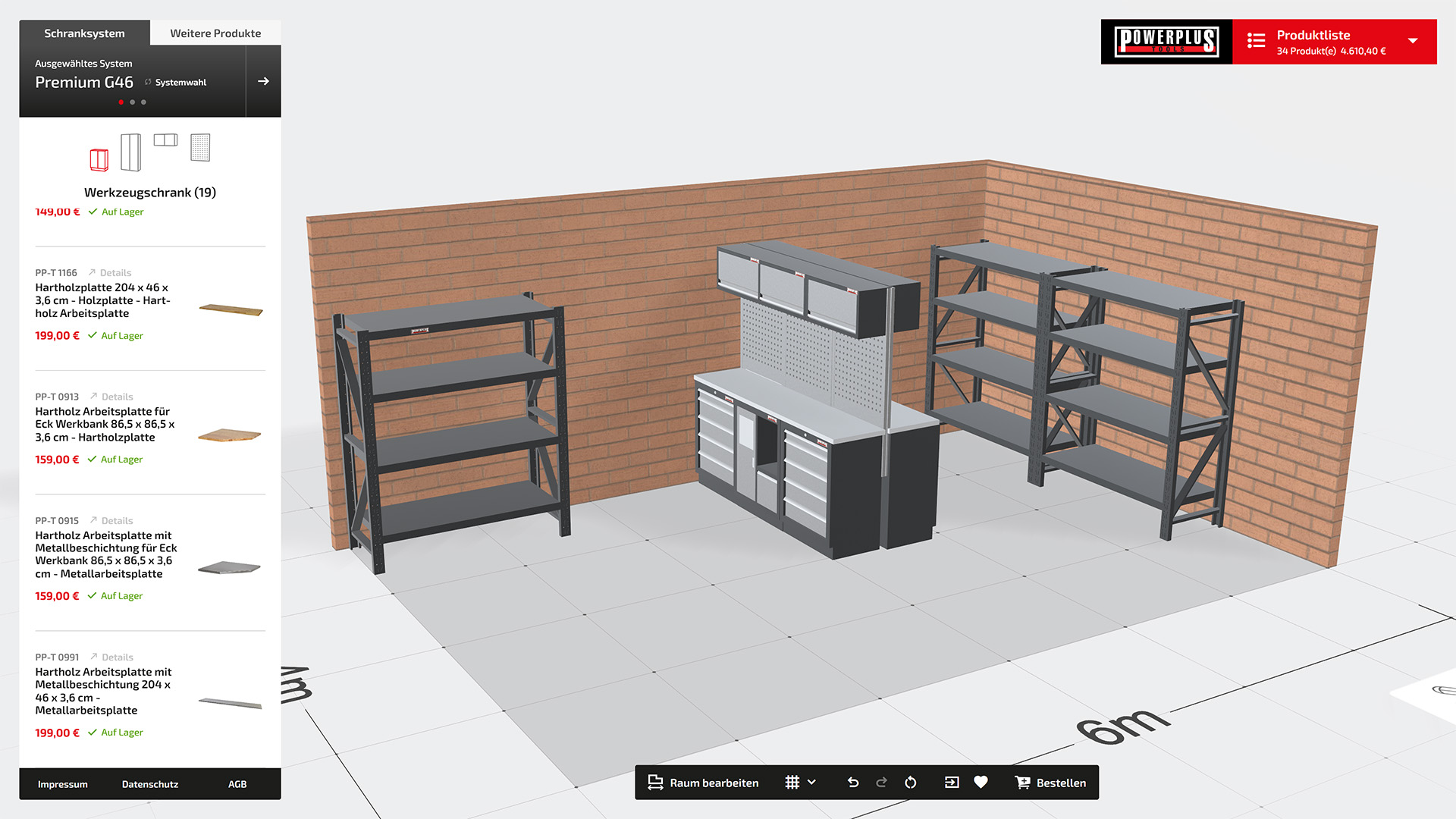
Smart Planning
Designing a workshop is often complex – especially when limited space needs to be used efficiently, work areas arranged logically, and modular systems combined. It´s often difficult to visualize furniture and equipment in the actual space, which can easily lead to bad purchases or impractical solutions. This is exactly where the Powerplustools 3D Workshop Planner comes in: the three-dimensional visualization provides a realistic sense of space and gives you a solid basis for making decisions. Thanks to the intuitive controls and user-friendly interface, you can design your workshop independently, precisely – and without any prior experience.
Welches System darf es sein?
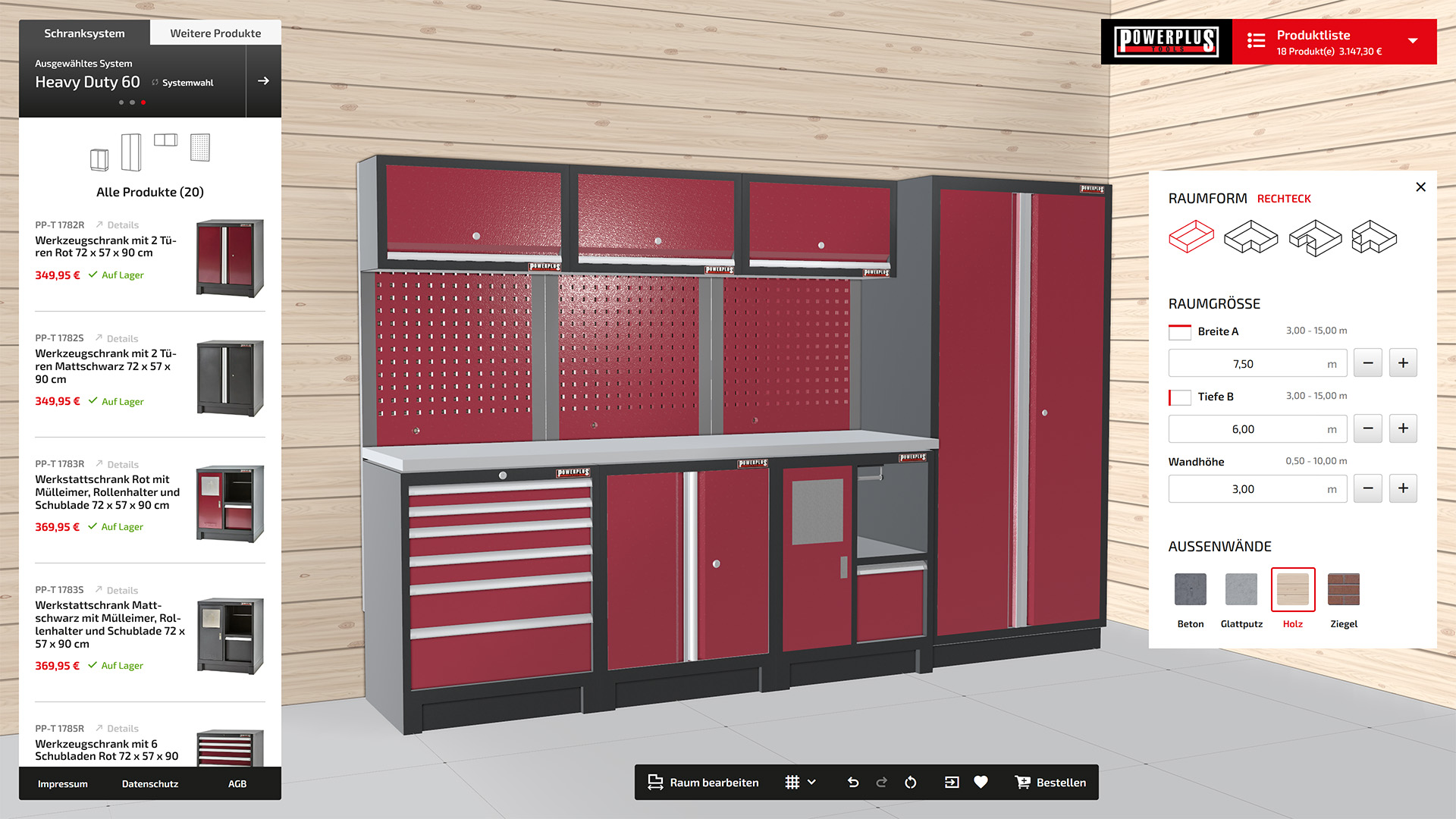
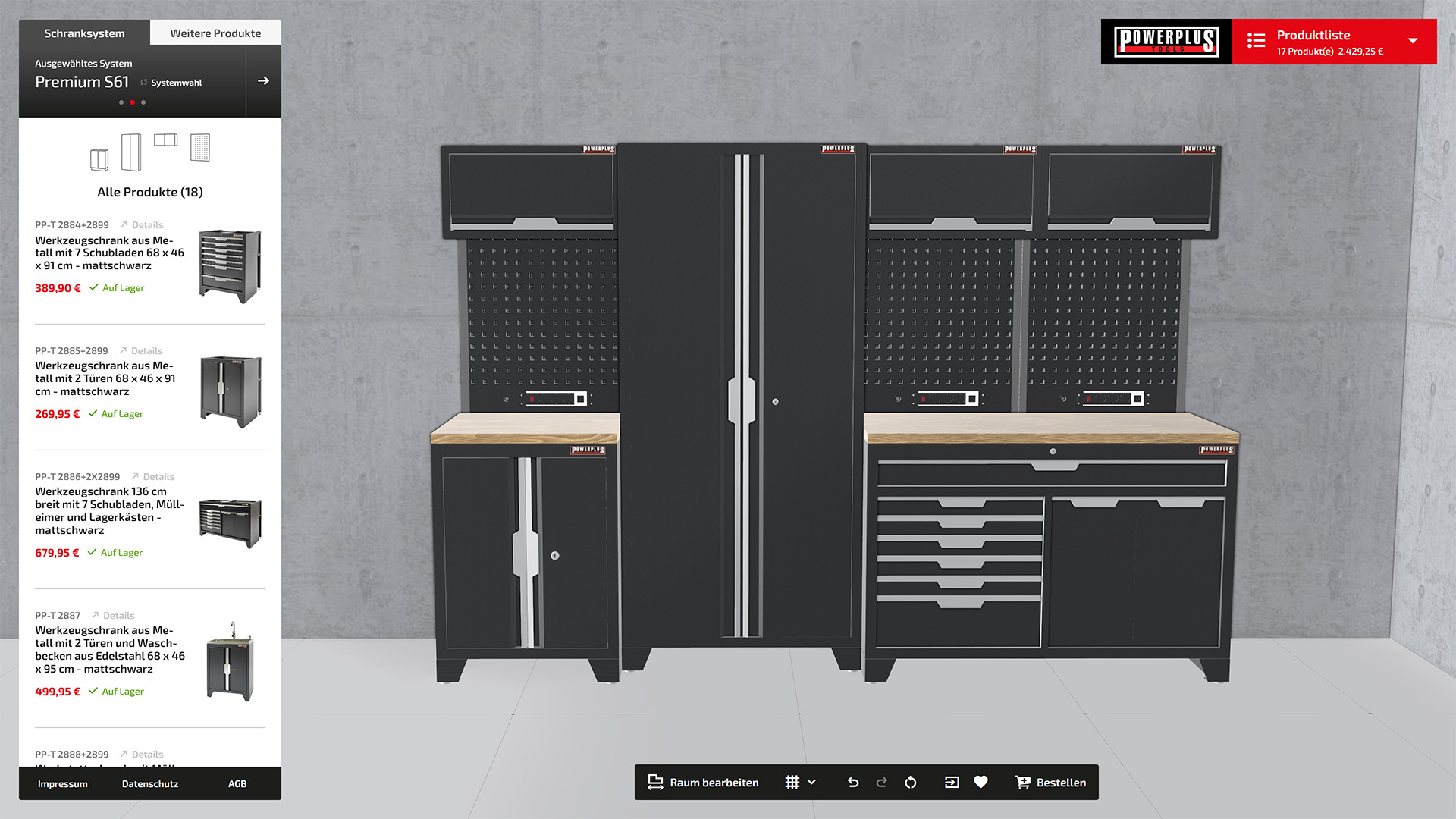
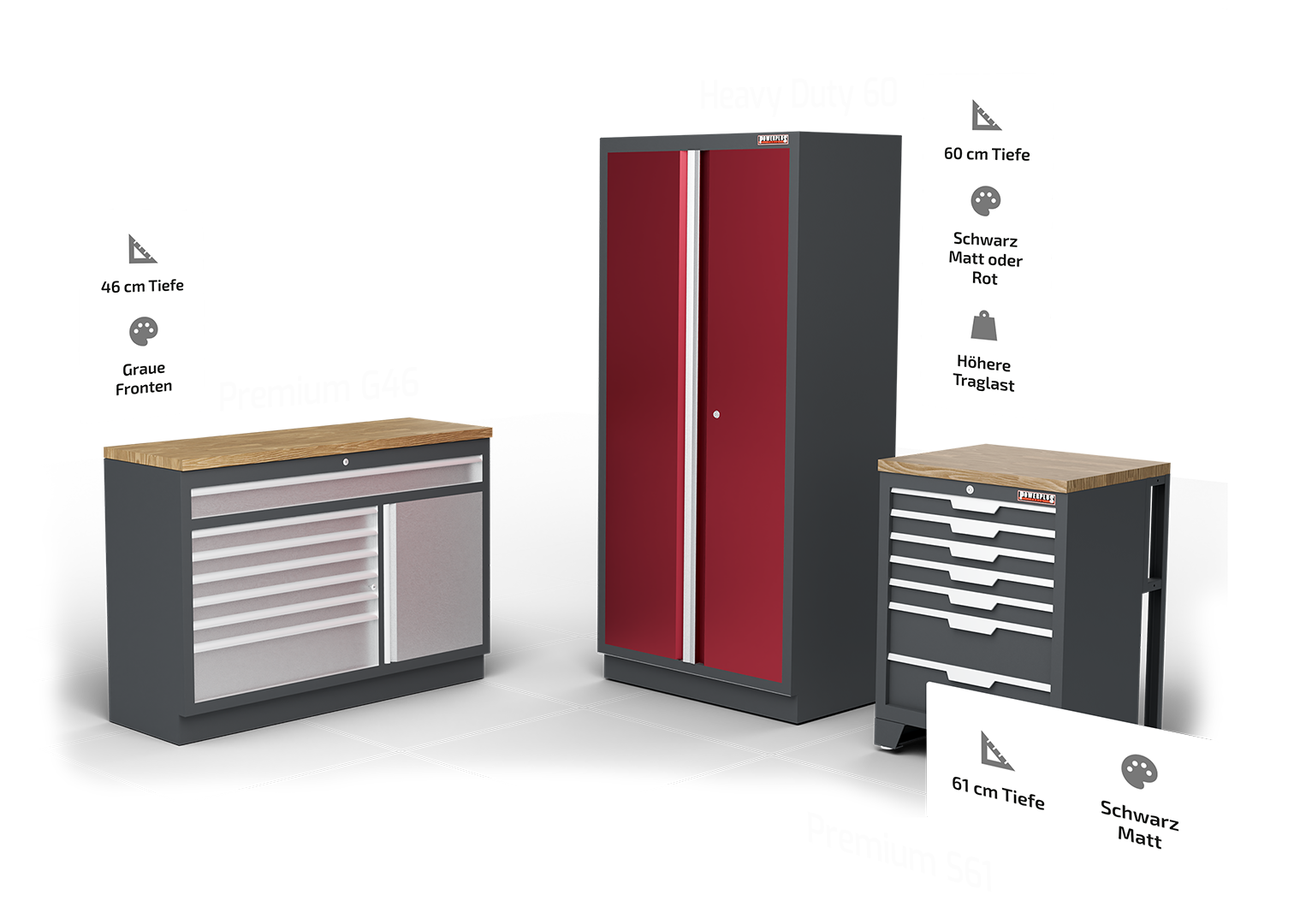
Im 3D Werkstattplaner stehen Dir aktuell drei Schranksysteme zur Auswahl – jedes mit seinen eigenen Stärken: Premium G 46 eignet sich ideal für kompakte Werkstätten und den Hobbybereich. Premium S 61 punktet mit mehr Arbeitsfläche und einer modernen mattschwarzen Optik – perfekt für alle, die großzügiger planen möchten. Für höchste Belastbarkeit und professionelle Ansprüche ist das Heavy Duty 60-System die richtige Wahl. Die einzelnen Systeme lassen sich zwar nicht direkt miteinander verbinden, jedoch problemlos nebeneinander platzieren – so bleibt Raum für individuelle Lösungen auch über Systemgrenzen hinweg.
Genügend Raum ...
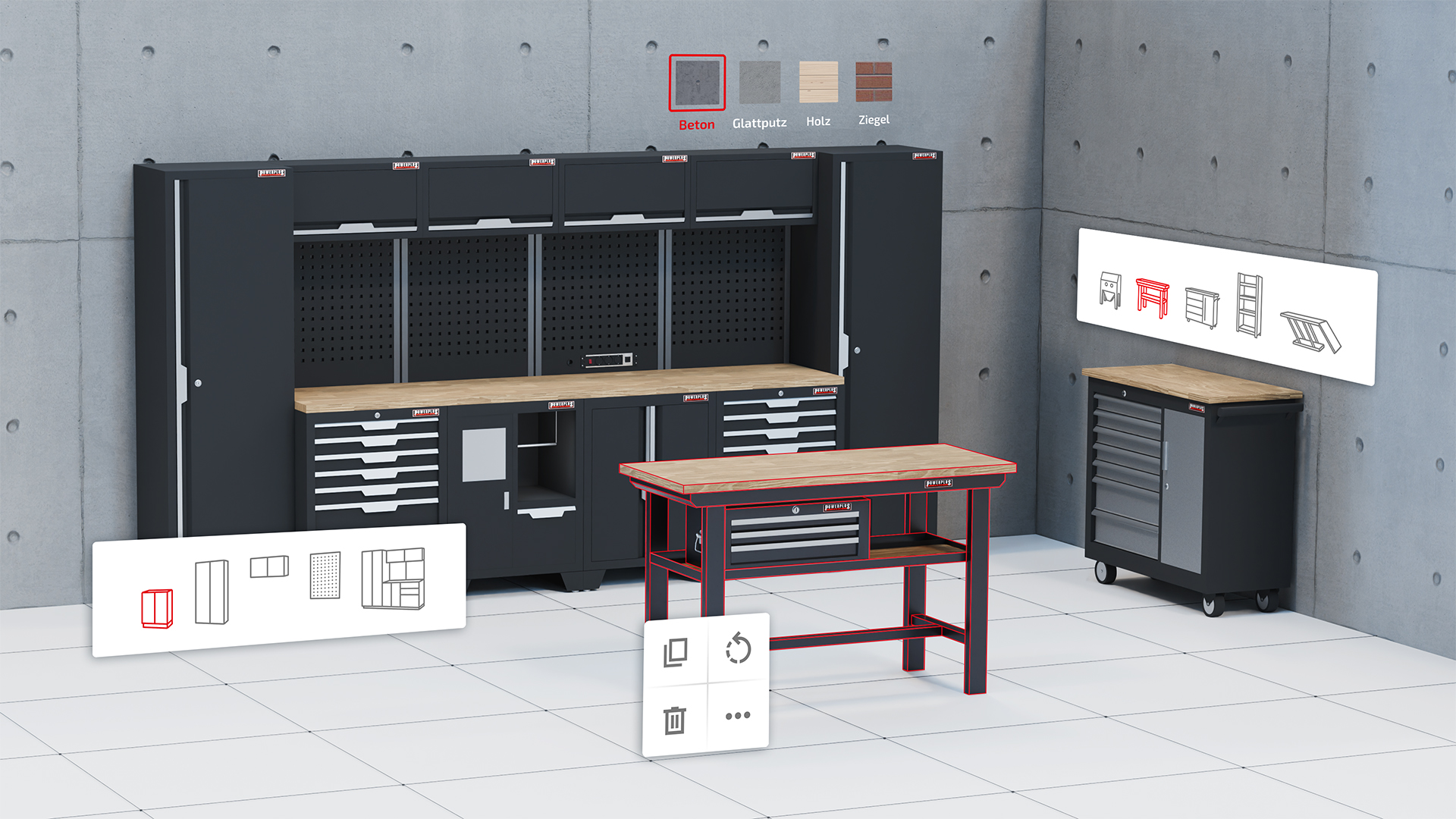
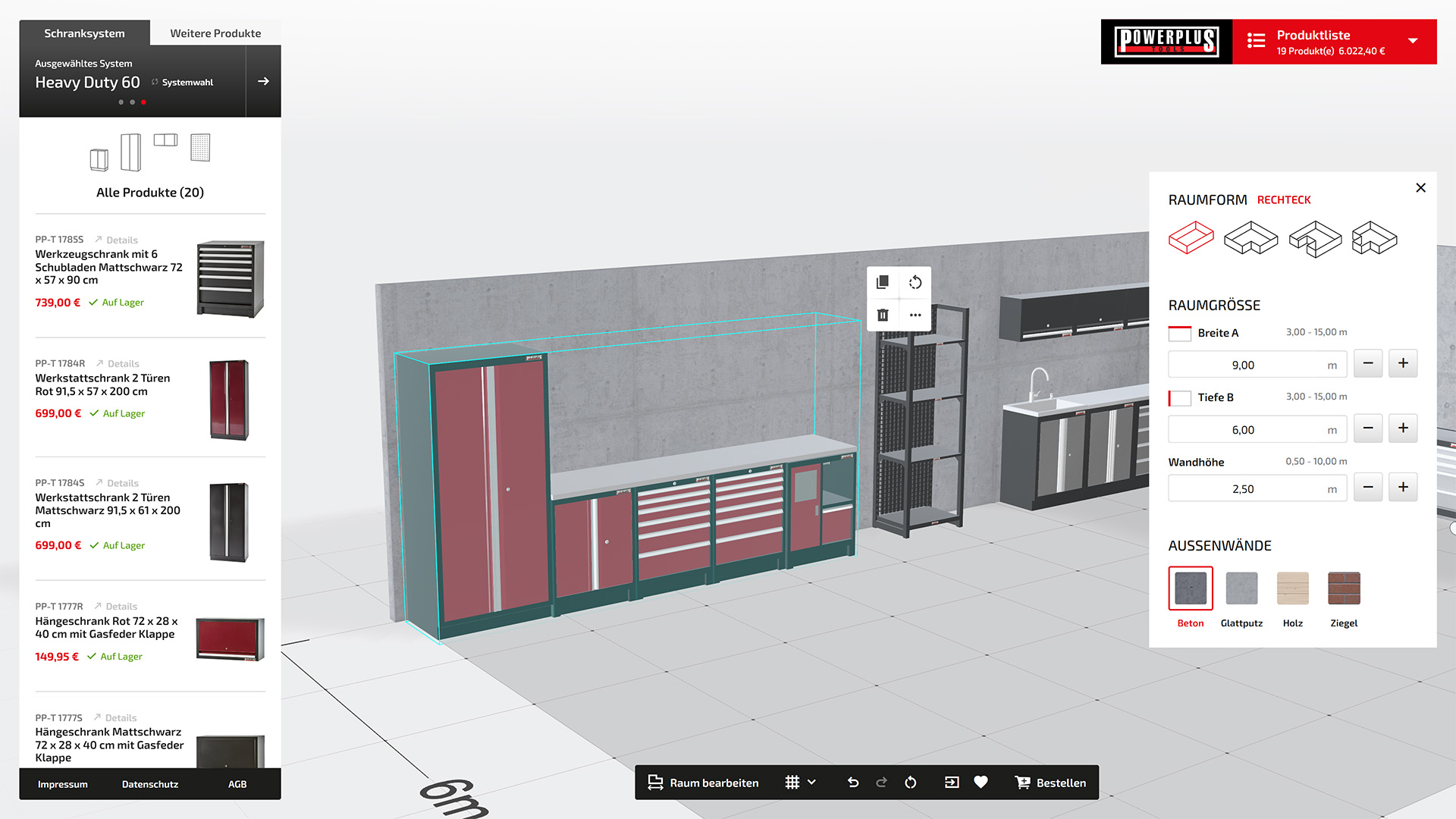
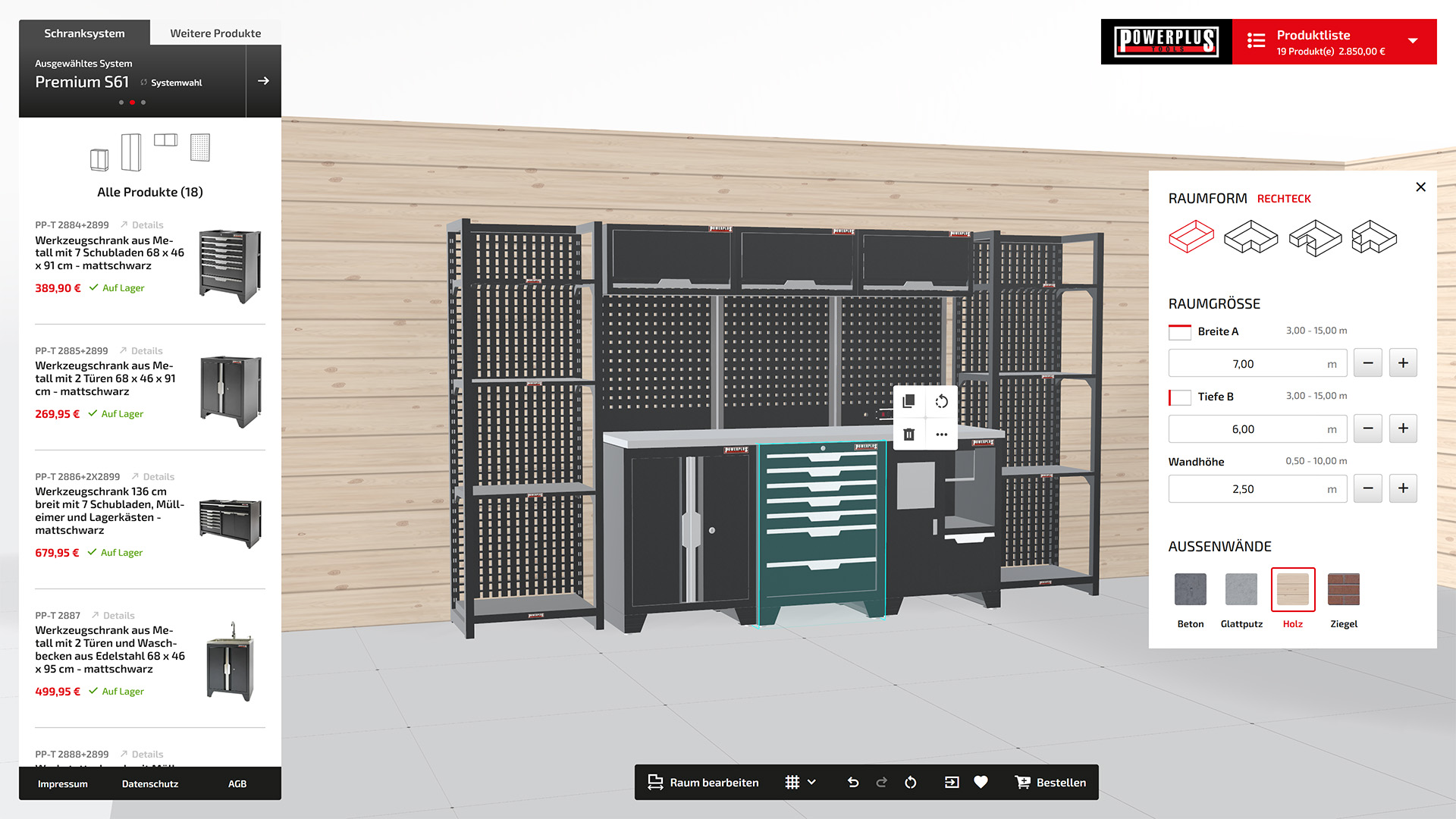
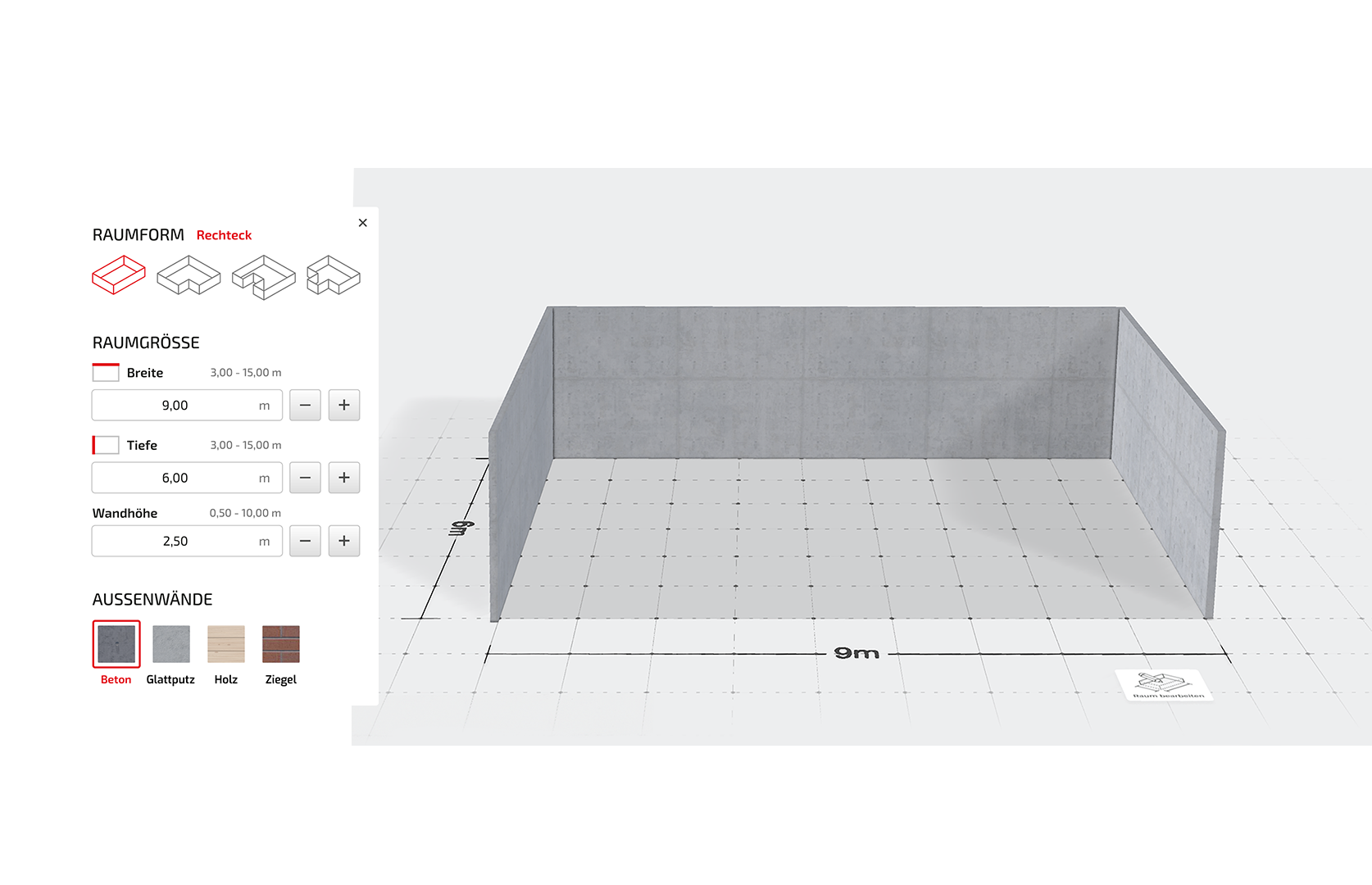
Bevor Du mit der Einrichtung Deiner Werkstatt loslegst, lohnt sich ein kurzer Blick auf den Raum, den Du einrichten möchtest. Der 3D Planer startet mit einer rechteckigen Fläche – ideal für viele Standardsituationen. Doch auch komplexere Raumformen sind im 3D Planer möglich, damit Du Deine Werkstatt oder Deinen Hobbykeller originalgetreu nachbilden kannst. Die Form des Raumes, die Maße der Seitenwände sowie deren Materialien lassen sich jederzeit anpassen.
... für Deinen Werkstatttraum
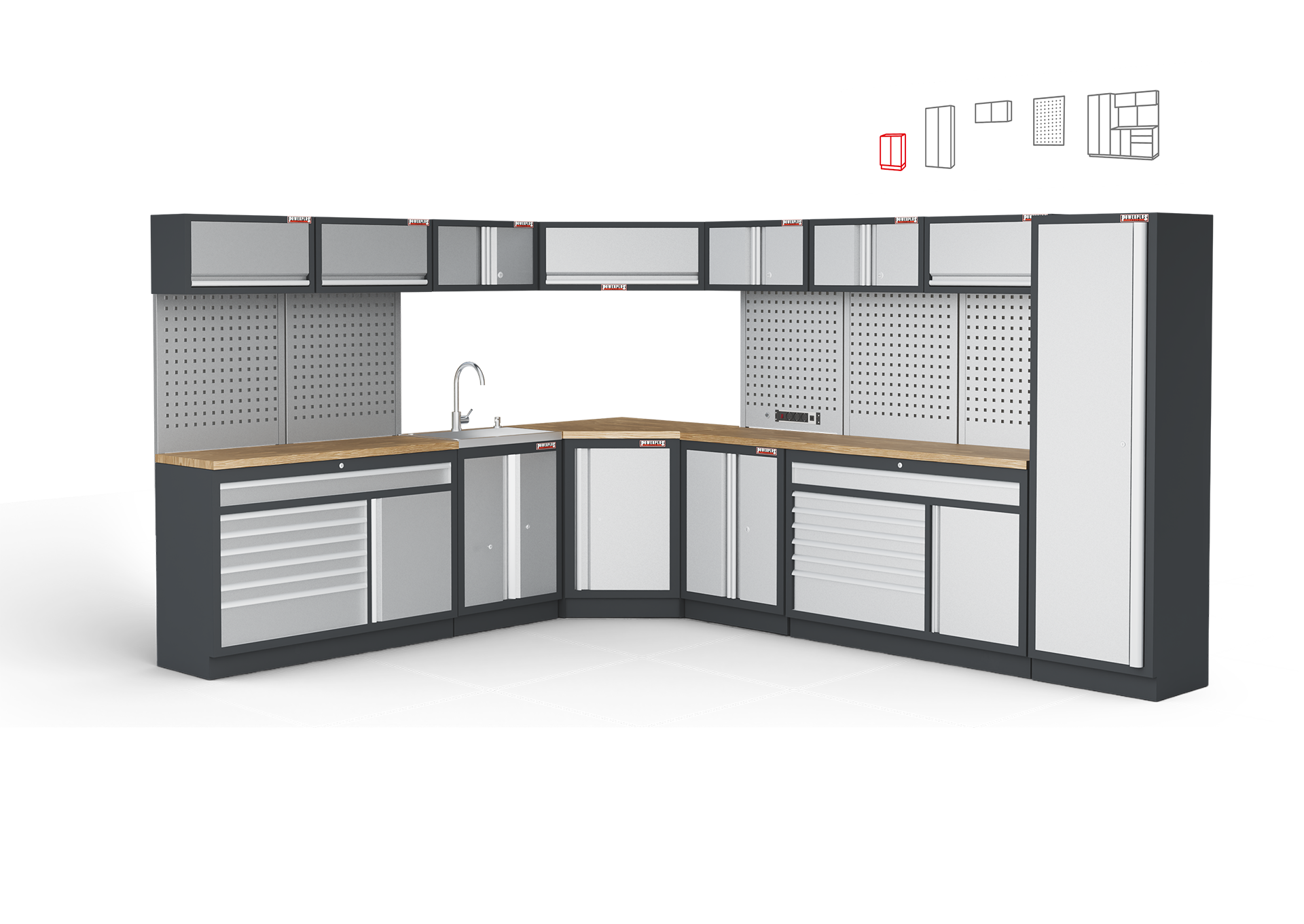
Im nächsten Schritt kannst Du Deine Werkstatt nach Belieben einrichten und die einzelnen Produkte direkt per Drag & Drop im Raum platzieren. Dabei stehen Dir nicht nur die verschiedenen Schranksysteme, sondern auch allerlei weitere Produkte zur Auswahl. Um hier eine gute Übersicht zu behalten, werden sowohl die Schranksysteme als auch die weiteren Produkte in sinnvolle Unterkategorien eingeteilt. Ist Dir Drag & Drop zu verspielt, kannst Du jederzeit auch über eine Buttoninteraktion das Produkt der Konfiguration hinzufügen und es wird mittig im Raum platziert.
Storage drawers
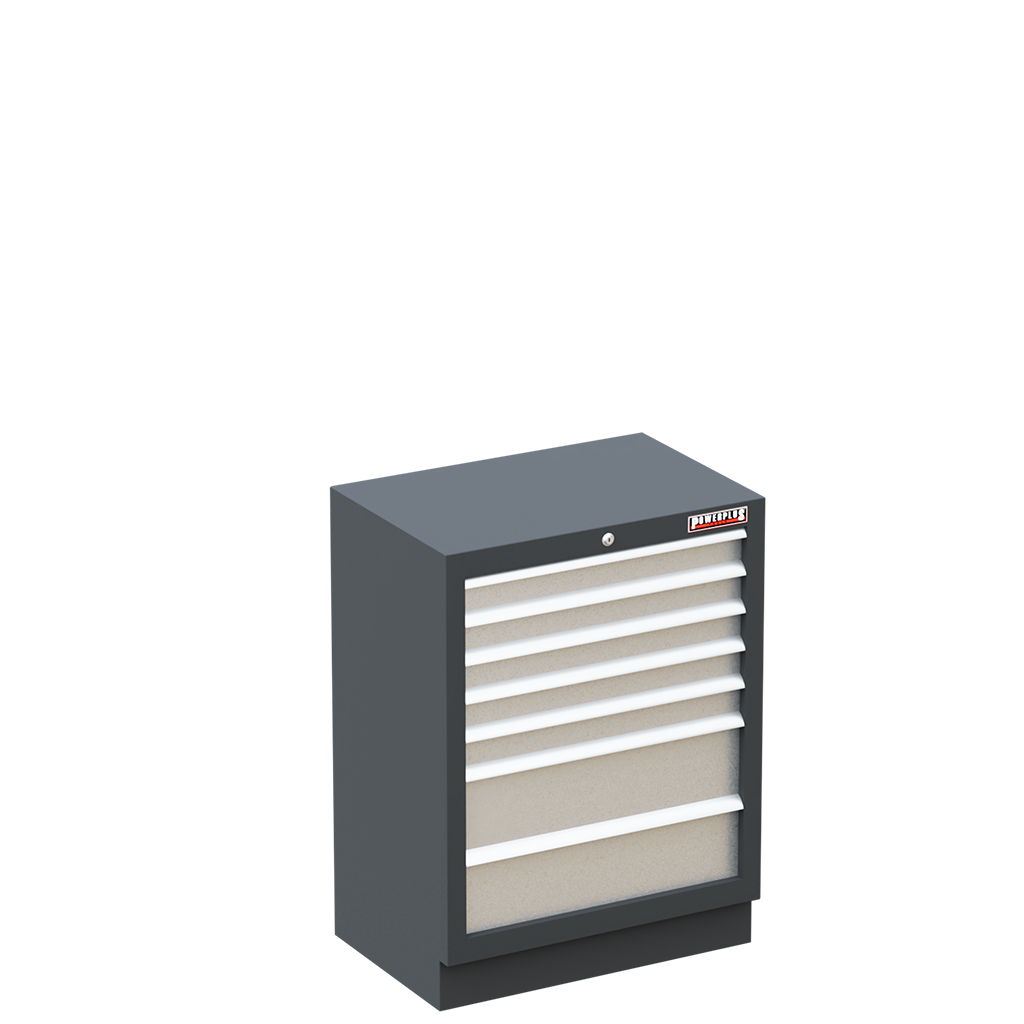
Storage drawers provide ample space, and when arranged in a row, they create additional storage or workspace.
Tall cabinets
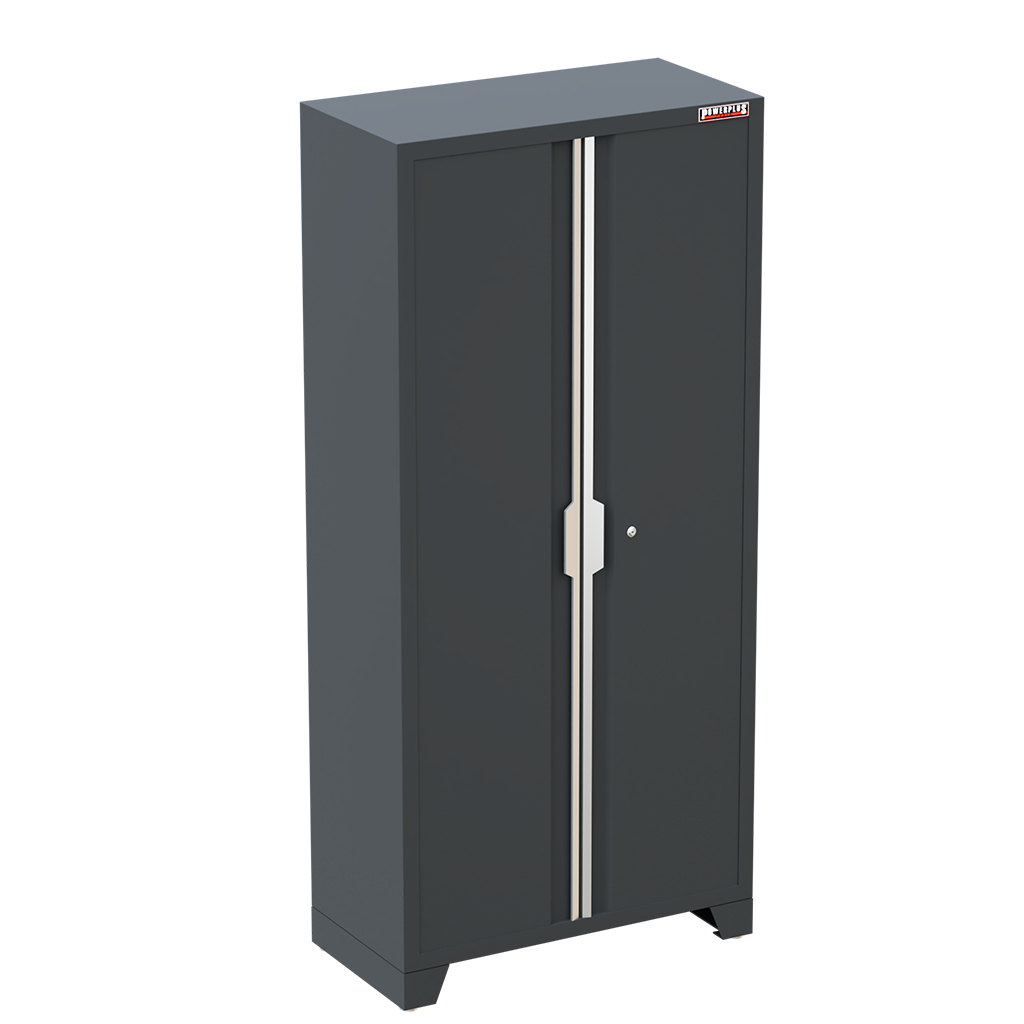
Tall cabinets (2 meters high) hide away everything that doesn´t have a fixed place.
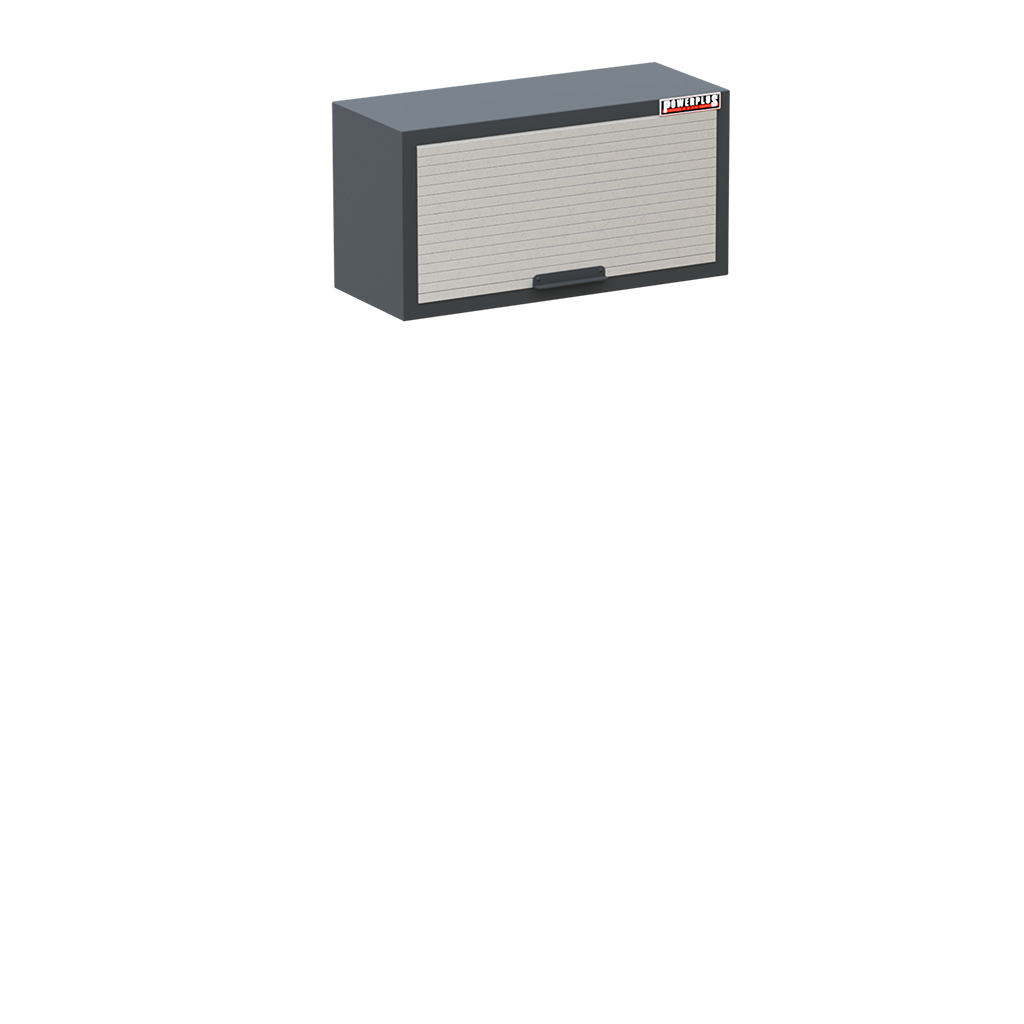
Wall cabinets
Wall cabinets utilize space above tool cabinets or workbenches and can be combined with perforated panels.
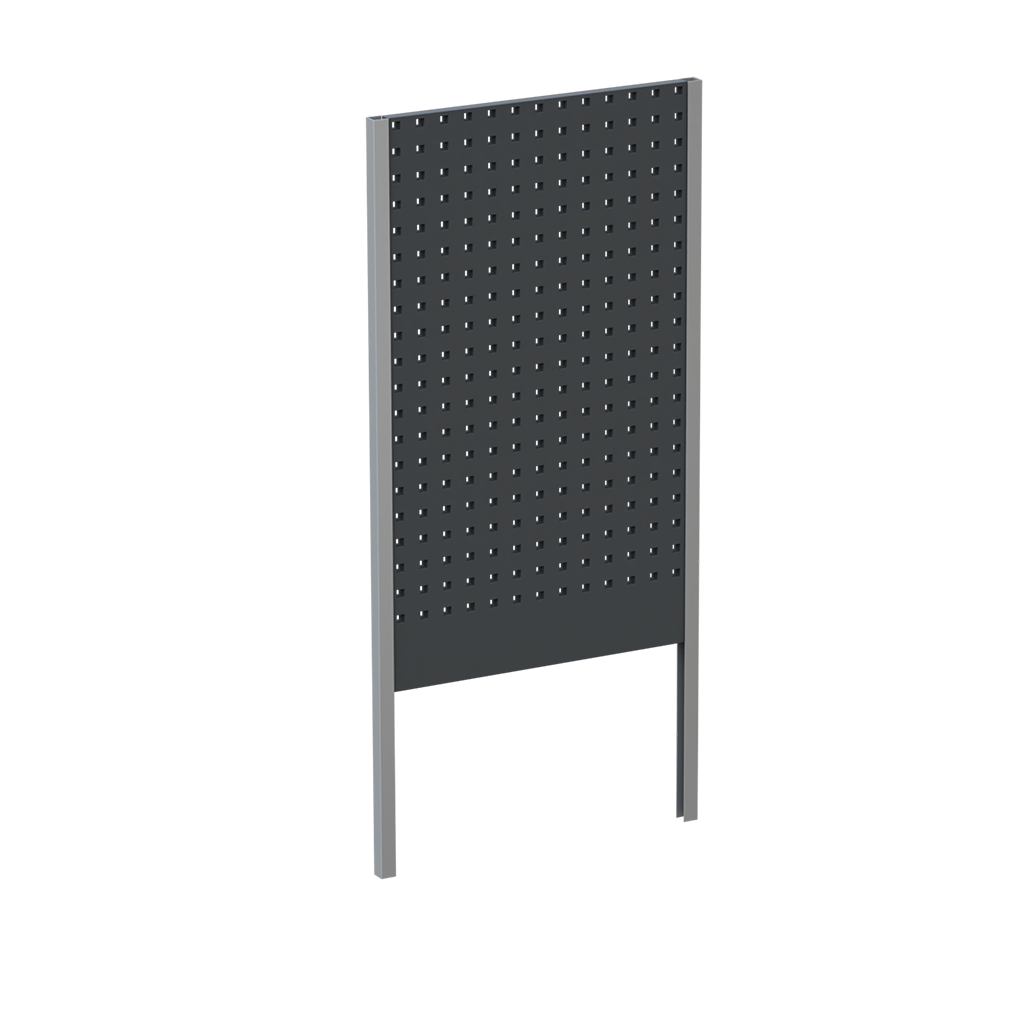
Perforated panels
Perforated panels keep your tools neat, visible, and alway within reach.
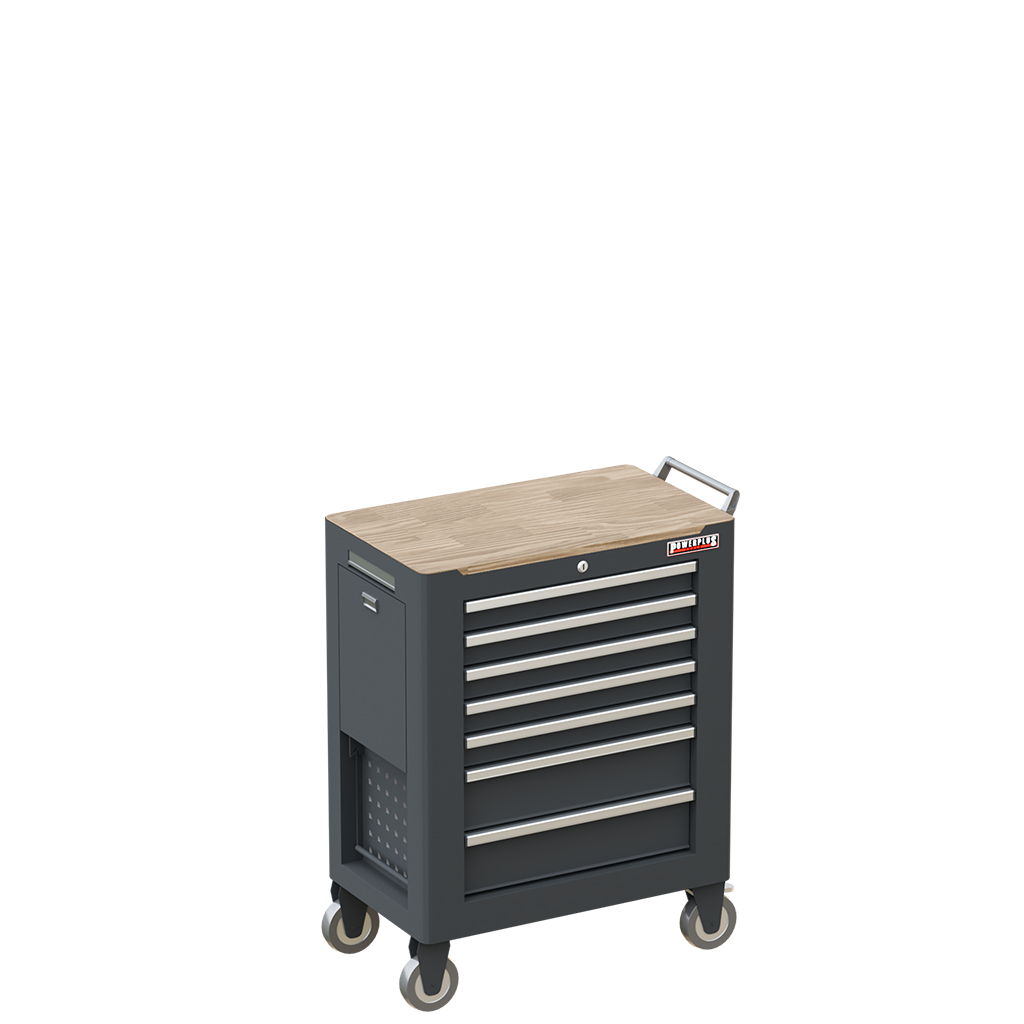
Mobile storage
Mobile storage solutions give you flexibility – your tools are always by your side.
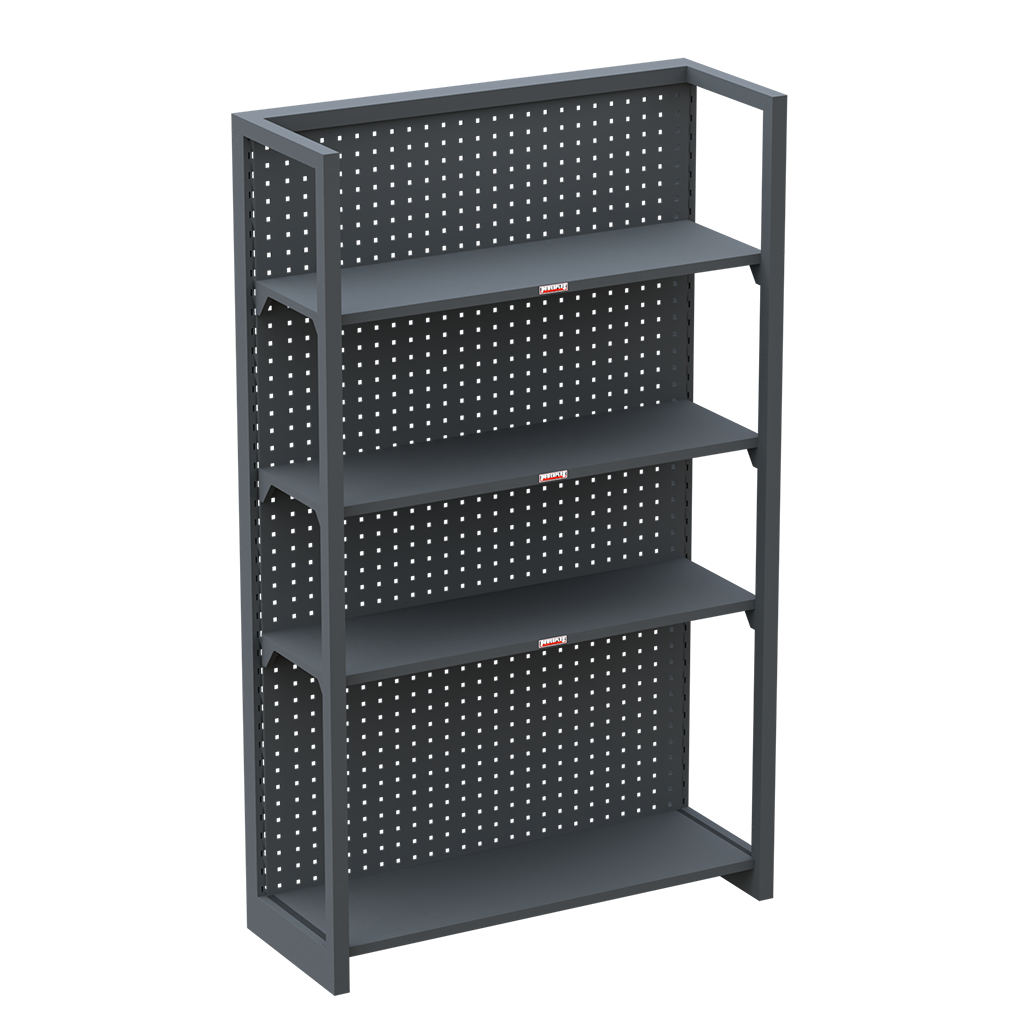
Shelves
Shelves offer extendable storage and can also function as room dividers.
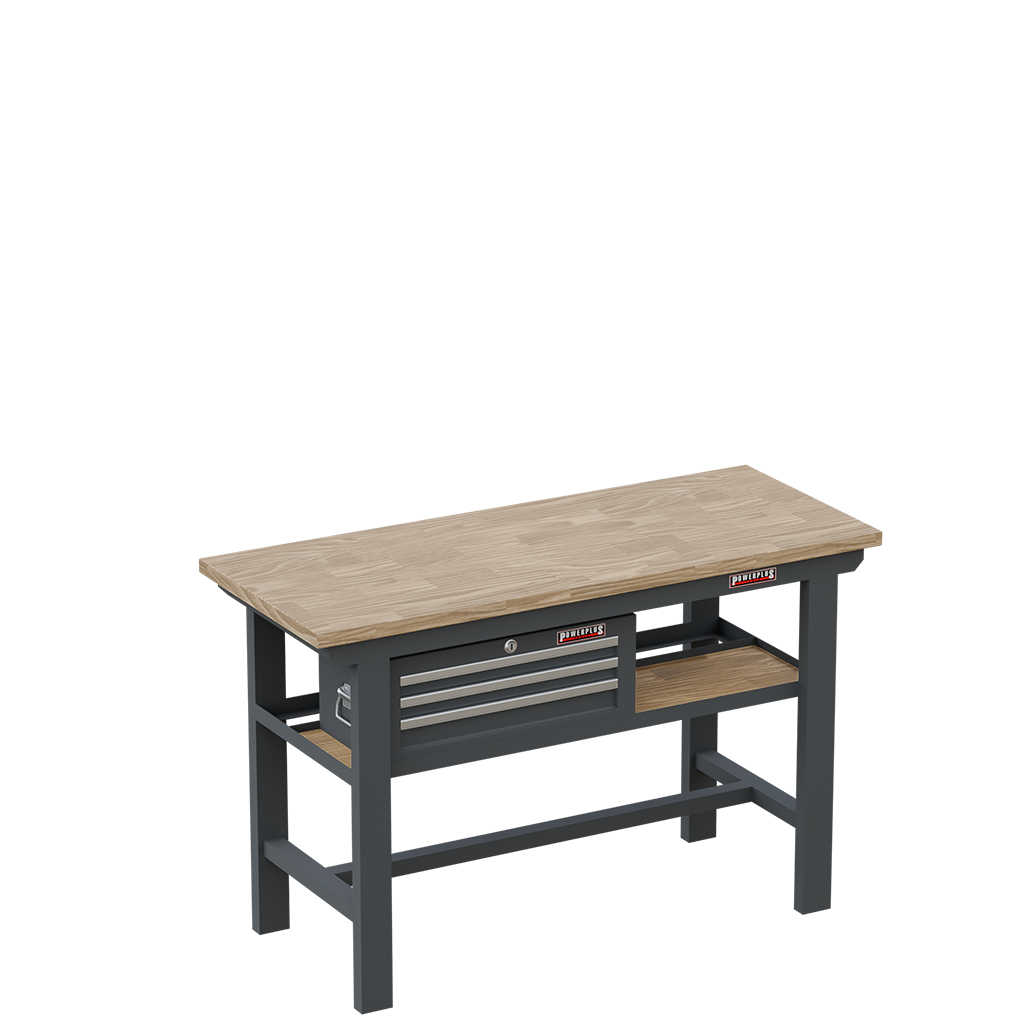
Workbenches
Workbenches provide all-around access and are optionally equipped with casters for easy relocation.
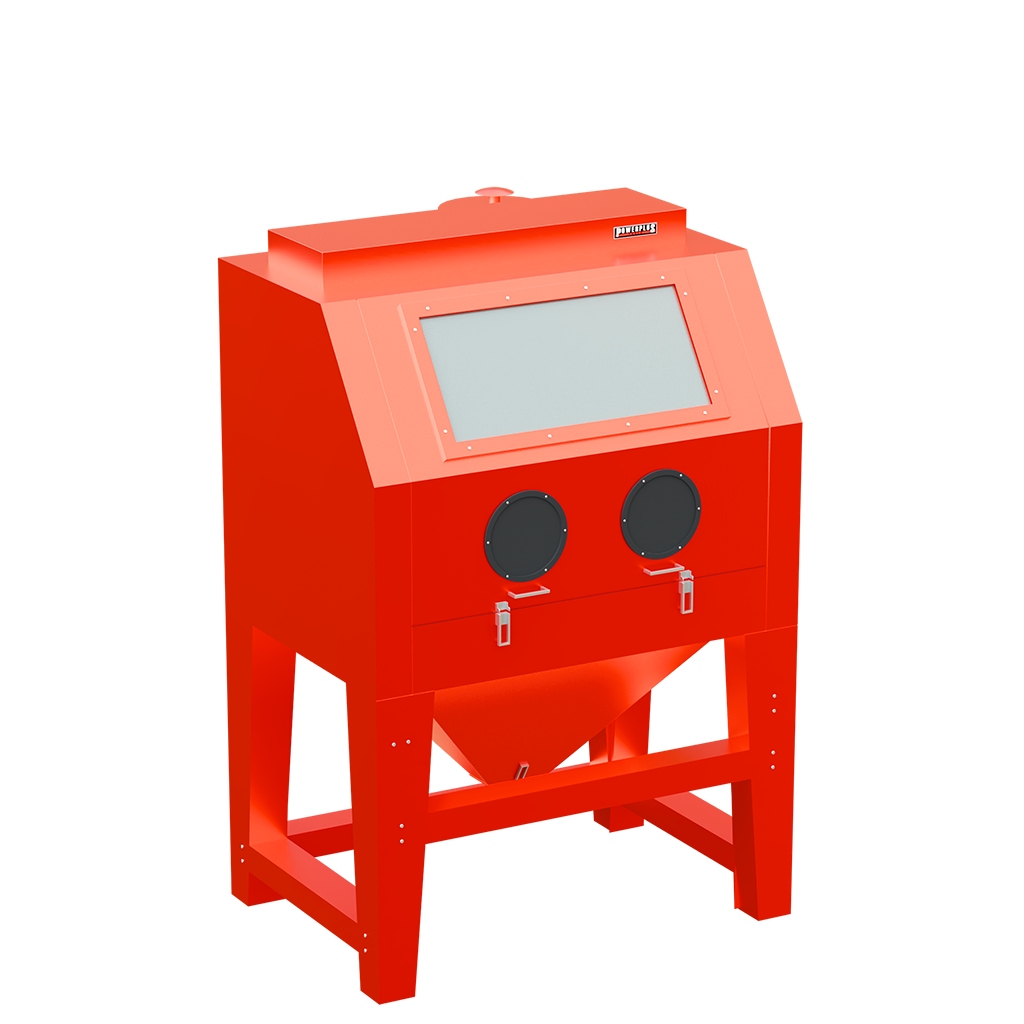
Additional Products
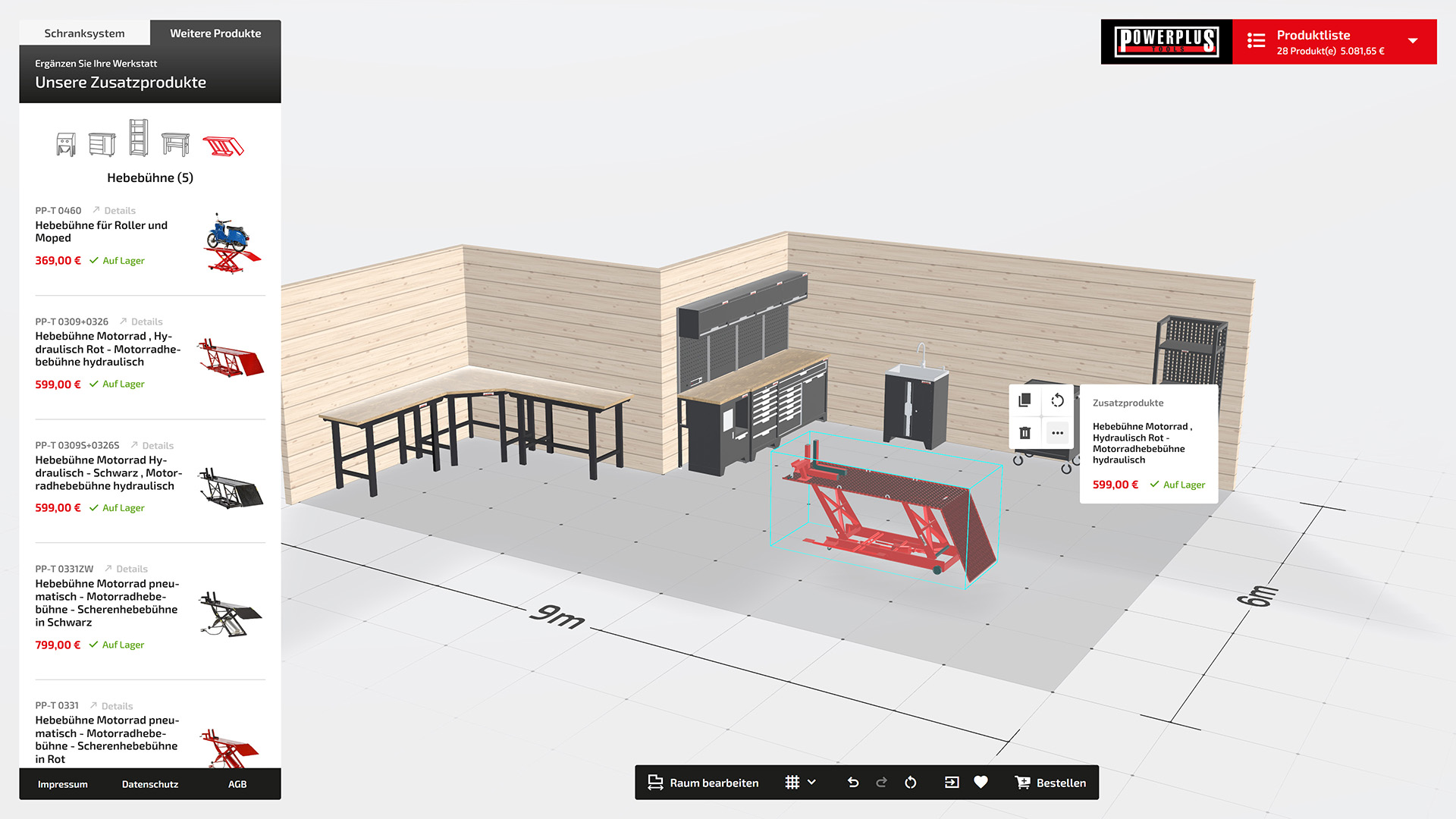
Special equipment like sandblasting cabinets, lifts, and more lets your imagination run wild.
Komfortabel & stressfrei
Alle Schränke innerhalb eines Schranksystems können einfach miteinander verbunden werden, indem Du sie nebeneinander platzierst und diese automatisch aneinander einrasten. Auch rücken die dazugehörigen Lochwände eines Schranksystems die Schränke automatisch um die benötigte Tiefe nach vorn. Zudem haben wir weitere Hilfestellungen integriert, die alle dem gleichen Ziel folgen – Dir die Einrichtung so komfortabel und stressfrei wie nur möglich zu gestalten.
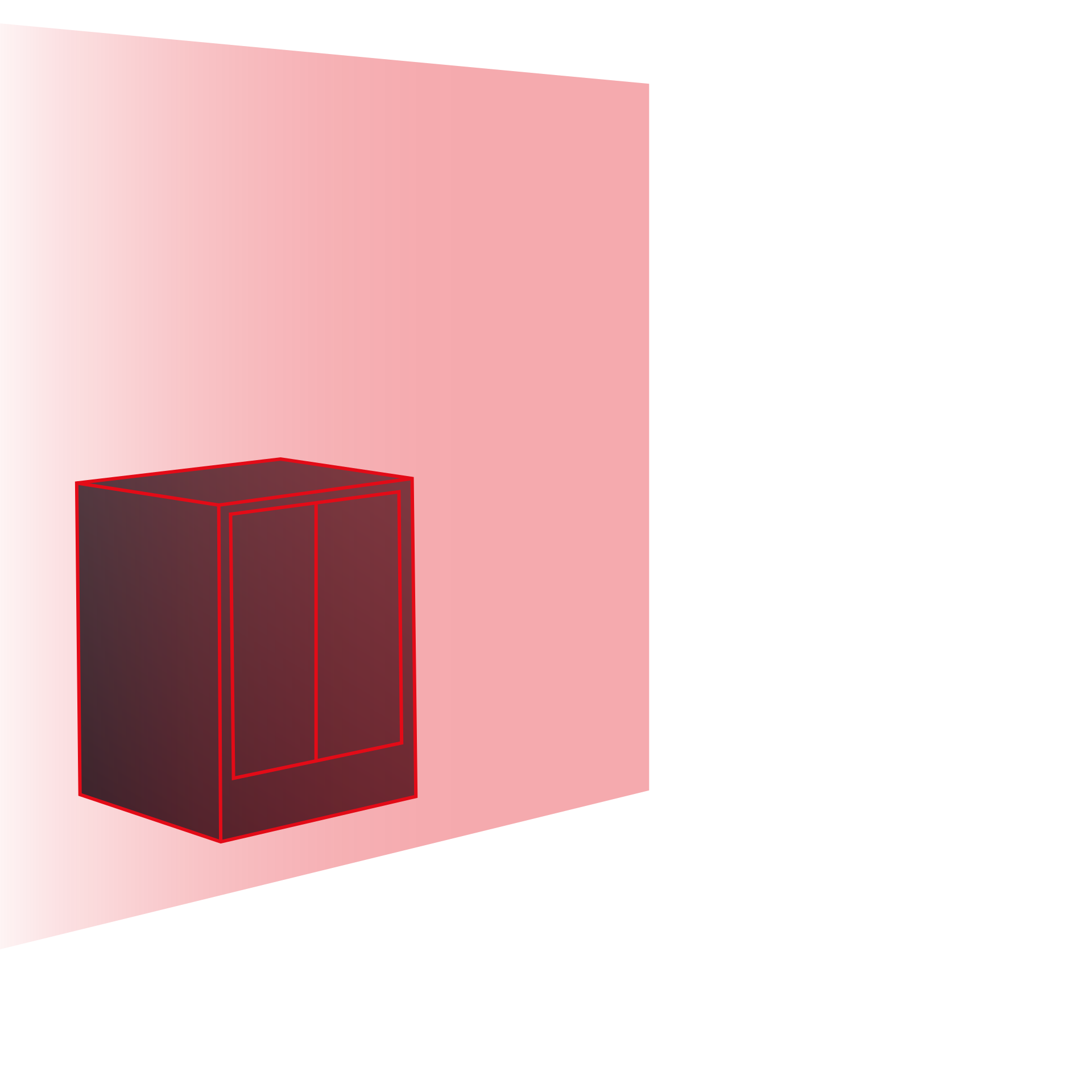
Base area
Products can only be placed within the defined room. If the space is resized, items outside it are marked as invalid.
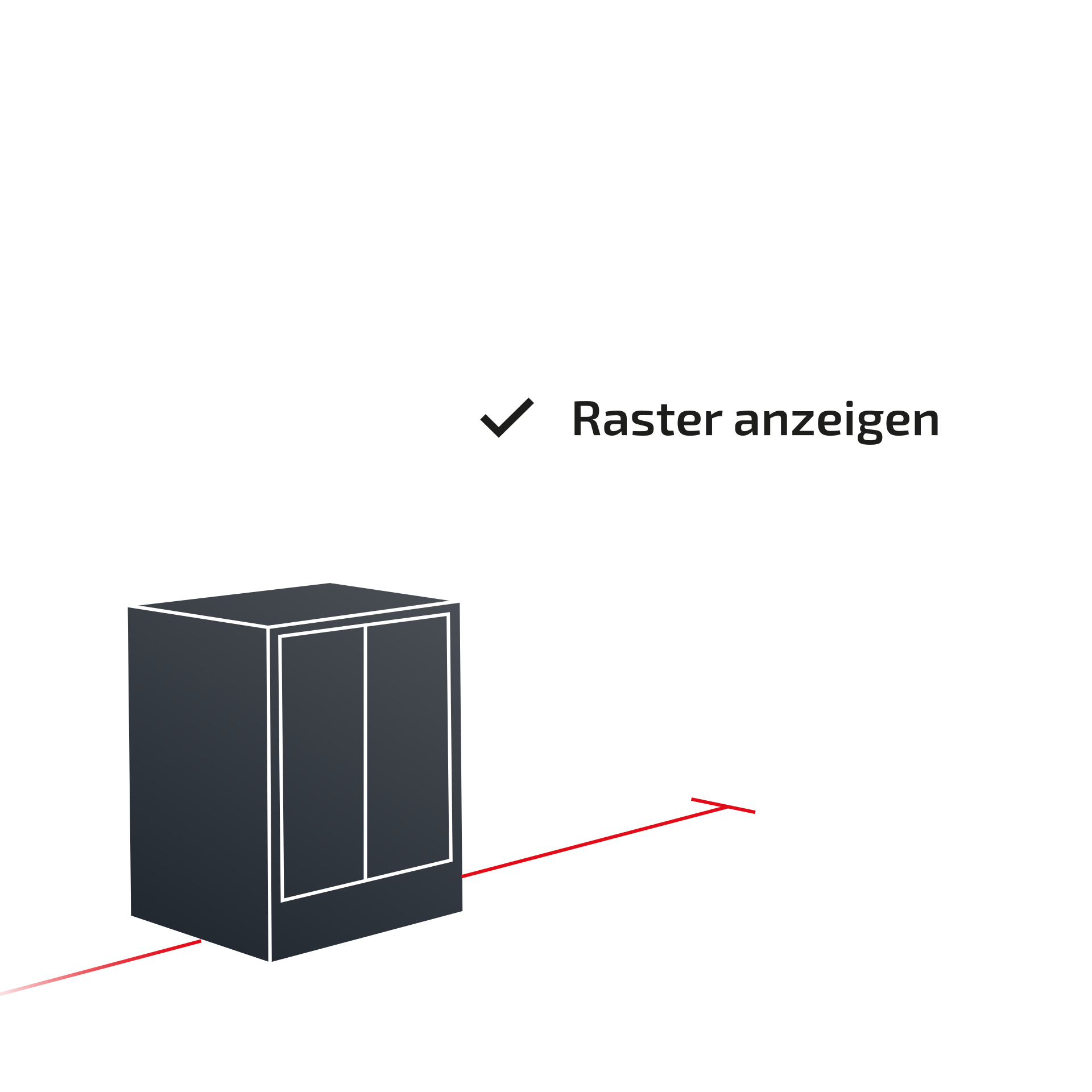
Grid
A 1x1 meter grid helps estimate spacing – toggle it on or off anytime.
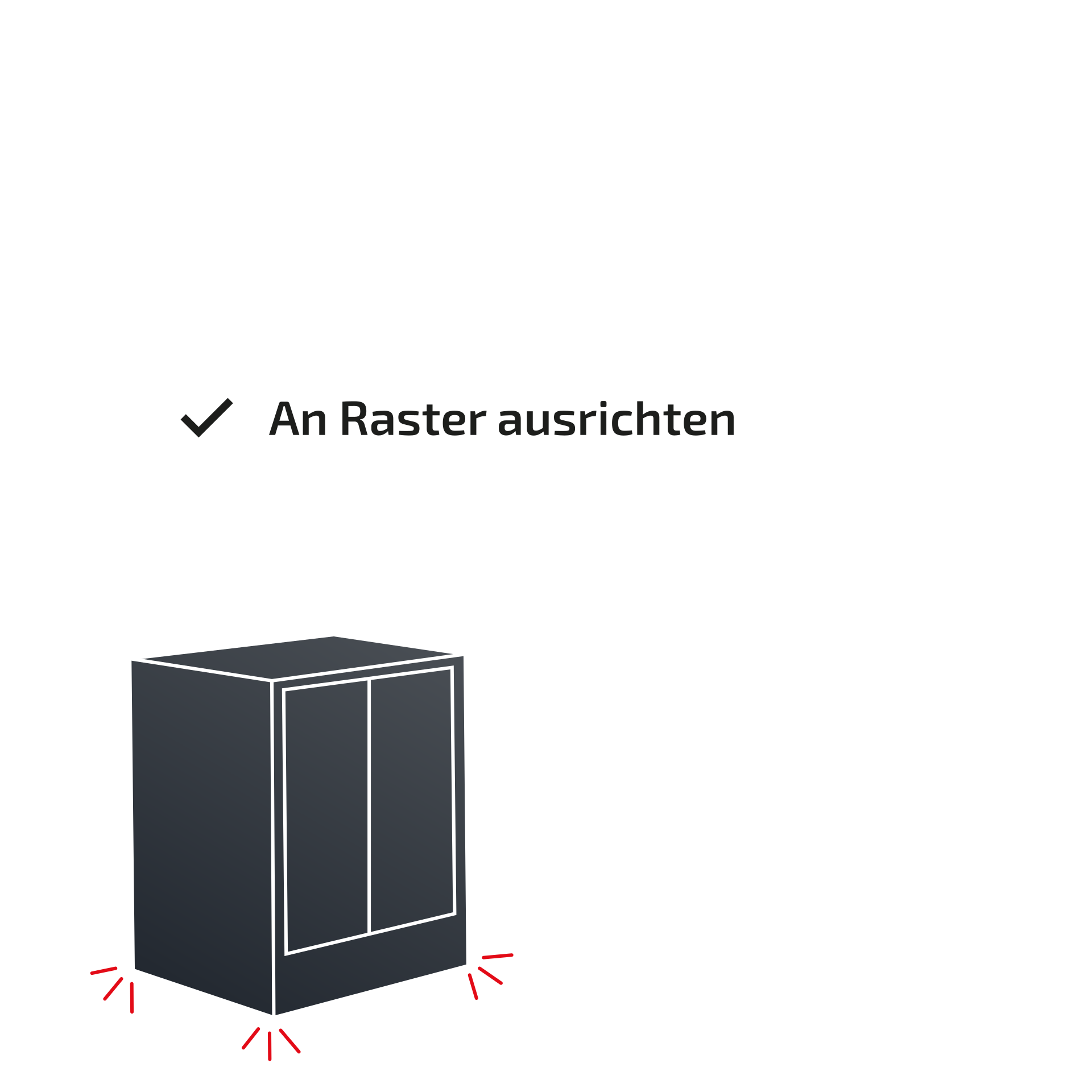
Align to grid
With ‘Snap to Grid’, items align neatly to the floor grid.
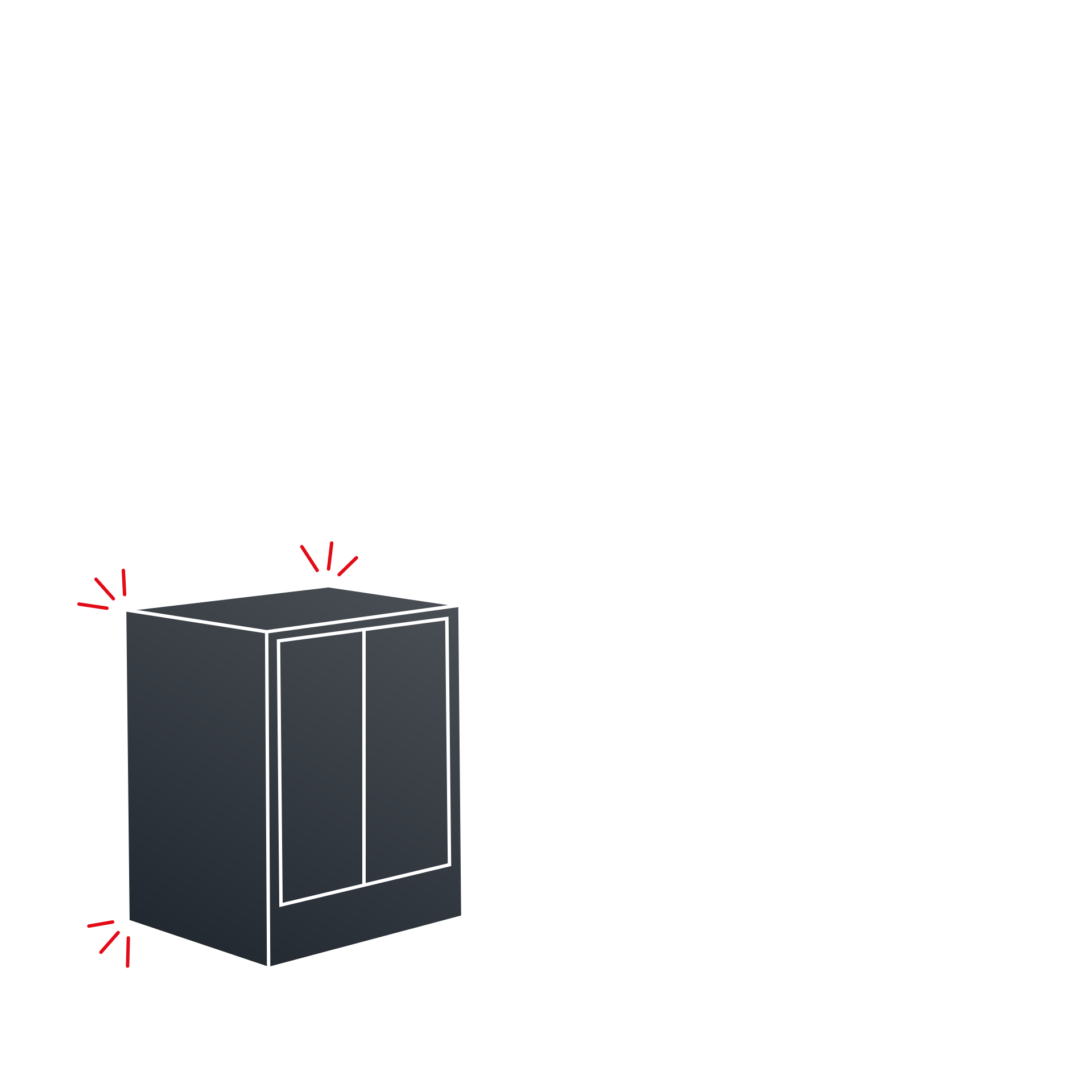
Snapping to walls
Items snap to walls at the correct height to quickly build workbenches or layouts.
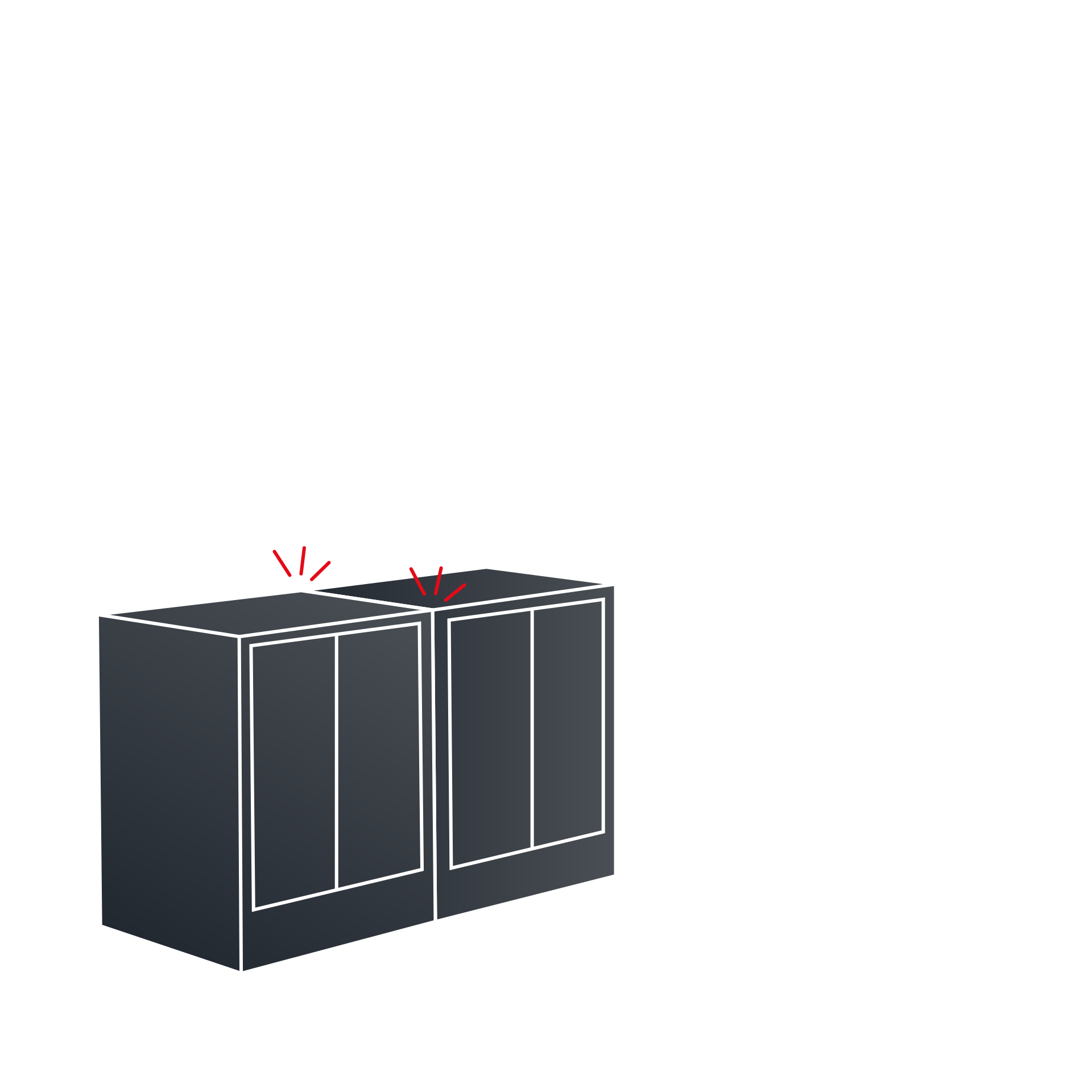
Snapping to products
Products from the same system snap together when positioned closely.
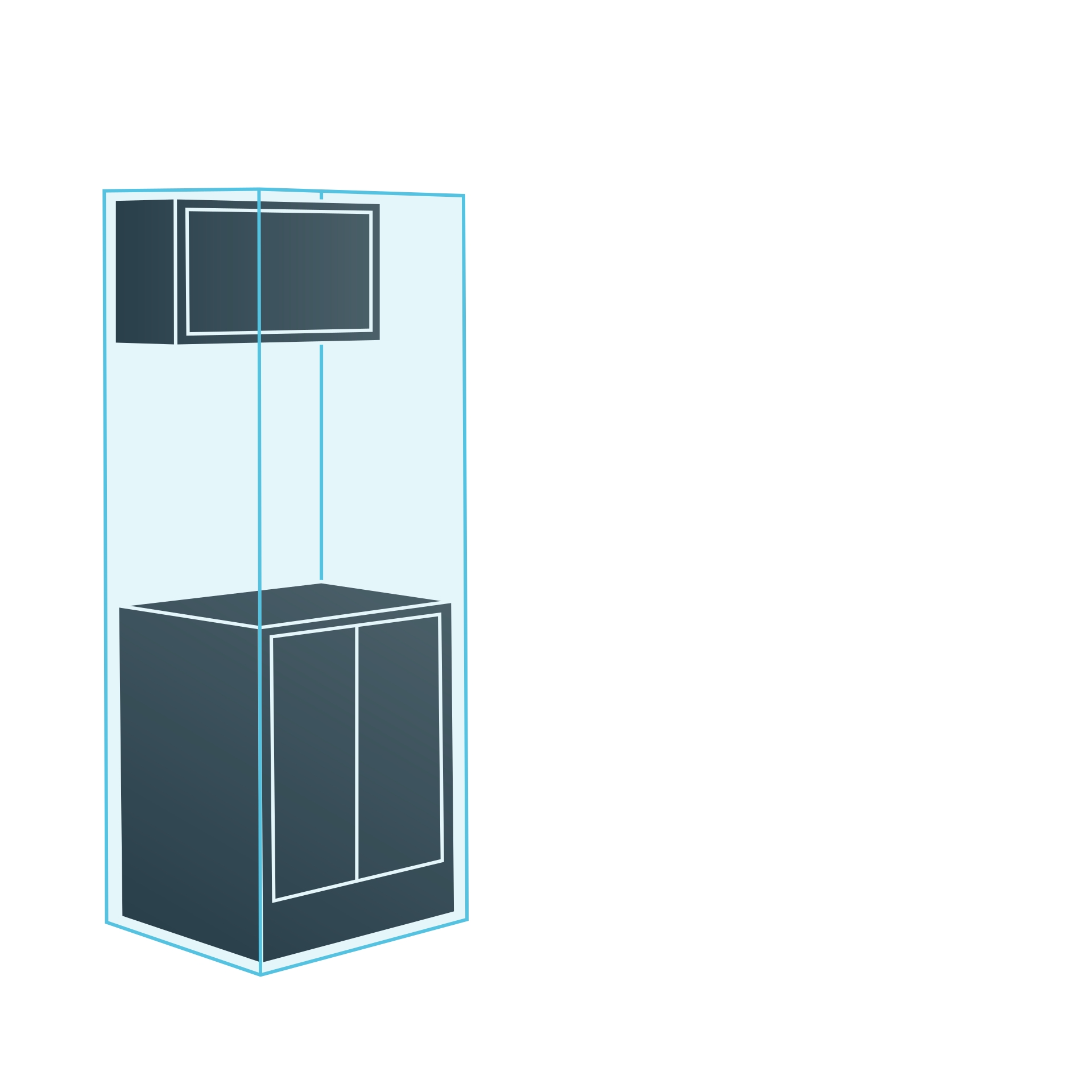
Multiselection
Select multiple items using ‘Shift’ for grouped editing.
Historie of the planning
Undo mistakes easily be switching between different planning states.
Clevere Produkte
Jedes Produkt, das Du in Deiner Werkstatt platzierst, lässt sich auch nachträglich beliebig verschieben oder bearbeiten. Wähle dazu einfach das gewünschte Objekt aus – sofort öffnet sich ein praktisches Kontextmenü direkt neben dem Produkt. Dort findest Du hilfreiche Informationen sowie verschiedene Optionen zur individuellen Anpassung.
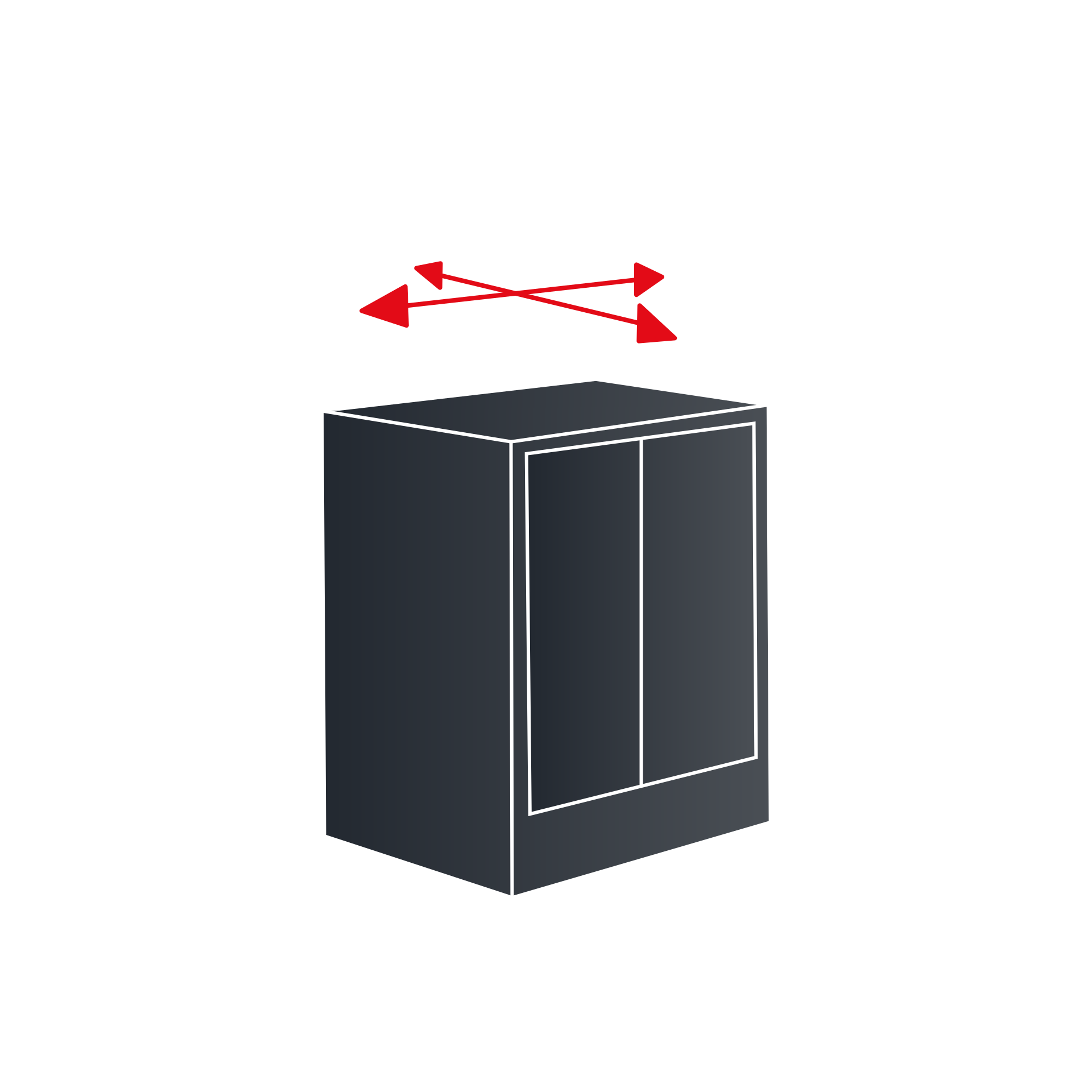
Move
Every product can be moved or edited later. Select it to open a handy context menu with infor and customization options.
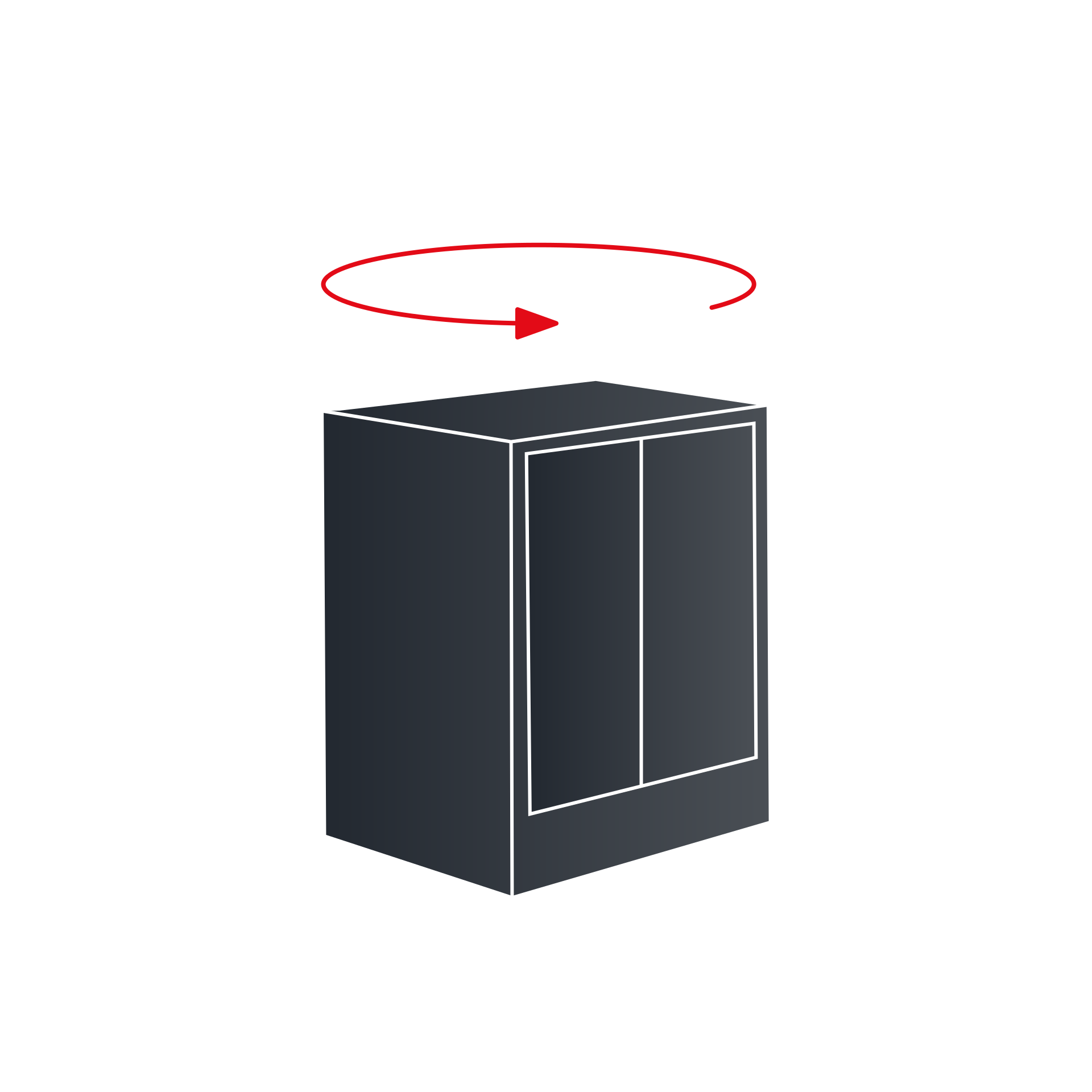
Rotate
Using an option in the context menu, you can easiliy rotate the selected product – or multiple products – by 90°.
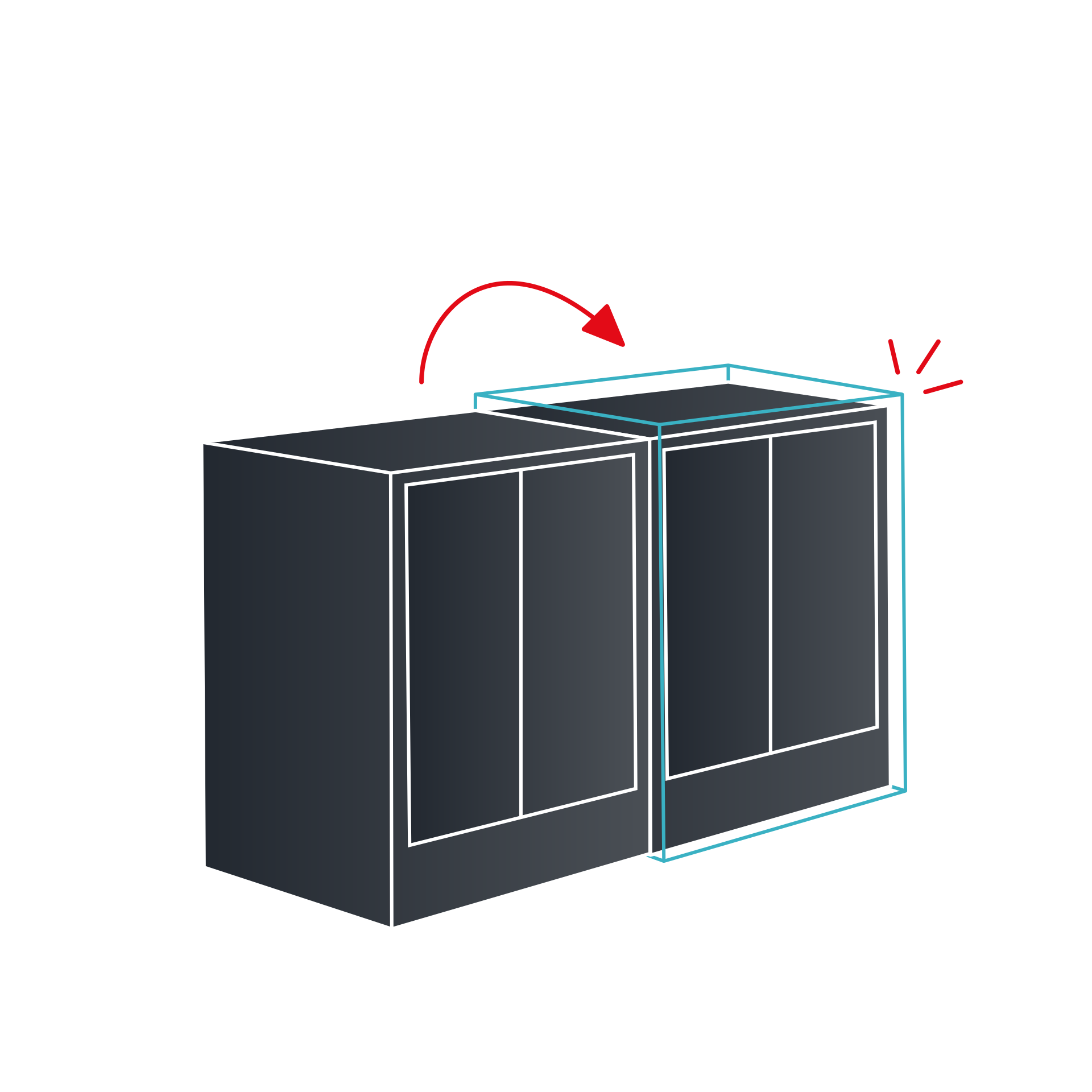
Duplicate
When duplicating, a copy of the product is placed right next to the original. You can also duplicate multiple products at once.
Group
Grouping allows you to permanently link multiple selected products together.
Ungroup
Grouped products can, of course, be seperated again using the appropirate command.
Show information
You can view information such as the exact title or price as soon as you select a product.
Delete
If you no longer need a product, you can easily delete it.
In rasanter Geschwindigkeit
Bist Du in der 3D Werkstattplanung bereits geübt? Dann bietet Dir der 3D Planer eine Next Level Interaktion: Über praktische Shortcuts lassen sich Produkte noch effizienter platzieren und anpassen – für eine besonders schnelle und präzise Planung der persönlichen Traumwerkstatt.
Move
Arrow keys: Move selected Item.
Rotate
Shift + arrows: Rotate item.
Duplicate
Ctrl + D: Duplicate.
Group
Ctrl + G: Group.
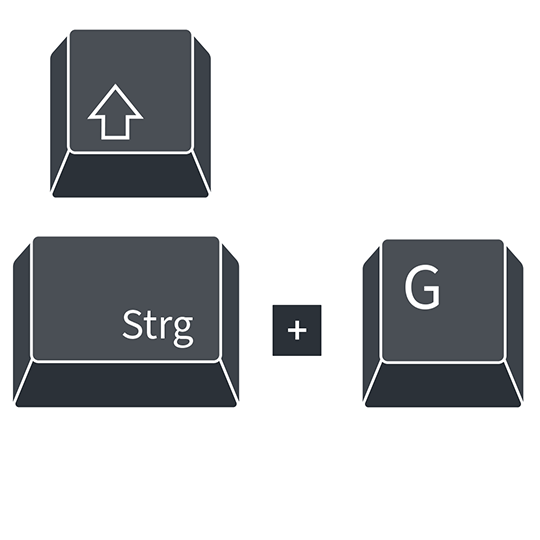
Ungroup
Ctrl + Shift + G: Ungroup.
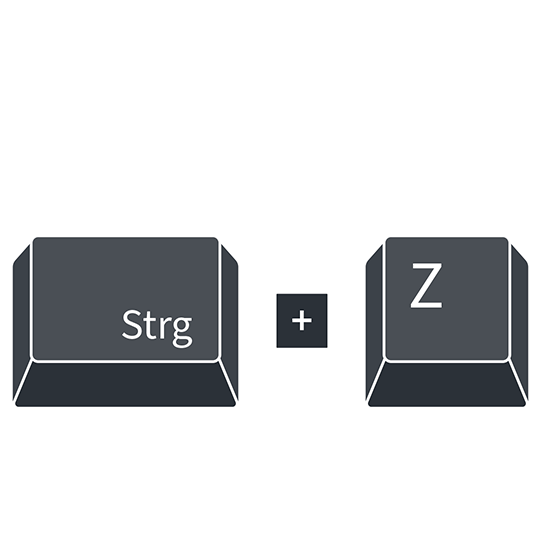
Undo
Ctrl + Z: Undo.
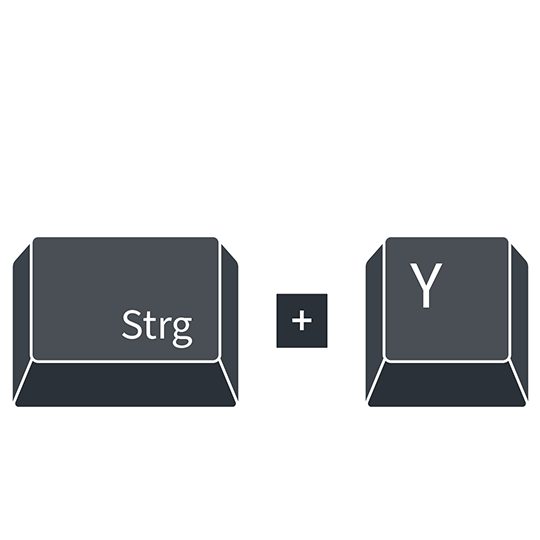
Redo
Ctrl + Y: Redo.
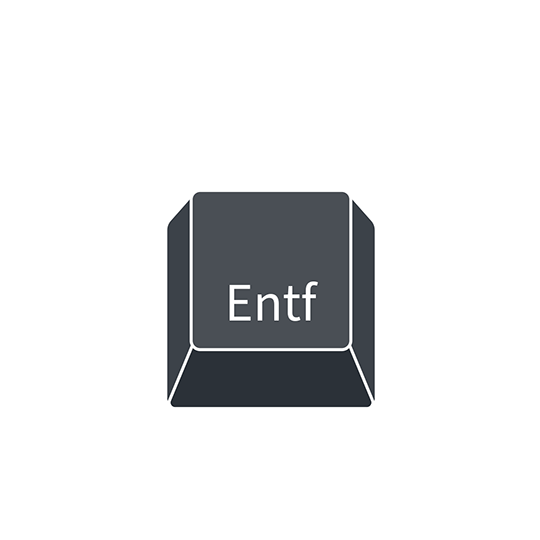
Delete
Delete key: Remove selected item.
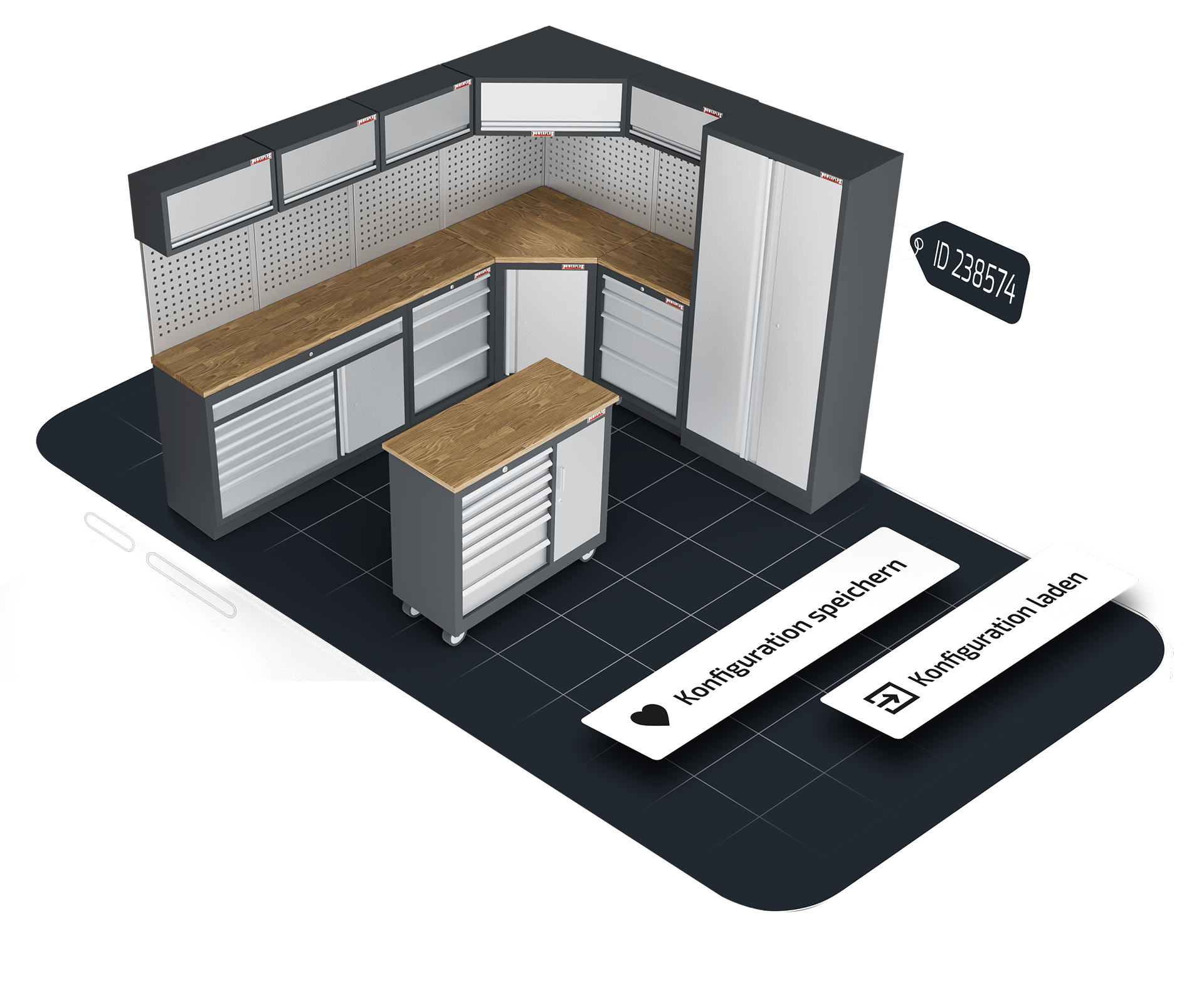
Save And Recall
Thanks to the save feature, you can store your workshop planning at any time and seamlessly continue later – for example, if you want to take a short break. Each plan is assigned a unique ID, which you can easily have sent to your email along with the personalized link to your configuration. Simply enter the ID directly into the 3D planner or click the link – and you´ll be taken right back to the last saved state of your setup.
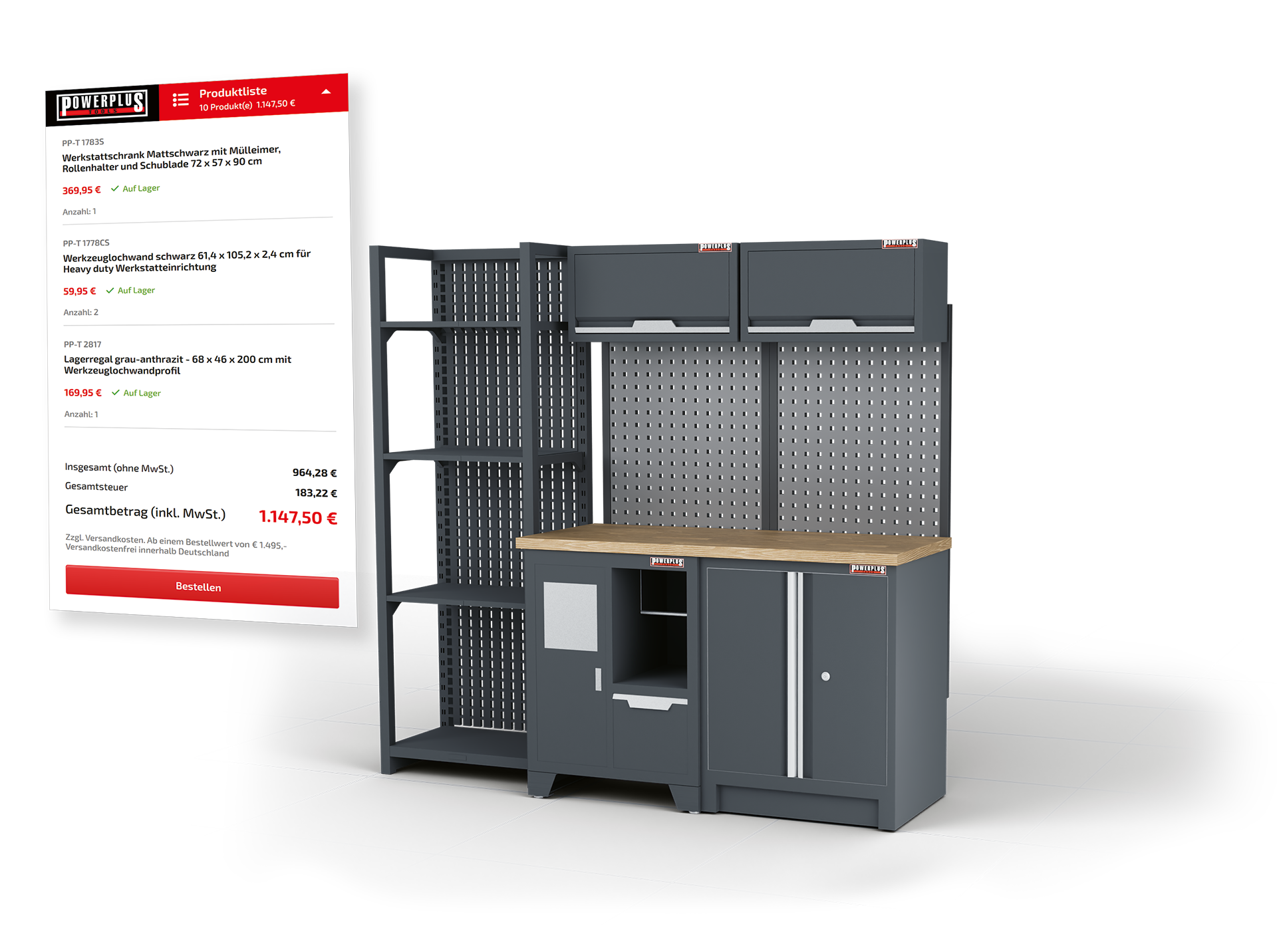
Piece By Piece For The Total Price
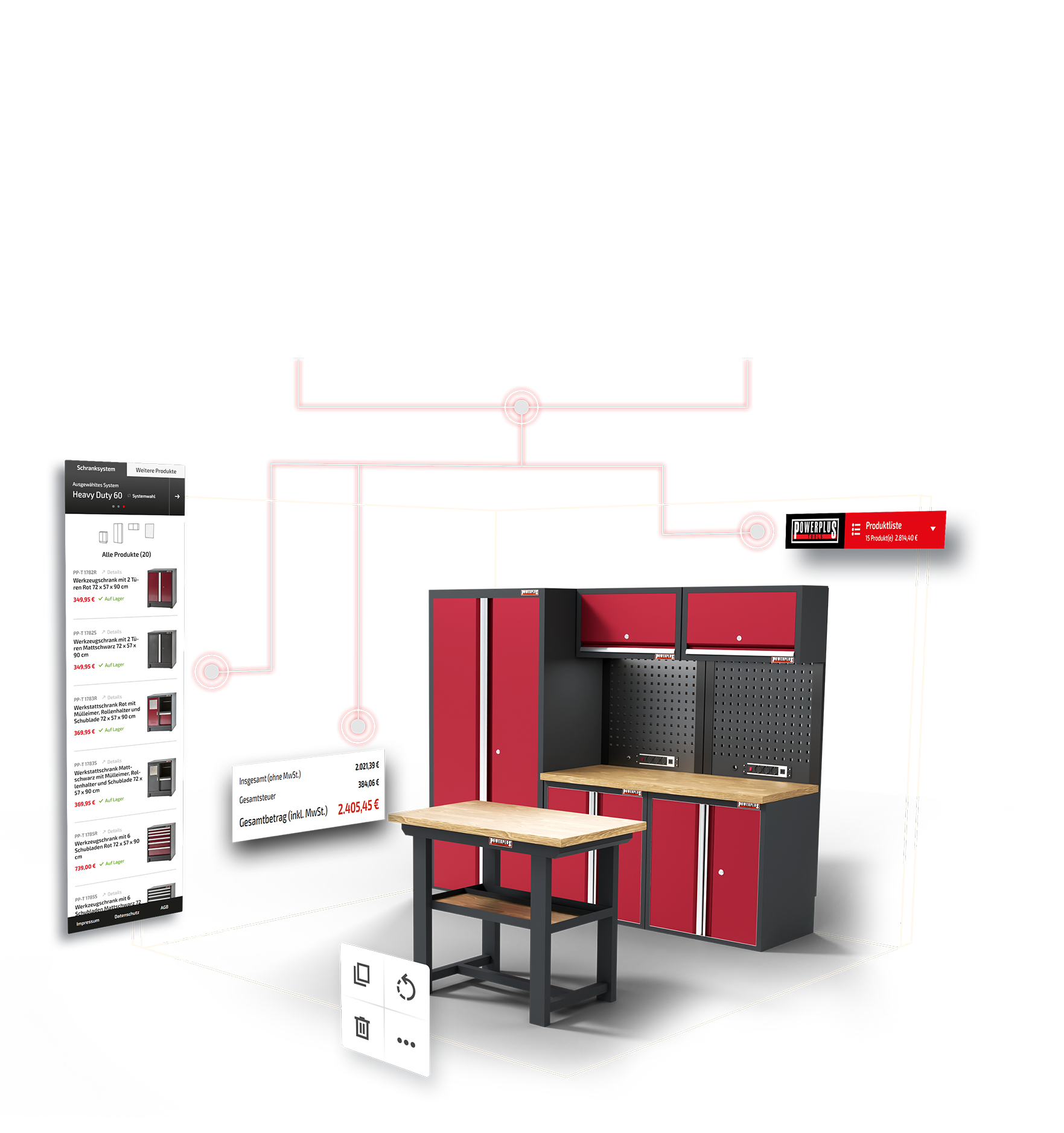
As you plan, a detailed bill of materials is automatically generated in the background – including prices for every item. Required accessories are also included, so you won´t miss a thing during setup. Thanks to real-time shop integration, all product details and prices are always up to date.
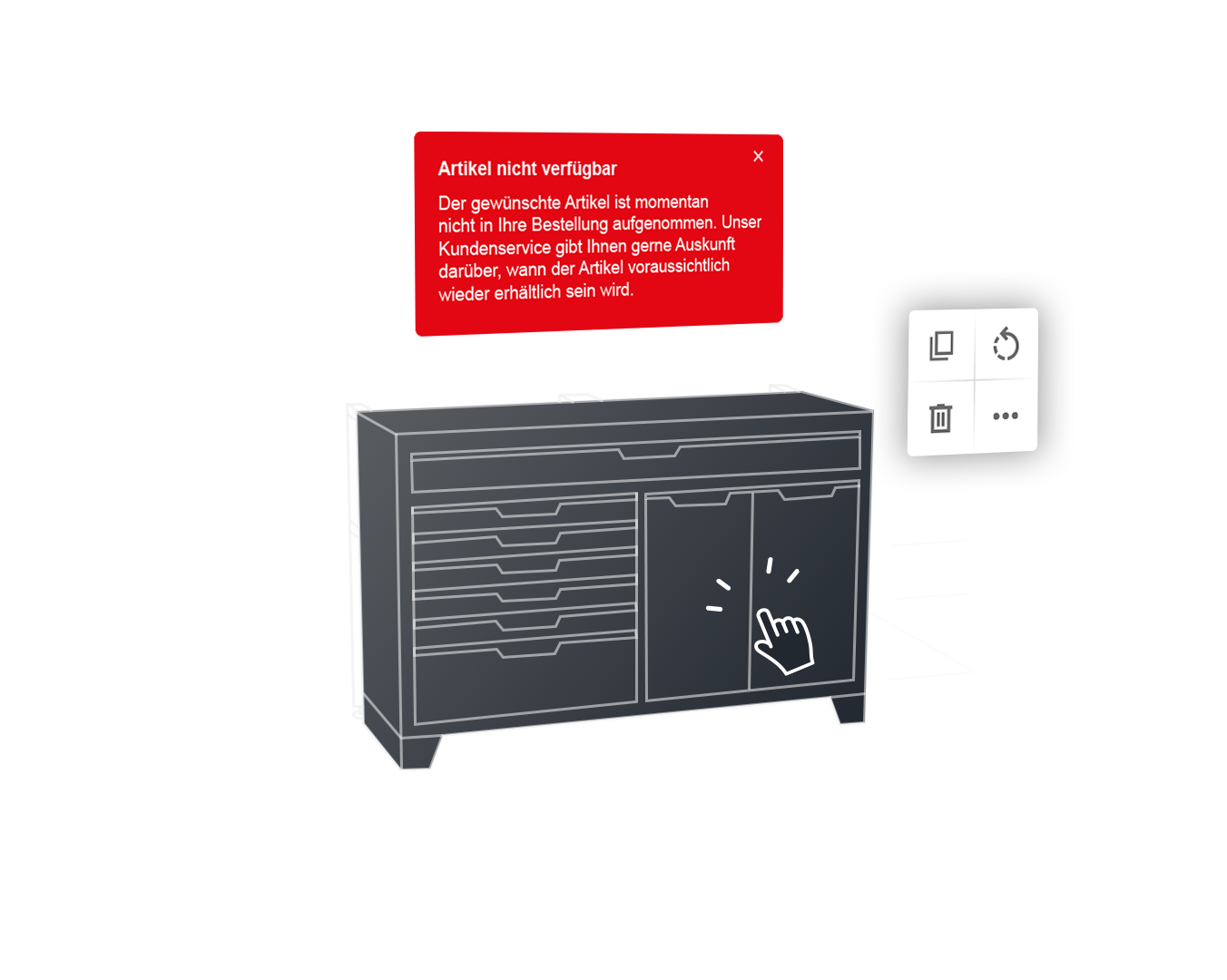
Full transparency
To make sure nothing gets in the way of your order, the 3D planner shows you product availability at various points. Even when browsing the product list, you´ll see wether the item you want is currently in stock. And if you happen to miss the stock infor, no worries – availability is also shown when you place the product in your layout. Even if one or more products are unavailabe when transferring your plan to the shop system, you´ll get notification. However, it´s entirely up to you wether you want proceed with your order without the unavailable items.
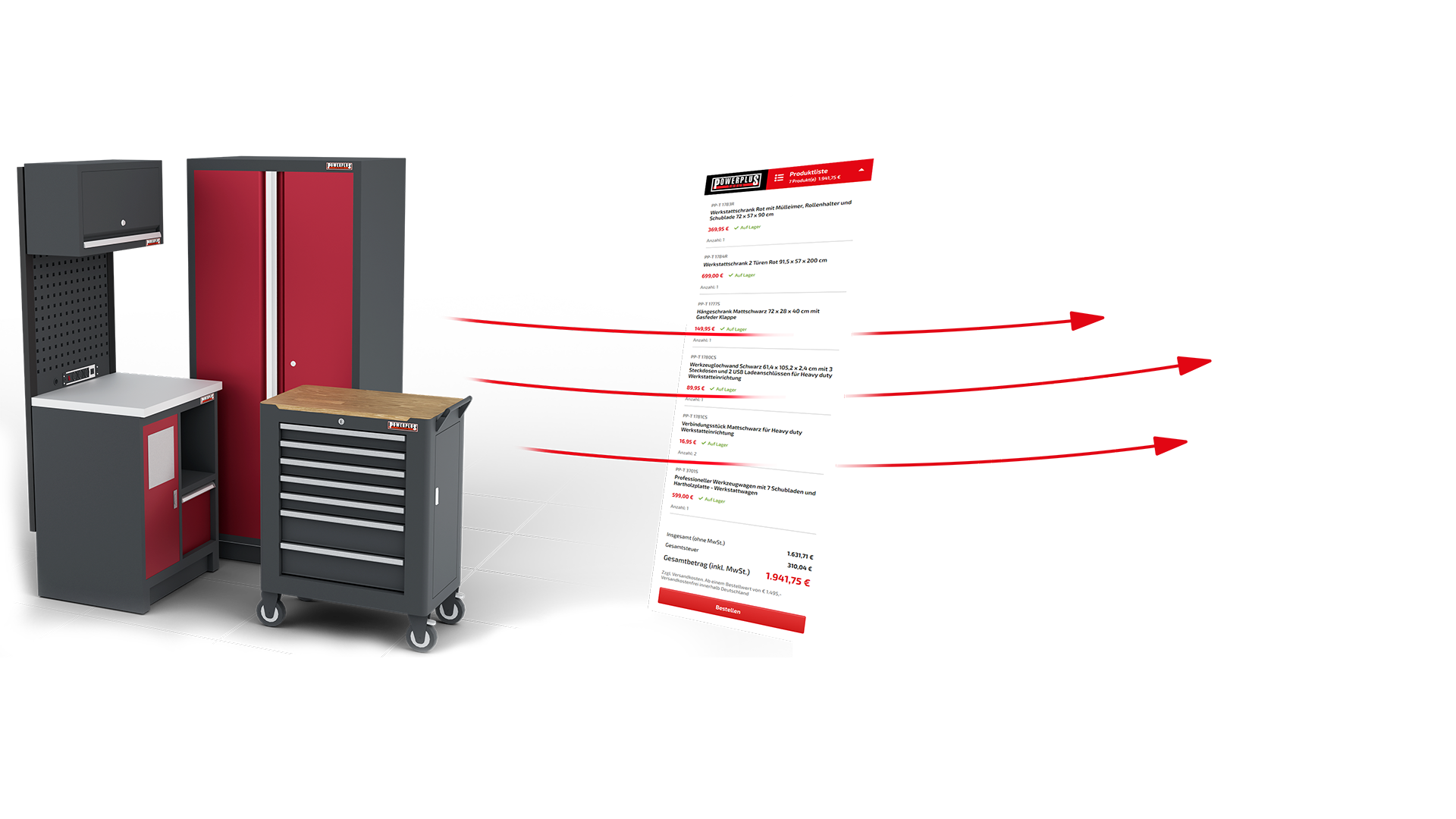
Direkt bestellen
Alle Produkte Deiner Werkstattplanung kannst Du ganz bequem direkt über den 3D Werkstattplaner bestellen. Die Artikel aus Deiner Stückliste werden automatisch in den Warenkorb des jeweiligen Shopsystems übertragen – und Du wirst sogleich in den Onlineshop weitergeleitet. Dort gibst Du wie gewohnt Deine Lieferadresse, Versandart und Zahlungsmethode an. Und schon ist Deine Werkstatt auf dem Weg zu Dir – per Spedition oder zur Selbstabholung. Und noch ein kleiner Tipp: Mit jedem Einkauf sammelst Du PowerPunkte, die Du bei Deiner nächsten Bestellung einlösen kannst.
Für beide Märkte ...
Powerplustools ist als Onlinehändler in Deutschland und in den Niederlanden aktiv und hat den 3D Werkstattplaner genau auf diese beiden Märkte zugeschnitten. Je nach Einstieg über den deutschen oder niederländischen Onlineshop passen sich Sprache, Shopsystem und landestypische Formatierungen automatisch an – für ein nahtloses und nutzerfreundliches Planungserlebnis in beiden Märkten.
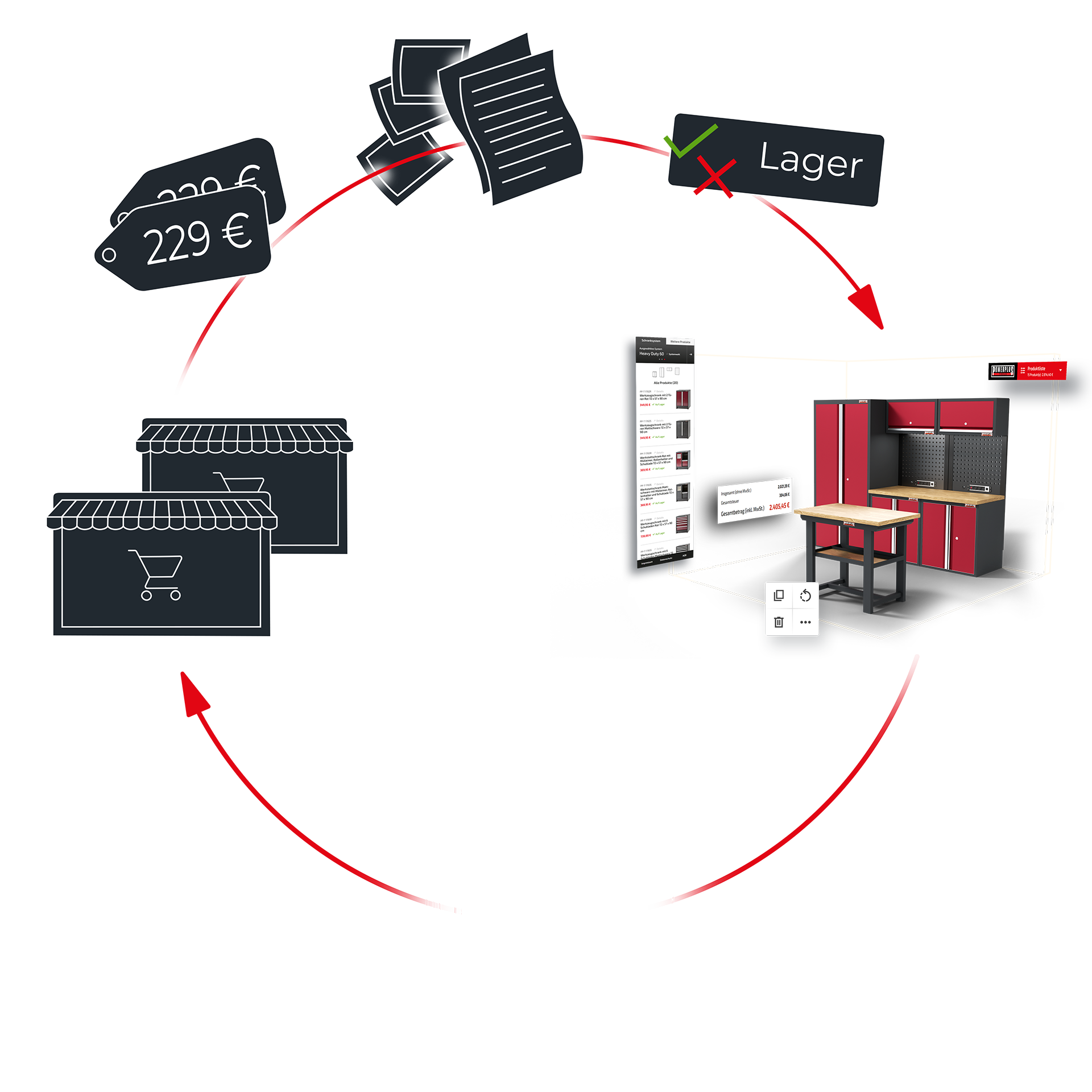
... The Perfect Data
Toensure a seamlessuserexperience, the 3D Planner isintegratedwithboth online stores. This not onlymakesit easy tocomplete an order but also provides additional information. Forexample, all productsused in the 3D Planner – includingtheirnames, item numbers, unitprices, and productimages – areretrieved. Even currentavailabilityisdisplayed. A link takesyoutotheproductdetailspageforeach item, whereyoucan find moreinformationabout it.
Stetig erweiterbar
Da sich die Produktpalette von Powerplustools ständig erweitert, ist auch unser 3D Planer dementsprechend auf stetigen Fortschritt ausgerichtet. Alle betreffenden Komponenten wurden so entworfen, dass neue Inhalte und Produkte zu jeder Zeit und so effizient und zeitsparend wie möglich hinzugefügt werden können.

redSpaces
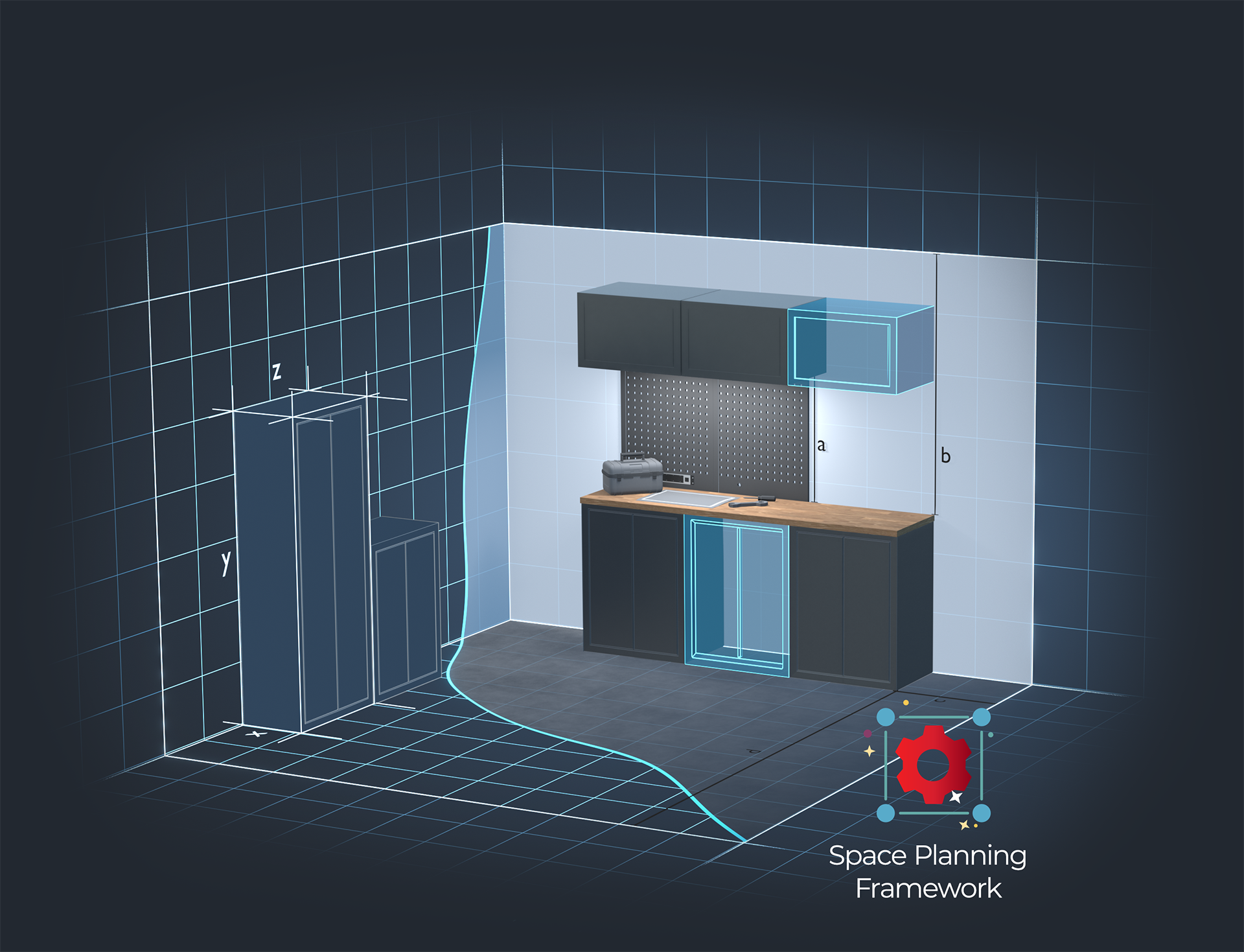
Im Powerplustools 3D Werkstattplaner kommt erstmals unsere neueste Eigenentwicklung redSpaces zum Einsatz – unser modulares Framework für die virtuelle Raumplanung inklusive der Platzierung und Manipulation von Produkten. Es bildet das Fundament für die Implementierung unserer zukünftigen 3D Planer und ermöglicht die intuitive Platzierung von Produkten innerhalb dieses geplanten Raums mit allen wichtigen Features wie Kollision, Snapping und automatischer Raumerkennung.
Features

WebGL 2.0
The application was developed using WebGL 2.0 and is accessible via all common browsers.

Responsive Design
It is available across devices – from smartphone and tablets to desktop computers.

Billions of possibilities
A wide product range and the integrated configuration logic allow for countless options.

Performance
To ensure good performance, all meshes are instantiated.

Individual ID
Each configuration is assigned an ID and can be accessed again at any time.

Validation
If it is configurable, it is producible. The configurator only allows valid configurations.

Real-time prices
Prices an all other dynamic parameters are calculated in real-time.

PrestaShop
The interface of the shop system of PrestaShop enables a direct purchase of the configuration.
Tools

State Engine
The heart of every 3D configurator is our State Engine. It ensures that a valid state of the product is delivered at all times.

Performance Monitor
Our performance monitoring monitors the graphics load and dynamically adjusts the quality of the 3D configurator to the current performance of the device.

redCore
The core element of our 3D applications is redCore, our 3D render engine, which is specifically designed to meet the needs of the web and configuration.

redSpaces
Our framework for modular spatial planning – featuring essential functions such as collision detection, snapping, and automatic room recognition.