
Serviceflächen Konfigurator
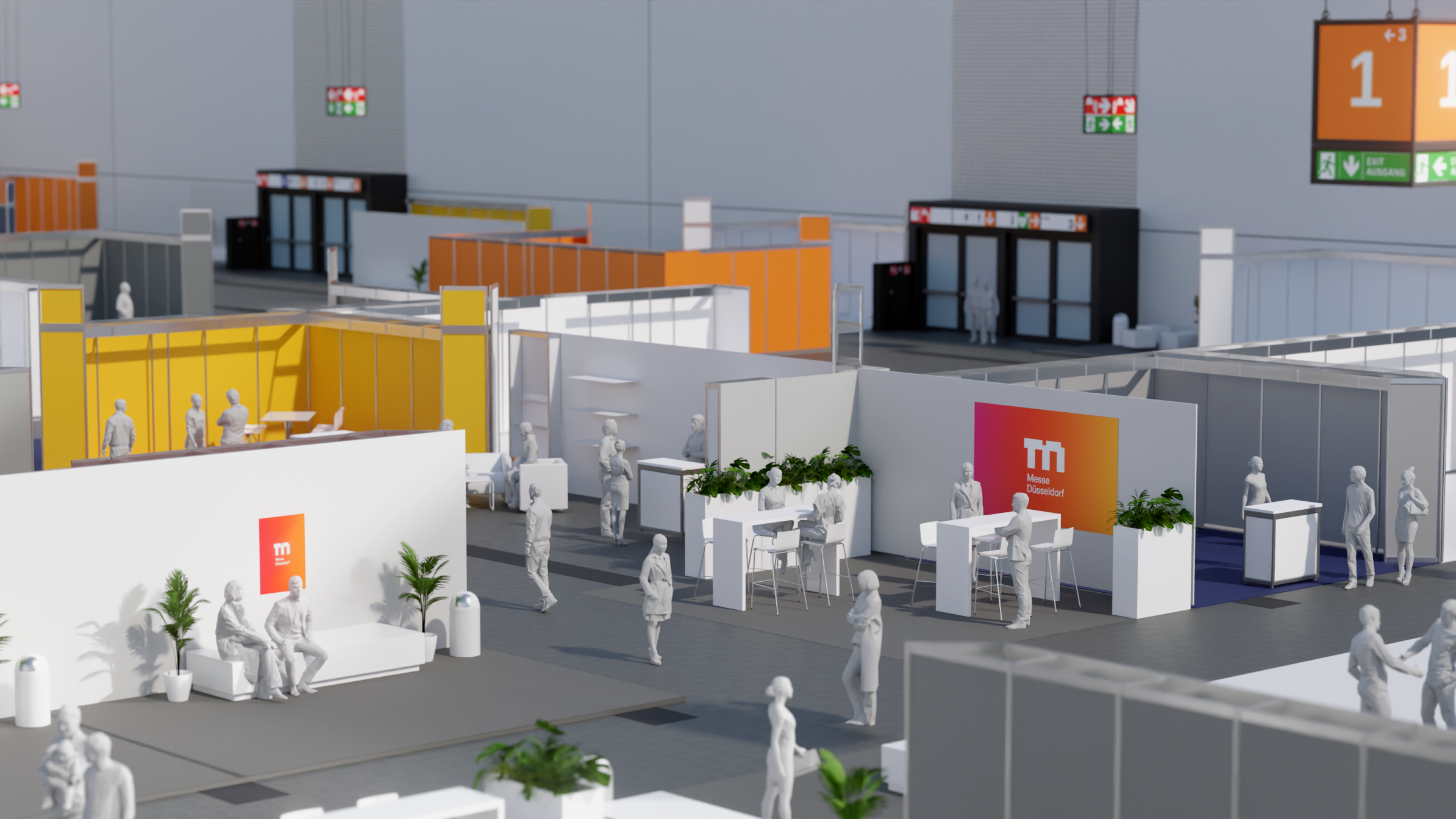
Messe Düsseldorf is one of the world’s leading trade fair organizers. Around one million trade visitors pass through its exhibition halls each year, where innovation, exchange, and connection come together. To ensure that visitor flows, quality of stay, and service offerings extend seamlessly beyond traditional exhibition spaces, redPlant Realtime Studios partnered with Messe Düsseldorf to develop a 3D configurator that enables the direct online planning of a wide range of service and hospitality areas.
Not just space
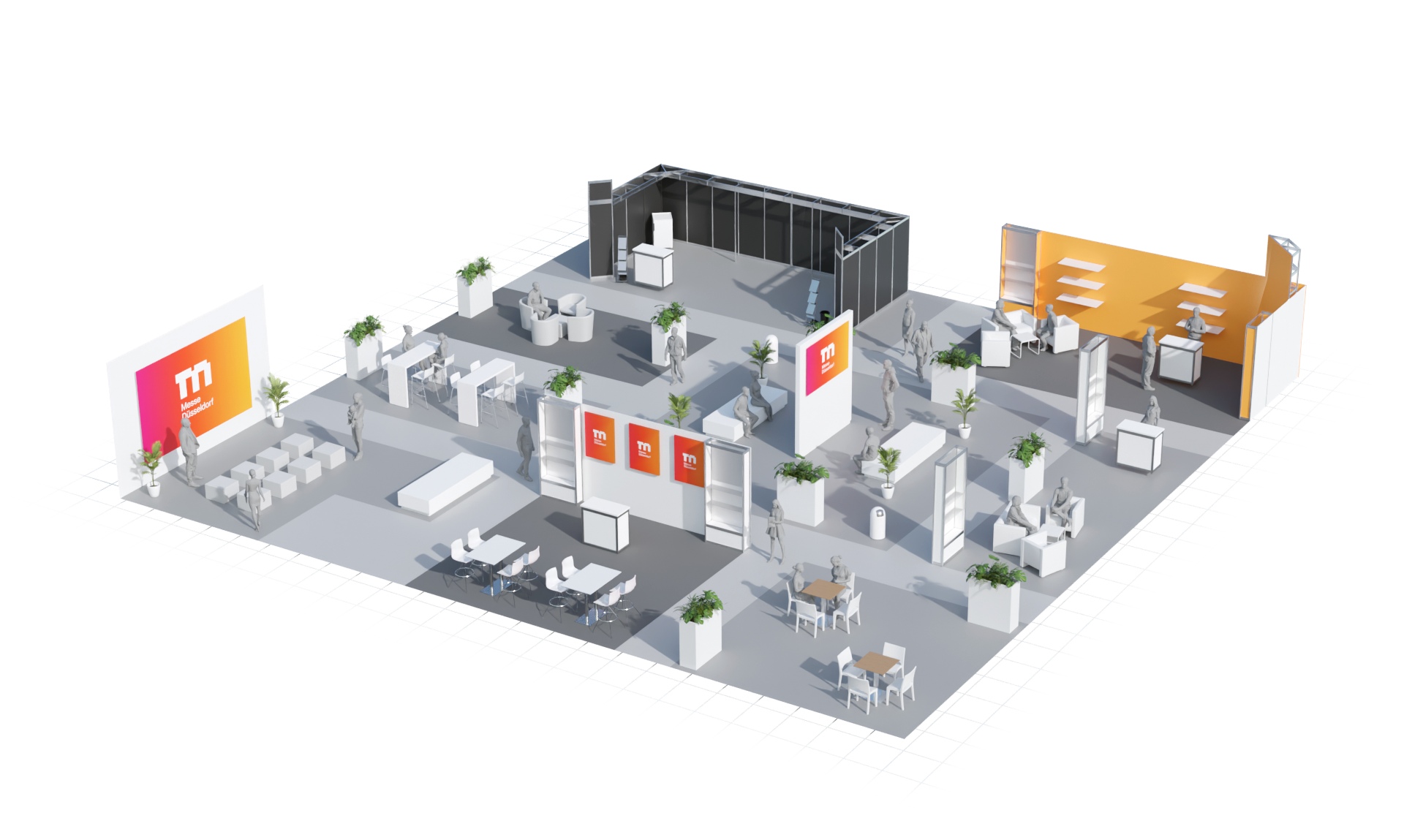
Events are no longer defined by exhibition areas alone — they have evolved into holistic environments for experience and interaction. Visitors expect clear orientation, innovative and relevant content, inspiring exchange, and a high quality of stay. At the same time, the demands for flexible and dynamic space planning continue to grow.
A connected mix of spaces
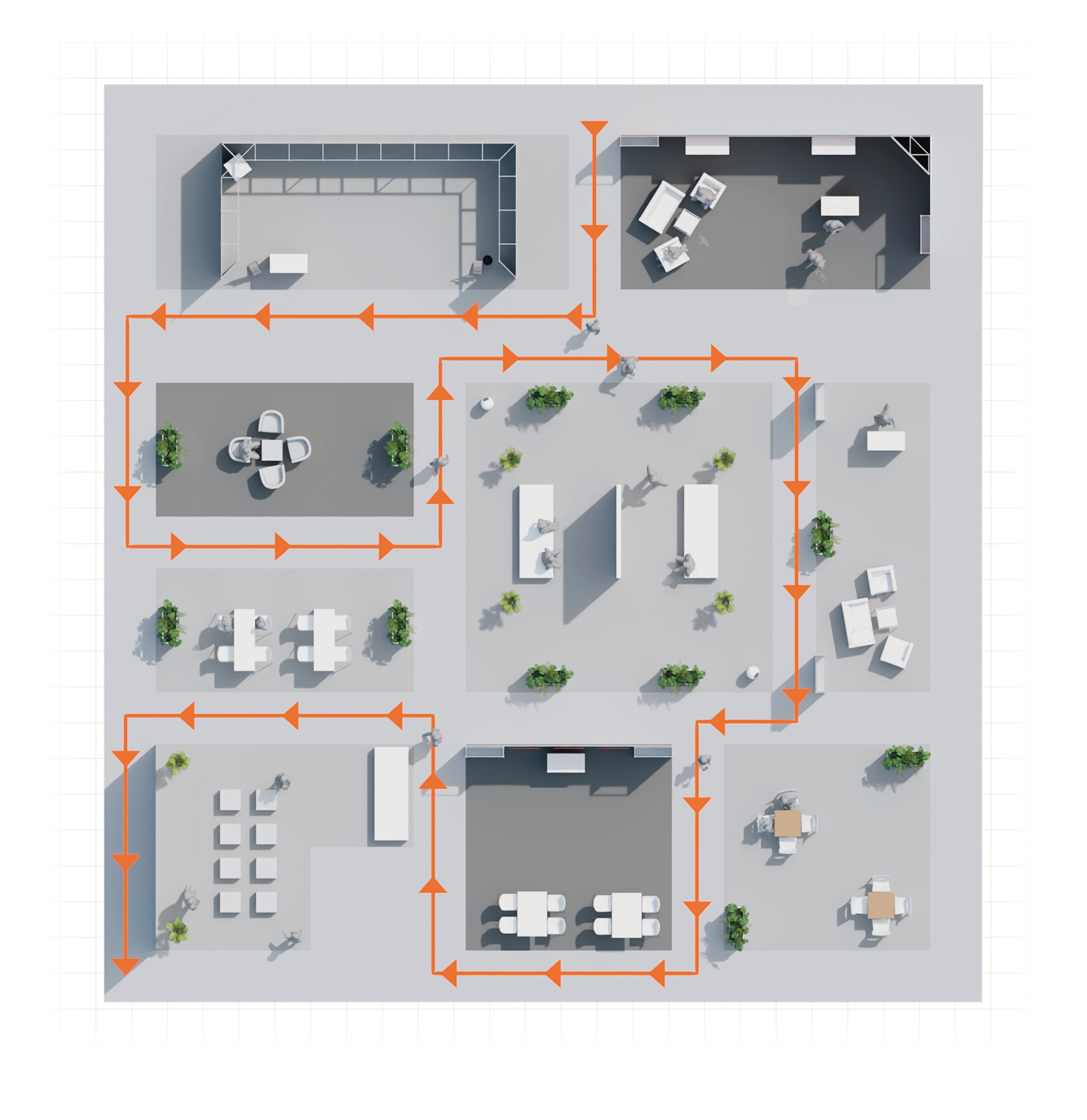
The solution lies in the targeted and strategic planning of these areas. When used effectively, they function as structuring elements within the event, intentionally creating spaces for interaction and content, guiding visitor flows, and enhancing the overall quality of stay. The result is a connected mix of exhibition, experience, and community spaces that not only complement the event but actively define it.
Planning under time pressure
Particularly at large international events, spaces often need to be adapted within very short timeframes. When exhibitors withdraw at short notice or additional areas for communication and relaxation are required, newly available hall space must be quickly and effectively reimagined. This is exactly where the 3D service space configurator provides the ideal digital foundation.
Fast and flexible planning
The 3D service space configurator supports Messe Düsseldorf’s project teams in responding flexibly to new requirements and efficiently implementing the optimal mix of exhibition, hospitality, and community areas. Different service spaces can be planned, adjusted, and immediately evaluated visually within a very short time. This results in space concepts that are not only quick to implement but also economically transparent. Even spontaneous requirements can be transformed into concrete service areas in no time.
Which event?
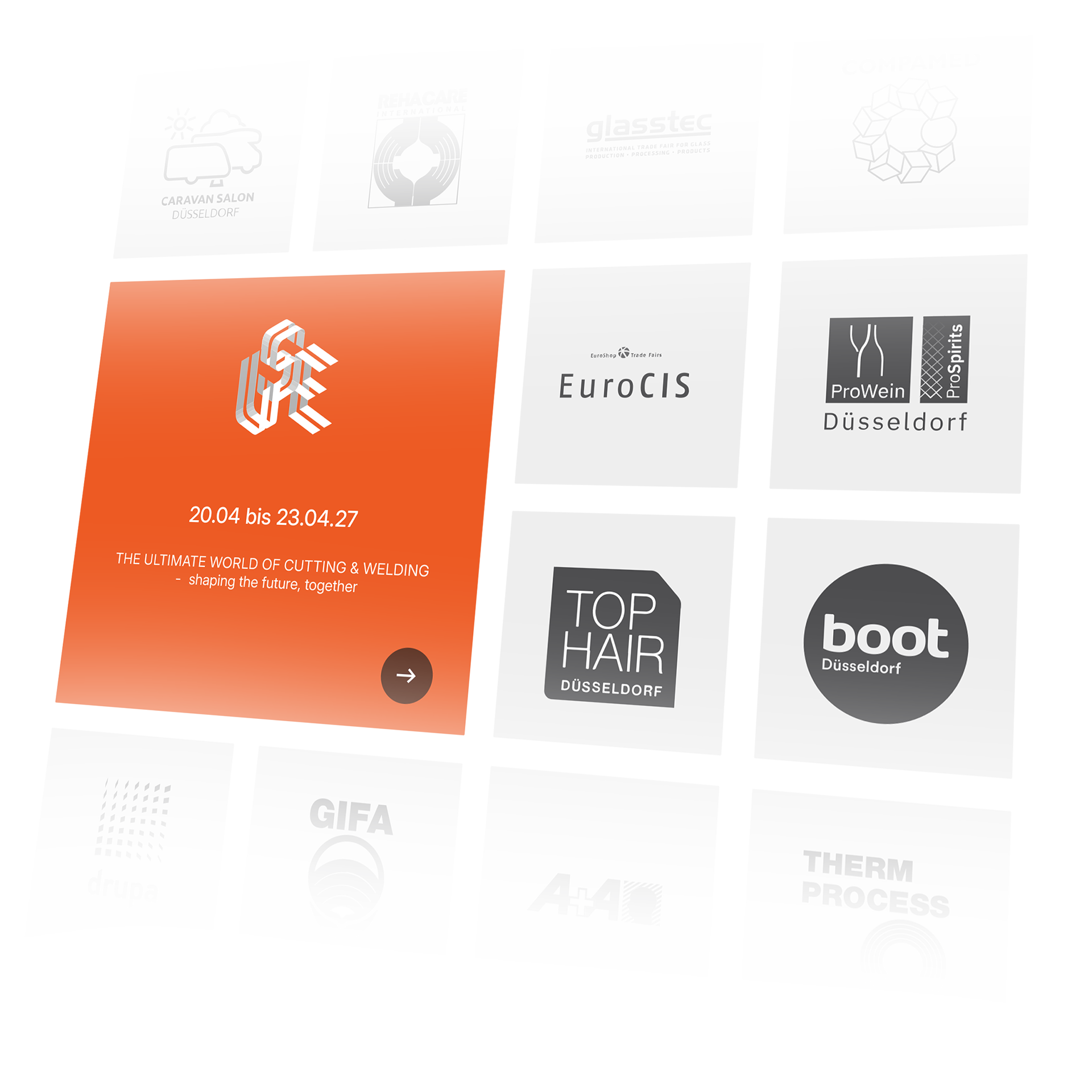
To ensure that all event-specific characteristics are available right from the start of the planning process, Messe Düsseldorf employees begin in the 3D service space configurator by selecting the event for which the service area is to be planned. All events currently approved for service space planning are clearly listed within the user interface.
Which service area?
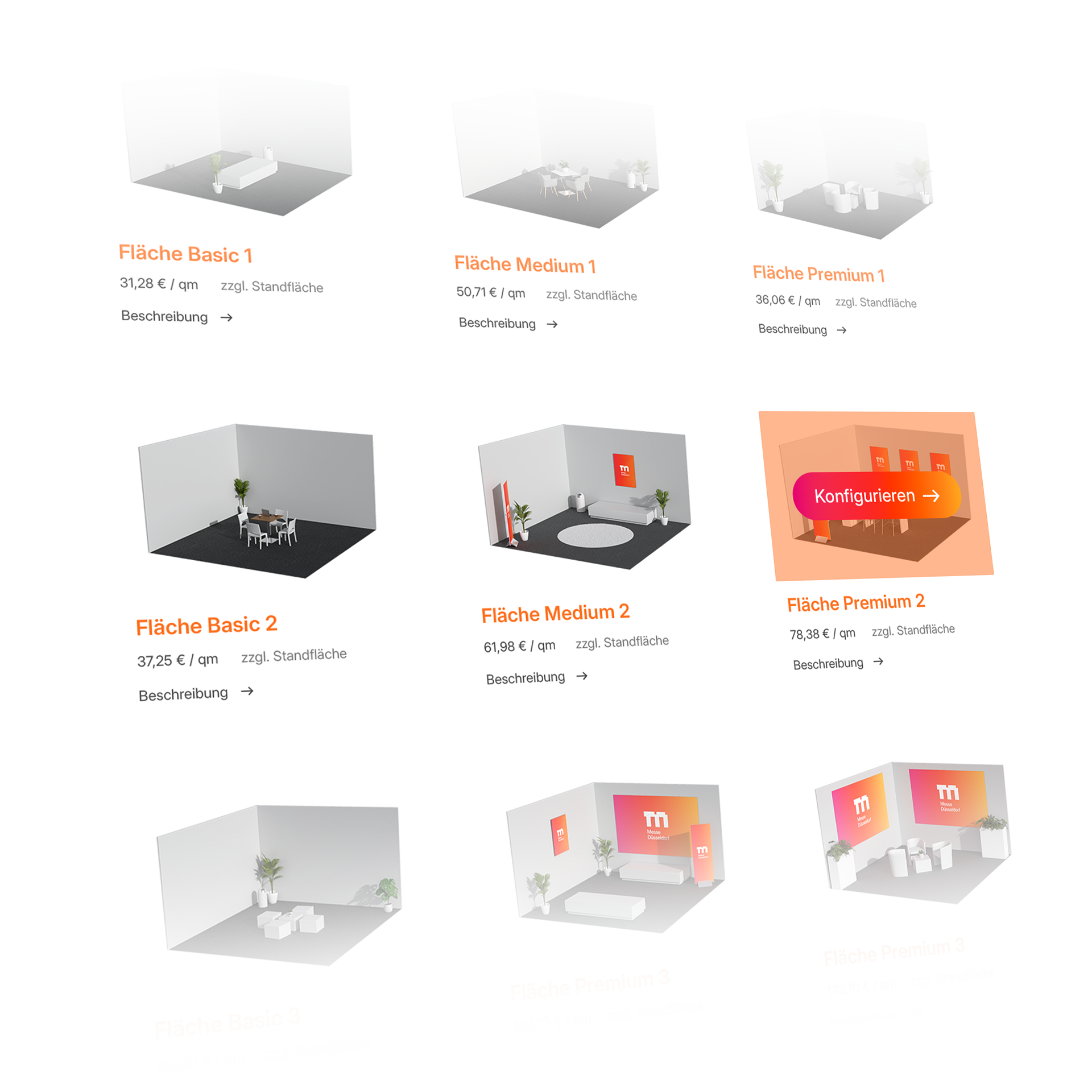
To make the planning of new service areas as efficient as possible, Messe Düsseldorf employees can choose from a range of preconfigured spaces. For faster orientation, the different options can be filtered and narrowed down based on various criteria. In addition, particularly popular concepts are highlighted as bestsellers.
As individual as needed
The selected preconfiguration serves merely as the starting point for further planning. All elements can then be flexibly adjusted and individually expanded to ensure that the final service area integrates seamlessly into the respective hall concept. Similar to the 3D stand configurator, a wide range of configuration options is available.
Size
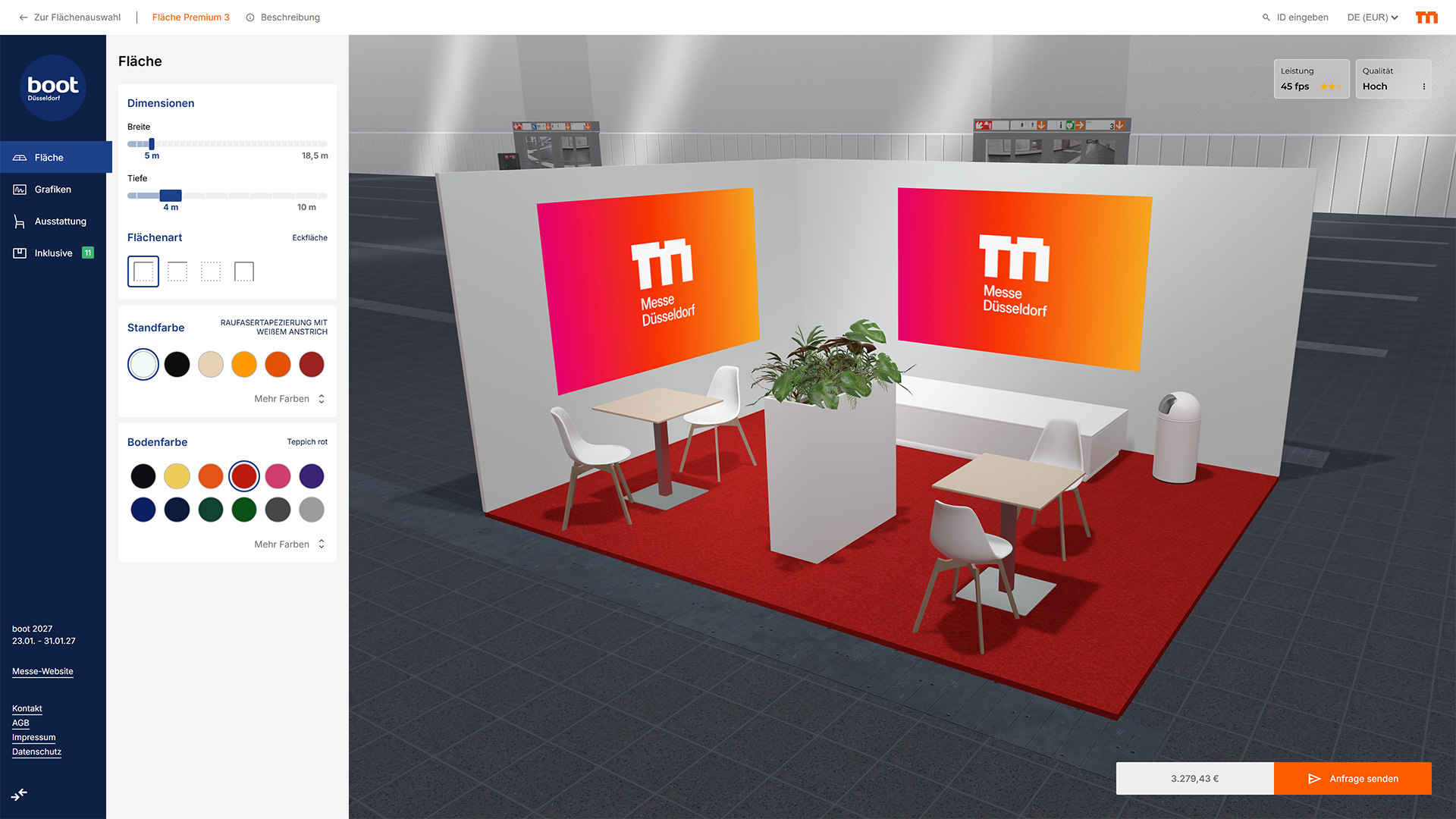
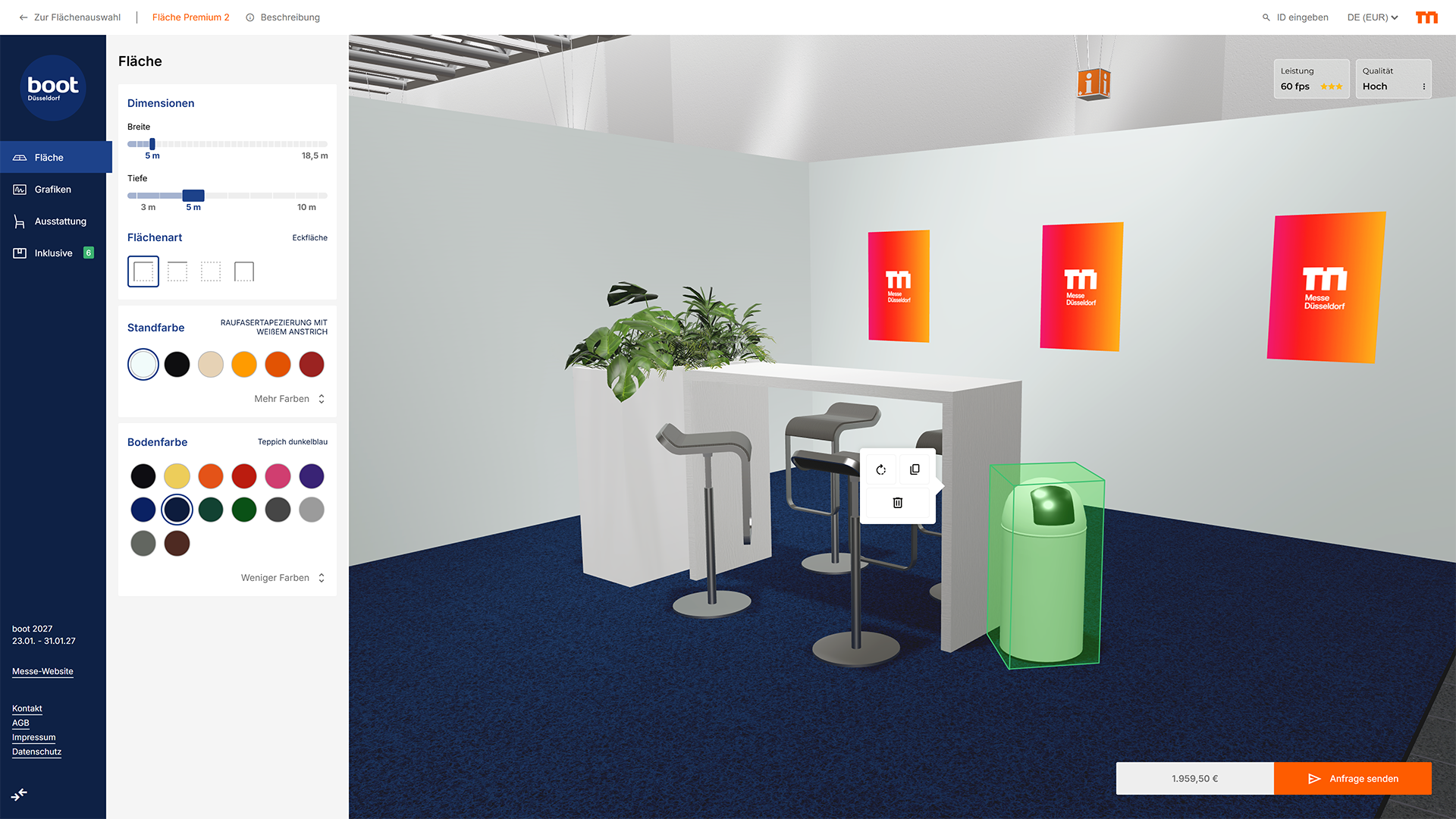
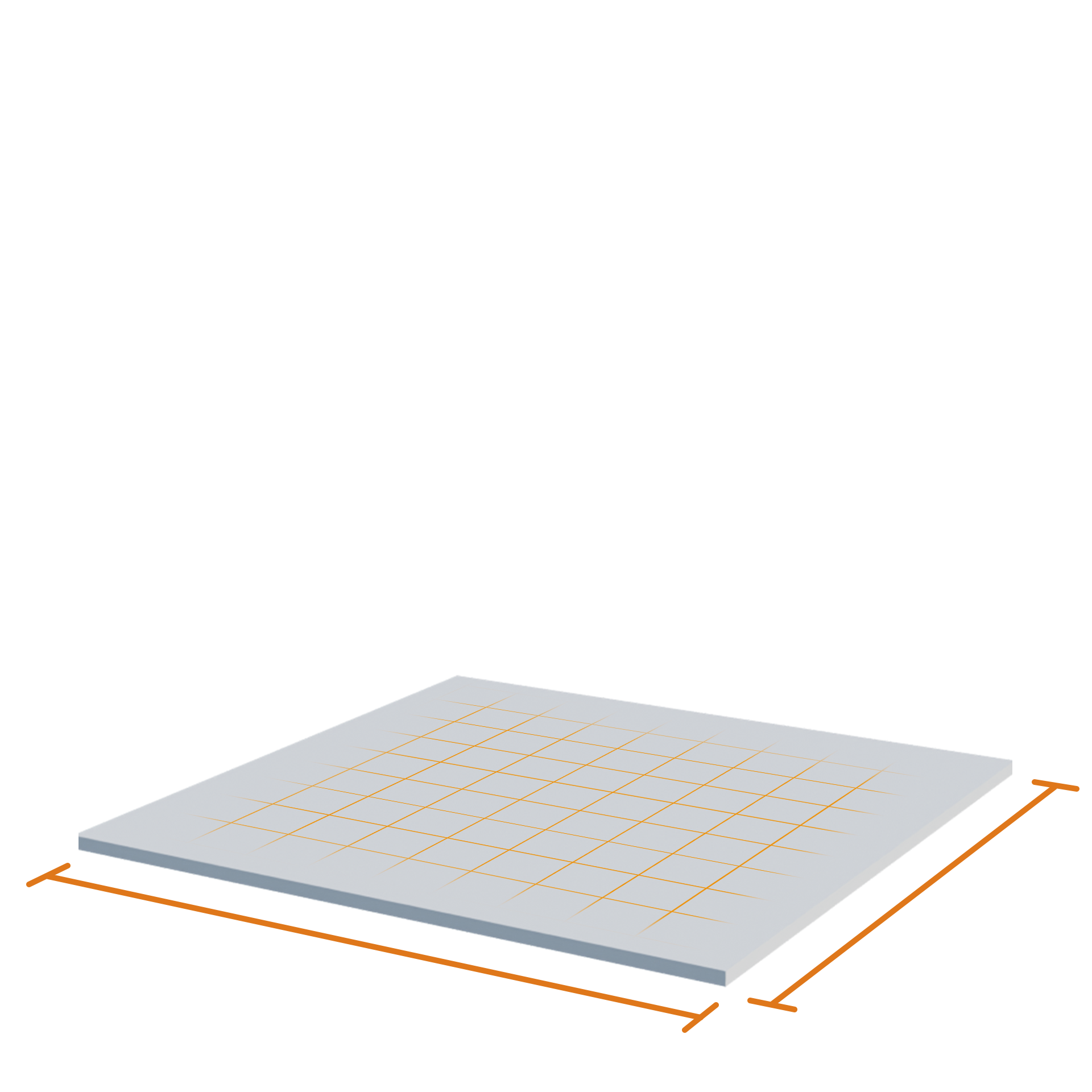
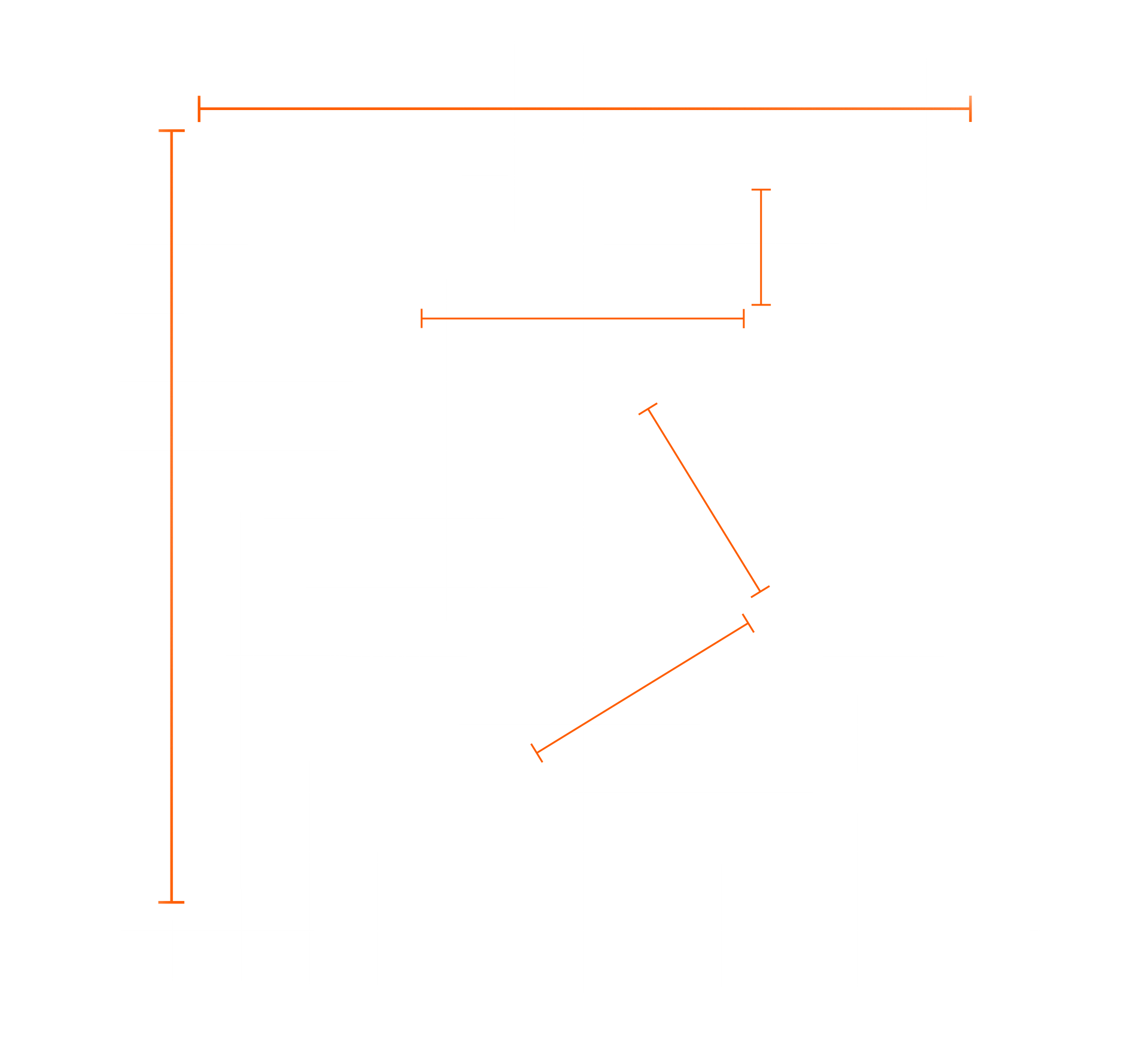
The size of the service area can be defined via width and depth parameters to match the allocated space.
Structure
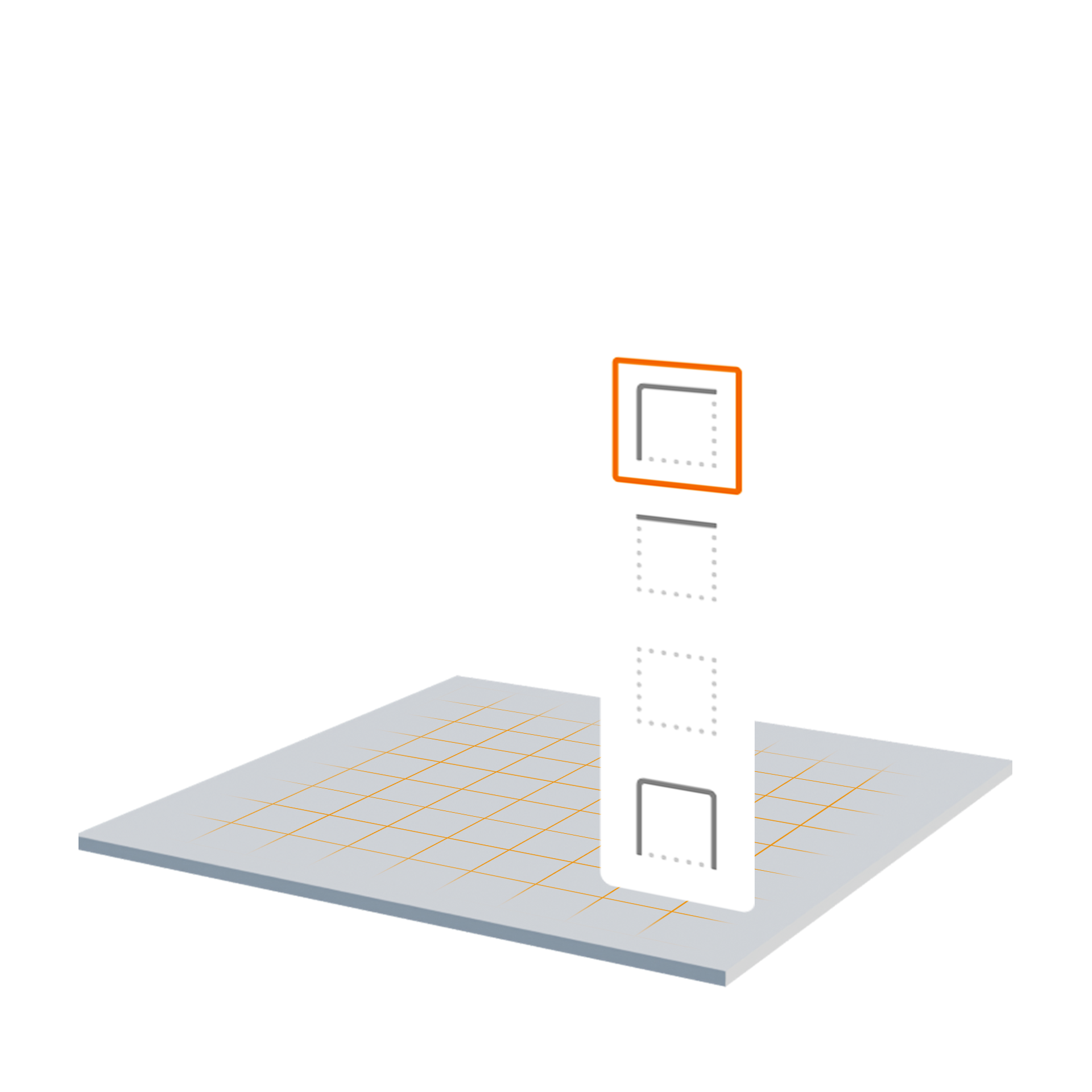
The structural layout defines how walls are arranged around the area to integrate seamlessly into the hall concept.
Walls
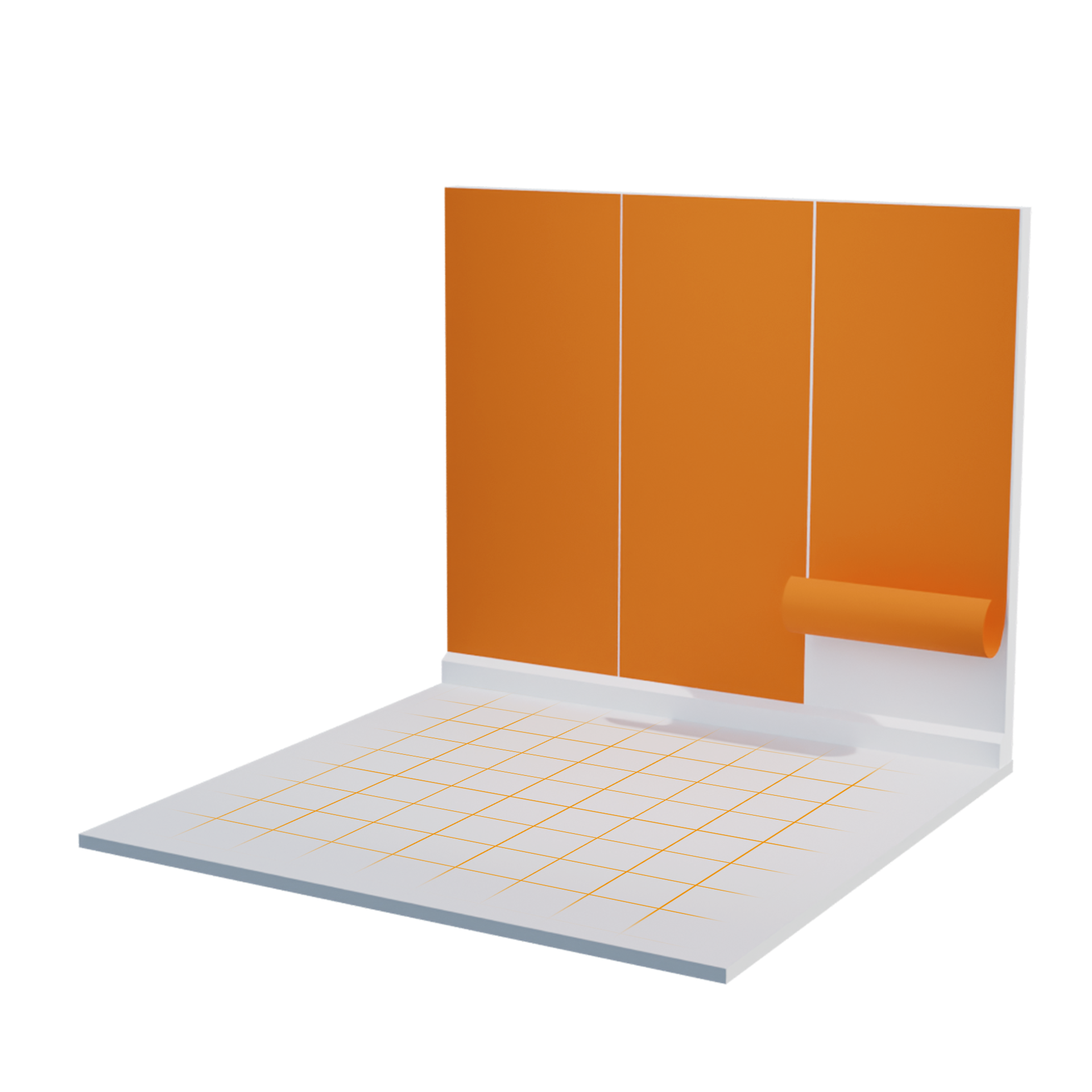
Various wall colors are available to match the design and look & feel of the event.
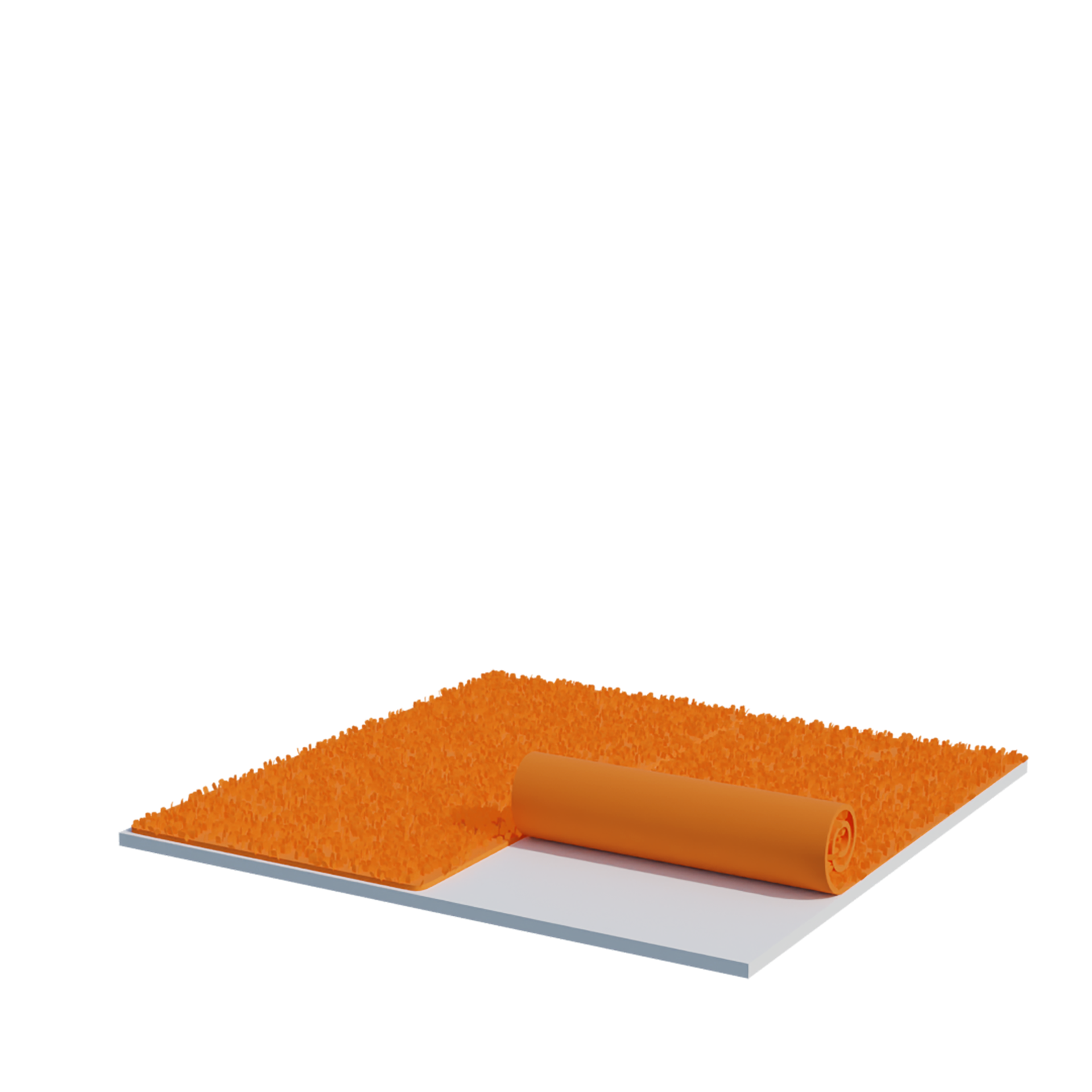
Flooring
Not only wall colors but also flooring options can be customized.
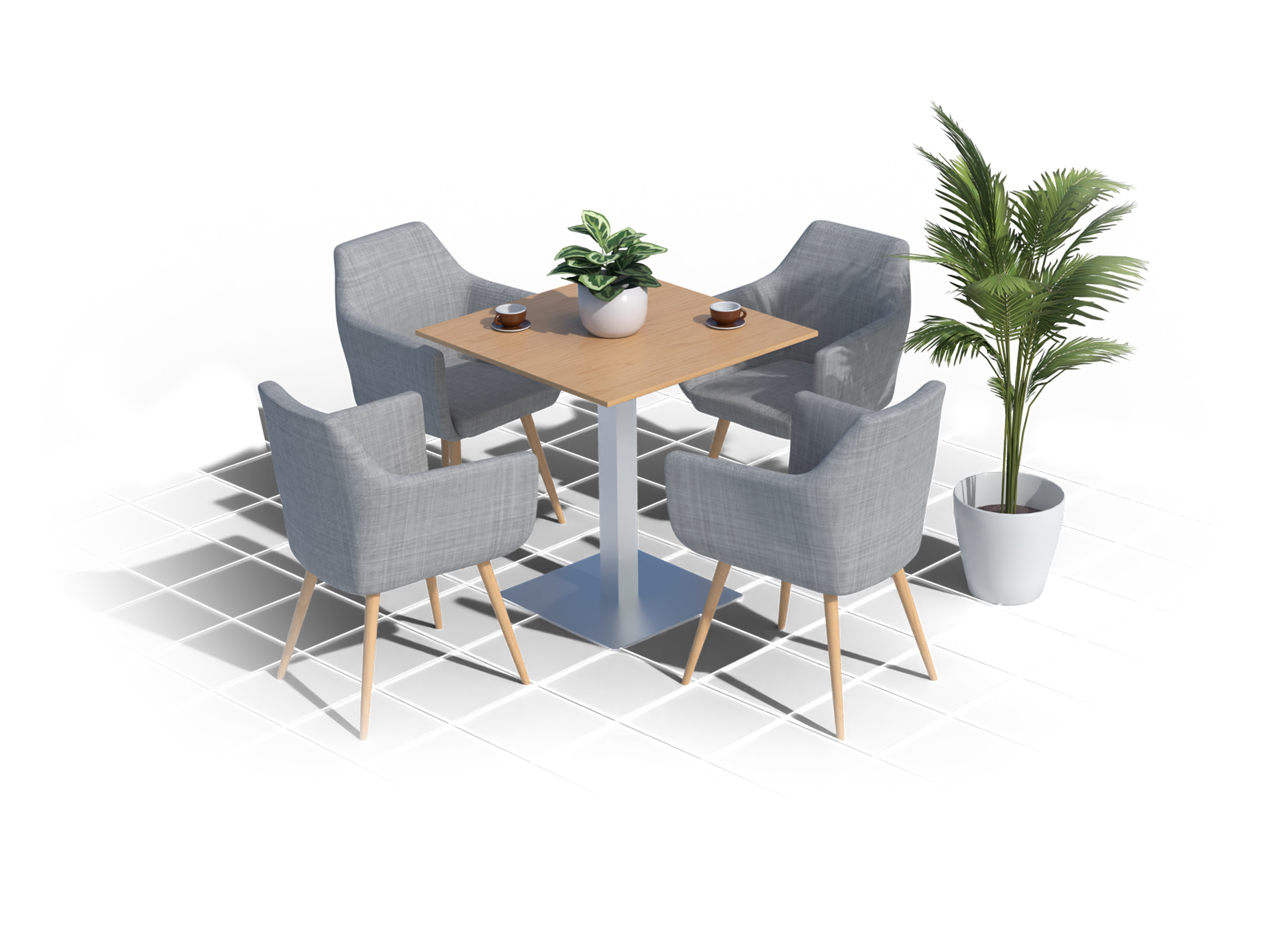
Already equipped
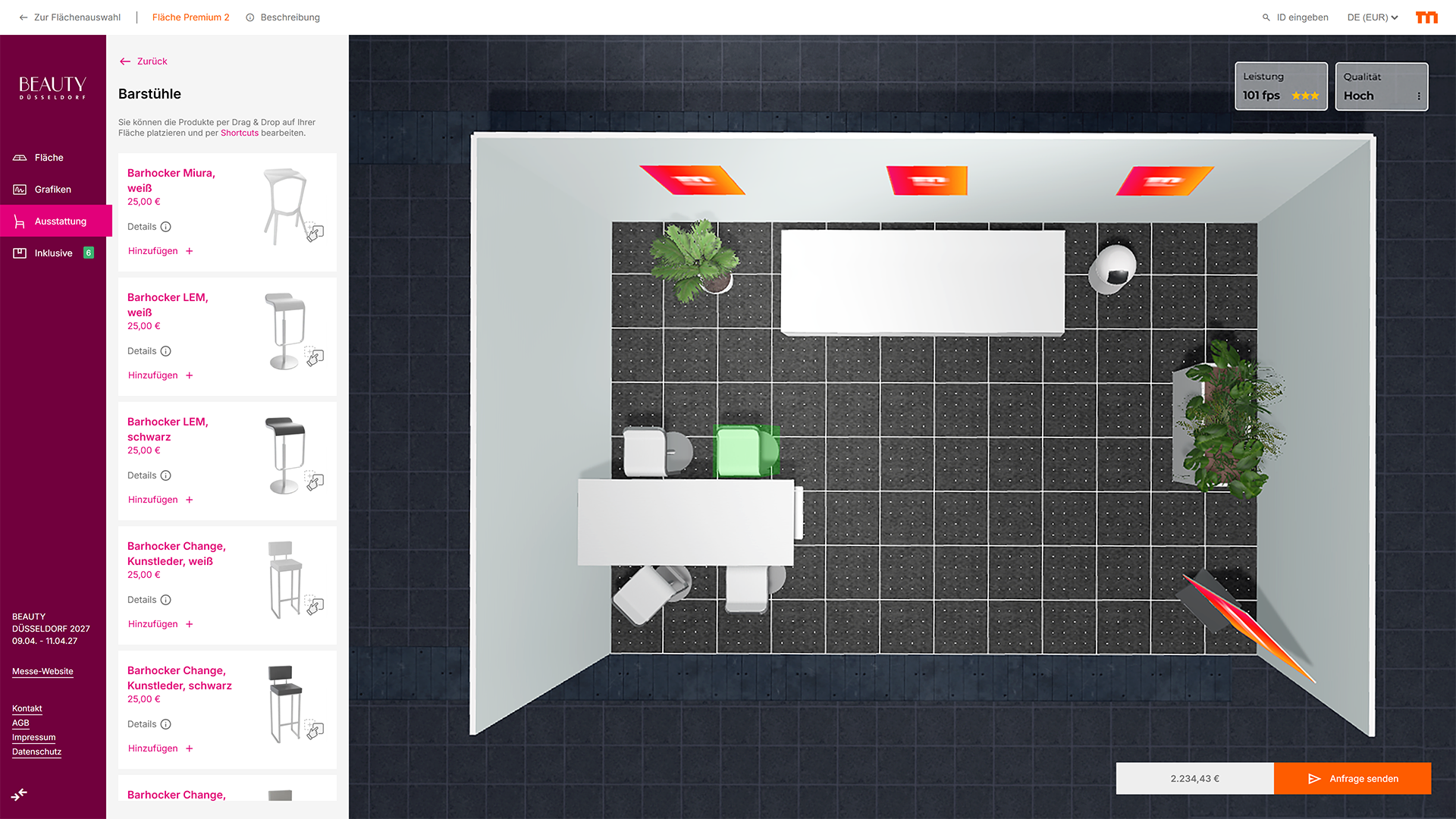
Each configuration includes a predefined set of essential equipment that is placed on the area from the start and does not incur additional costs. Removed items can easily be restored via a dedicated section in the interface.
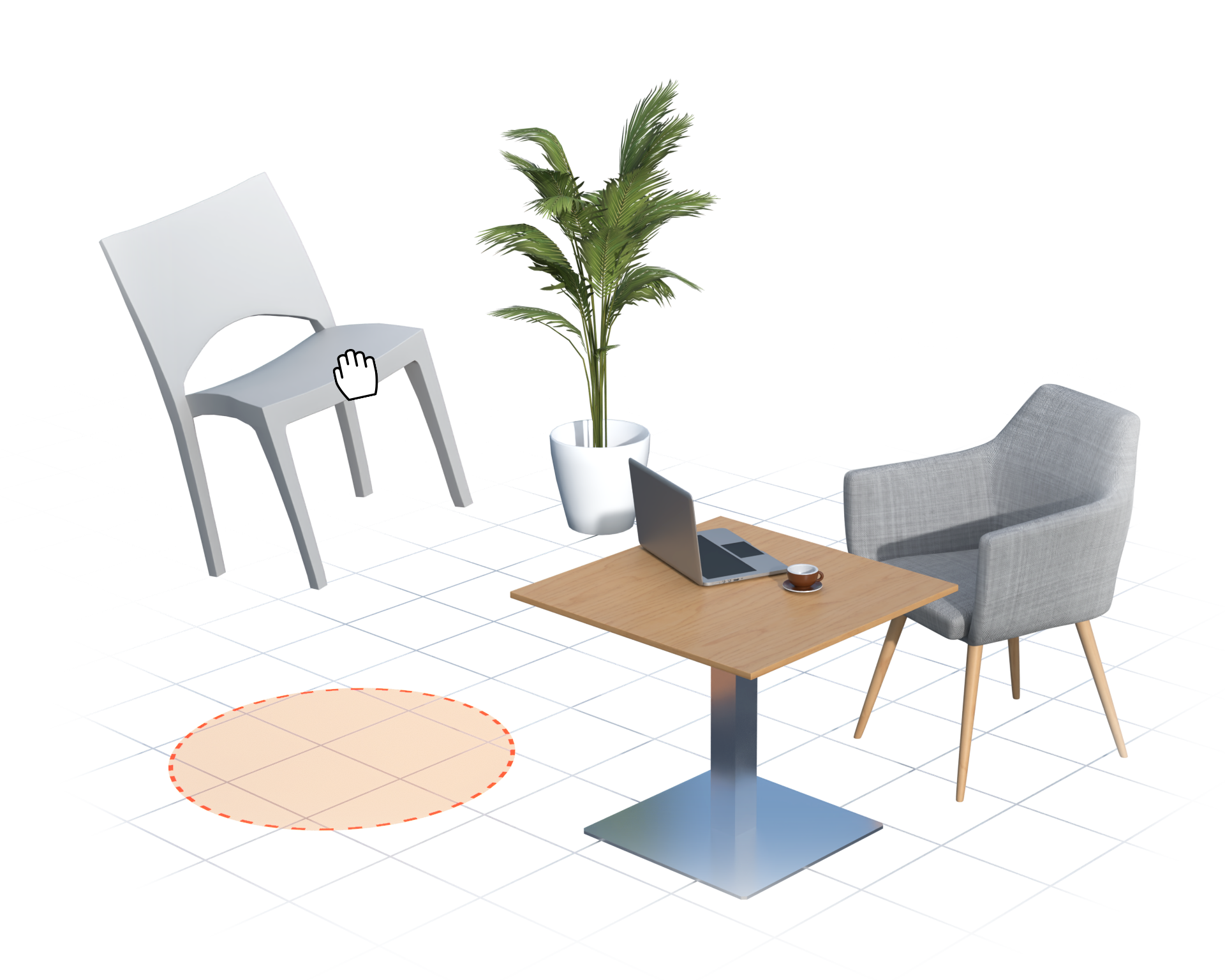
Additional equipment
In addition to the included equipment, Messe Düsseldorf employees have access to a range of additional items that can be placed onto the defined area quickly and intuitively using drag & drop functionality. For easy orientation, all items are organized into clearly structured categories.
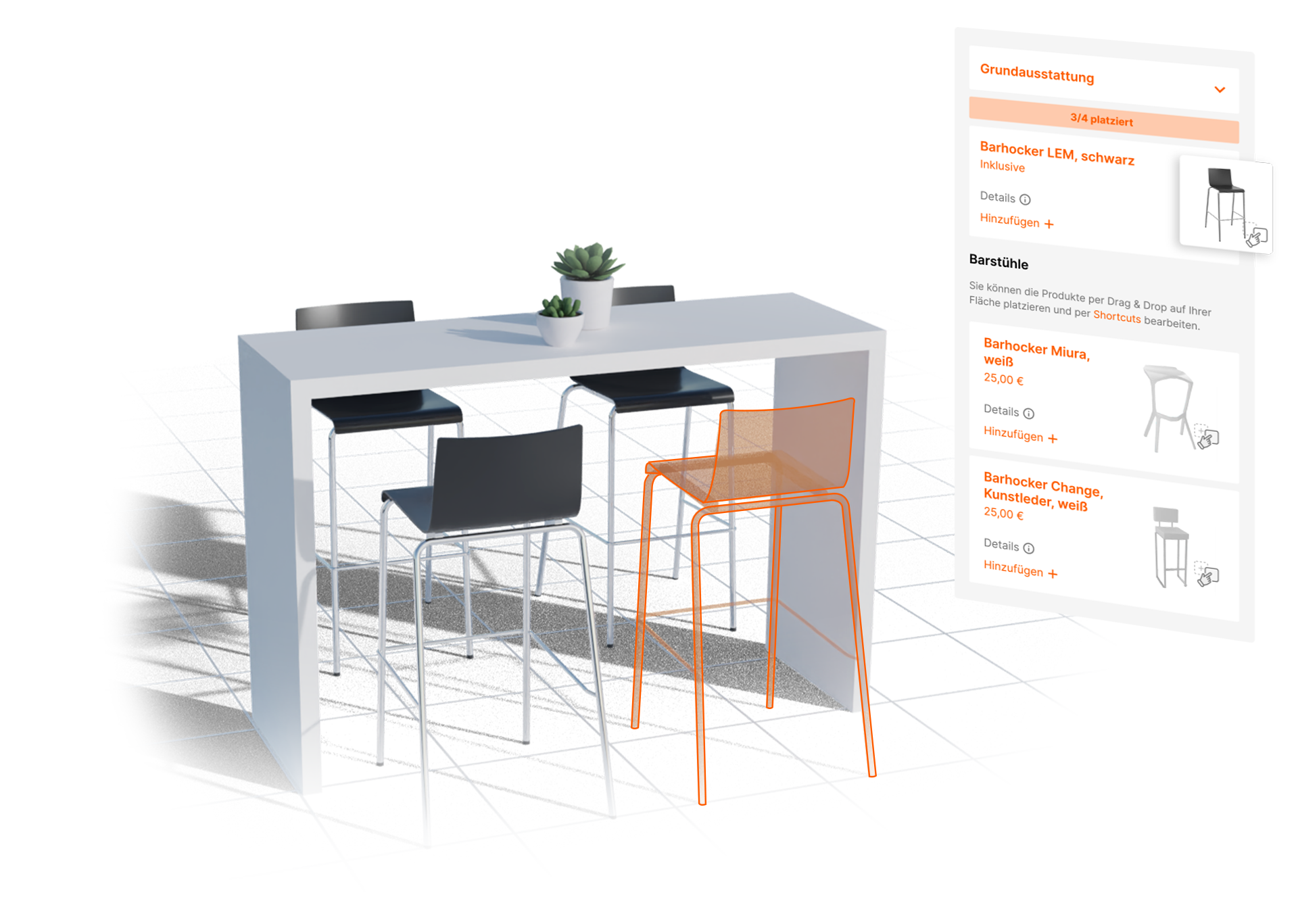
What’s included stays included
The included equipment can be freely placed, moved, or removed within the space—just like any other item of furniture. Duplication of included items is also possible, with the 3D configurator automatically tracking how many items are still covered by the included package and at which point additional costs apply.
Even more efficient with shortcuts
All furniture placed within the area can be rotated, duplicated, or removed via the context menu. To make the setup process even more efficient, shortcuts are available that allow these actions to be performed quickly using simple keyboard commands.

Delete
Need more space—or want to start from scratch? Unwanted furniture can be removed quickly and easily using the delete key.

Rotate
Depending on the desired orientation, furniture can be rotated using the Ctrl key in combination with the left or right arrow keys.

Duplicate
One is not enough? Objects can be duplicated instantly in the same position using the Ctrl + C shortcut.
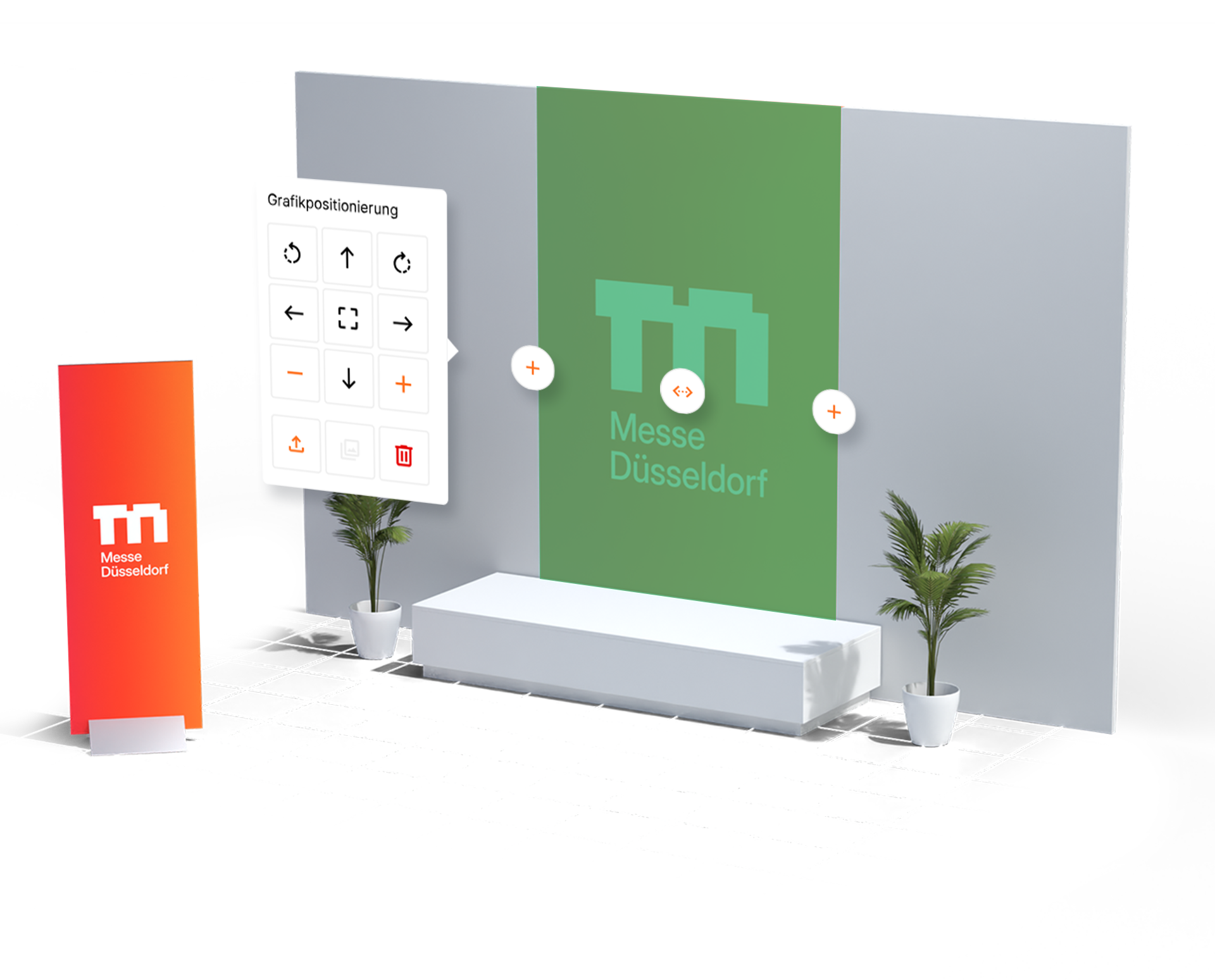
Adding visual impact
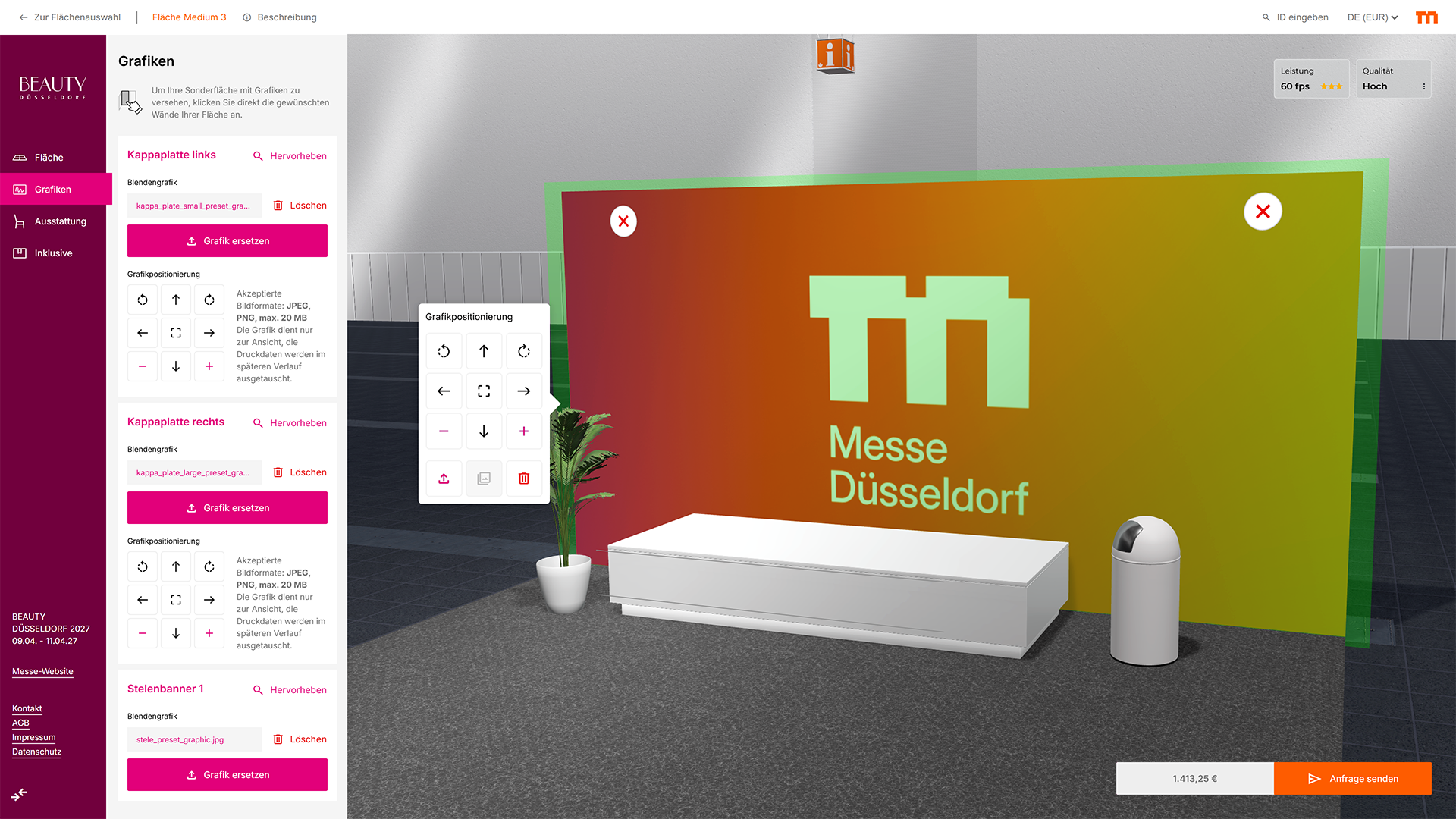
Whether individual wall elements, entire stand sides, or freestanding columns, all printable surfaces can be easily selected either via the user interface or directly within the 3D scene and enhanced with graphics. Uploaded designs can also be positioned, scaled, and rotated individually.
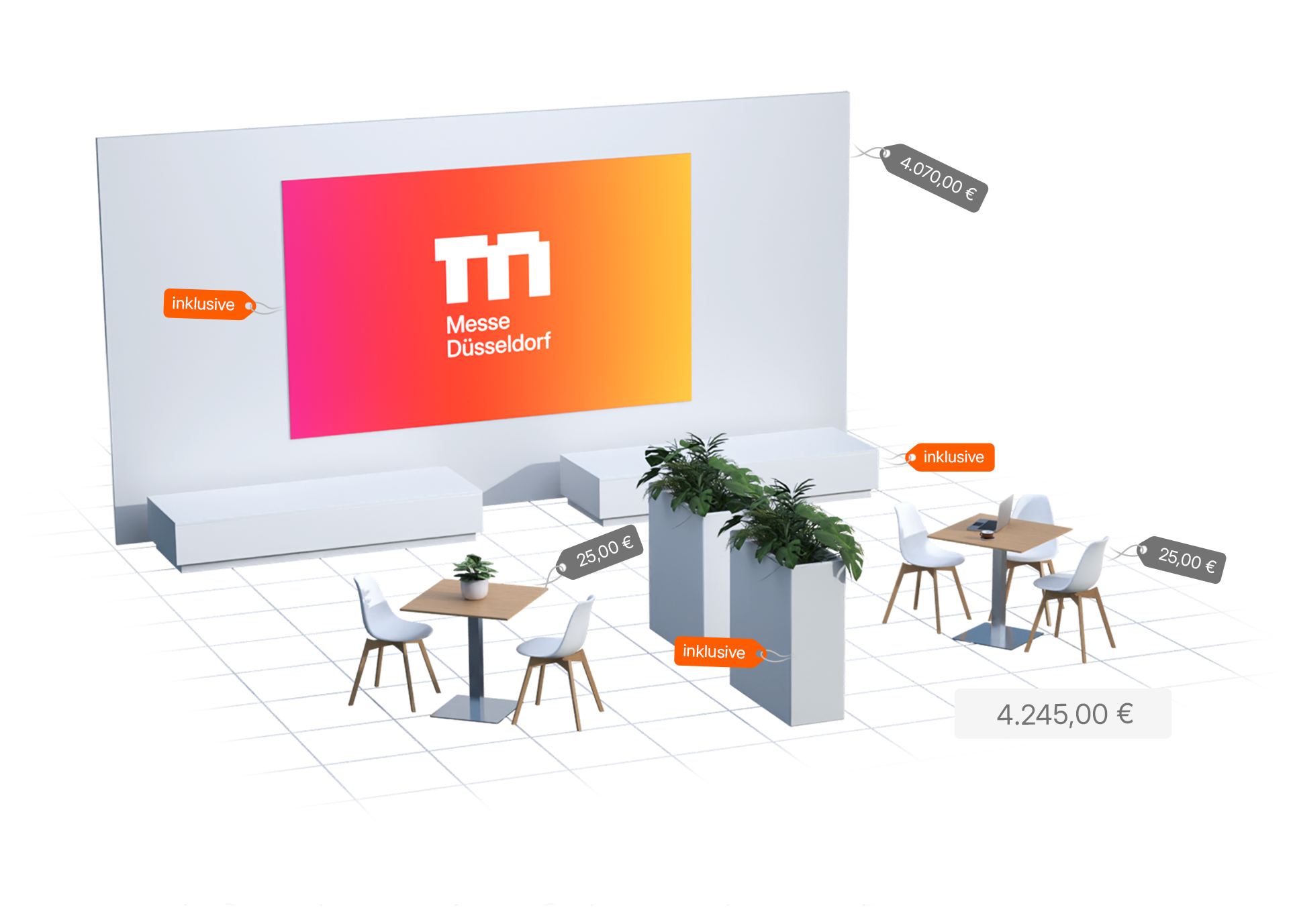
and full financial transparency
To ensure that every Messe Düsseldorf employee retains full control over the financial aspects of their planning, the total price— including all selected options and additional equipment— is clearly displayed at all times. In addition, a detailed and easy-to-read itemized list provides a complete overview of all chosen options, equipment and assitionals, including quantities and individual prices.
Ready for implementation!
Once the employee is satisfied with the planning of their service area—or has questions regarding its implementation—they can submit the concept directly to the relevant department. The team will then take over the complete realization of the service area and its requirements. All associated documents, along with a unique access link to the planning, are automatically shared via email.
Collaborative workflow
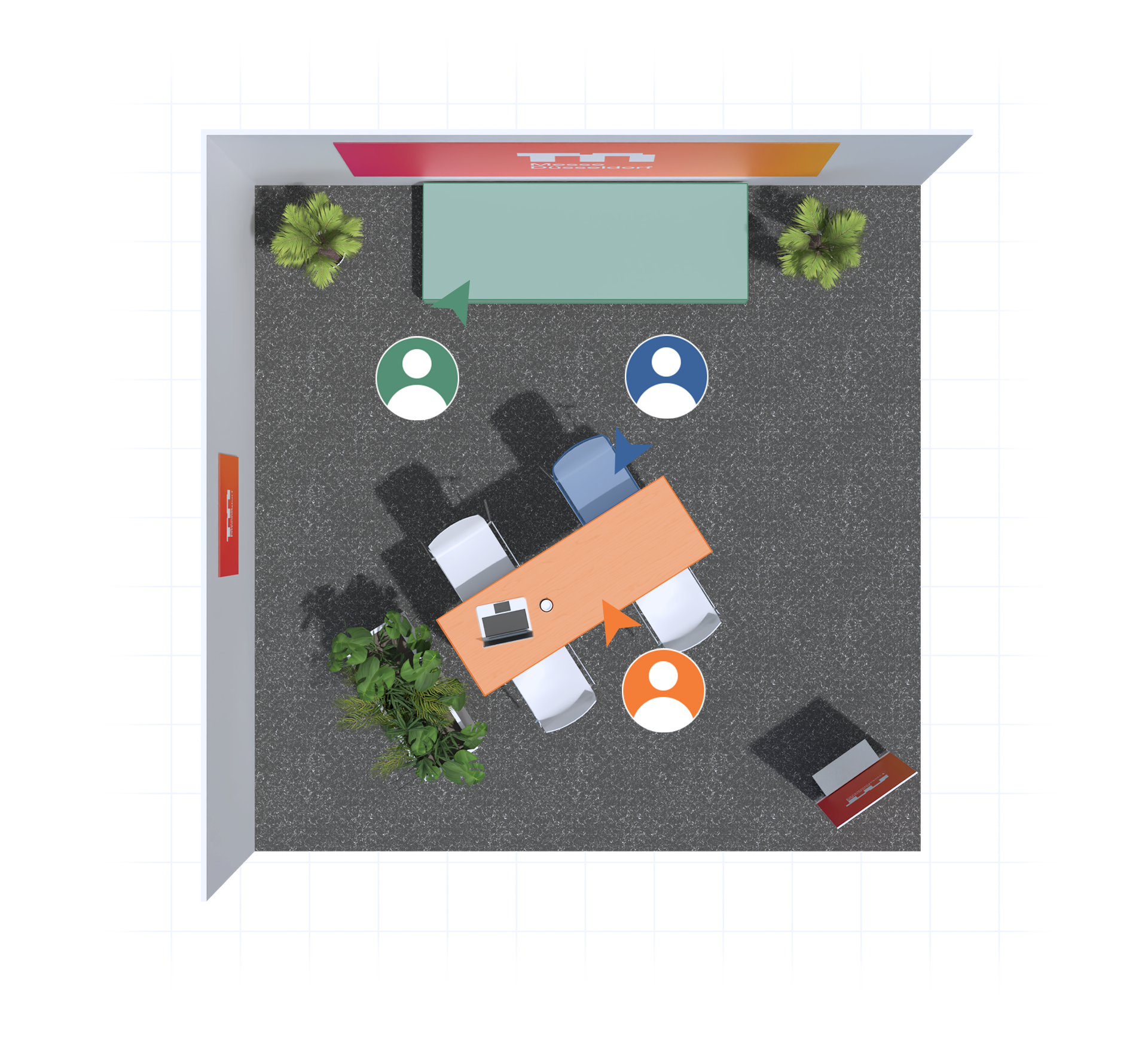
When a planning is submitted, a unique ID and access link are automatically generated. Using the link or by entering the ID in the 3D configurator, the planning can be accessed at any time. This enables true collaborative workflows, allowing multiple stakeholders to work on the same space and contribute their expertise and perspectives to the development of the service area.

Part of a digital ecosystem
The service space configurator expands Messe Düsseldorf’s existing digital planning system with another central component. Together with the 3D stand configurator, the 3D exhibition grounds, and the 3D advertising space planner, it forms a connected digital ecosystem that brings together a wide range of planning processes across Messe Düsseldorf in one centralized environment.
Central control
The 3D service space configurator is fully integrated into Messe Düsseldorf’s central admin environment, extending the existing digital ecosystem with an additional specialized planning process. All relevant content, products, and settings can be independently managed and maintained by Messe Düsseldorf employees.
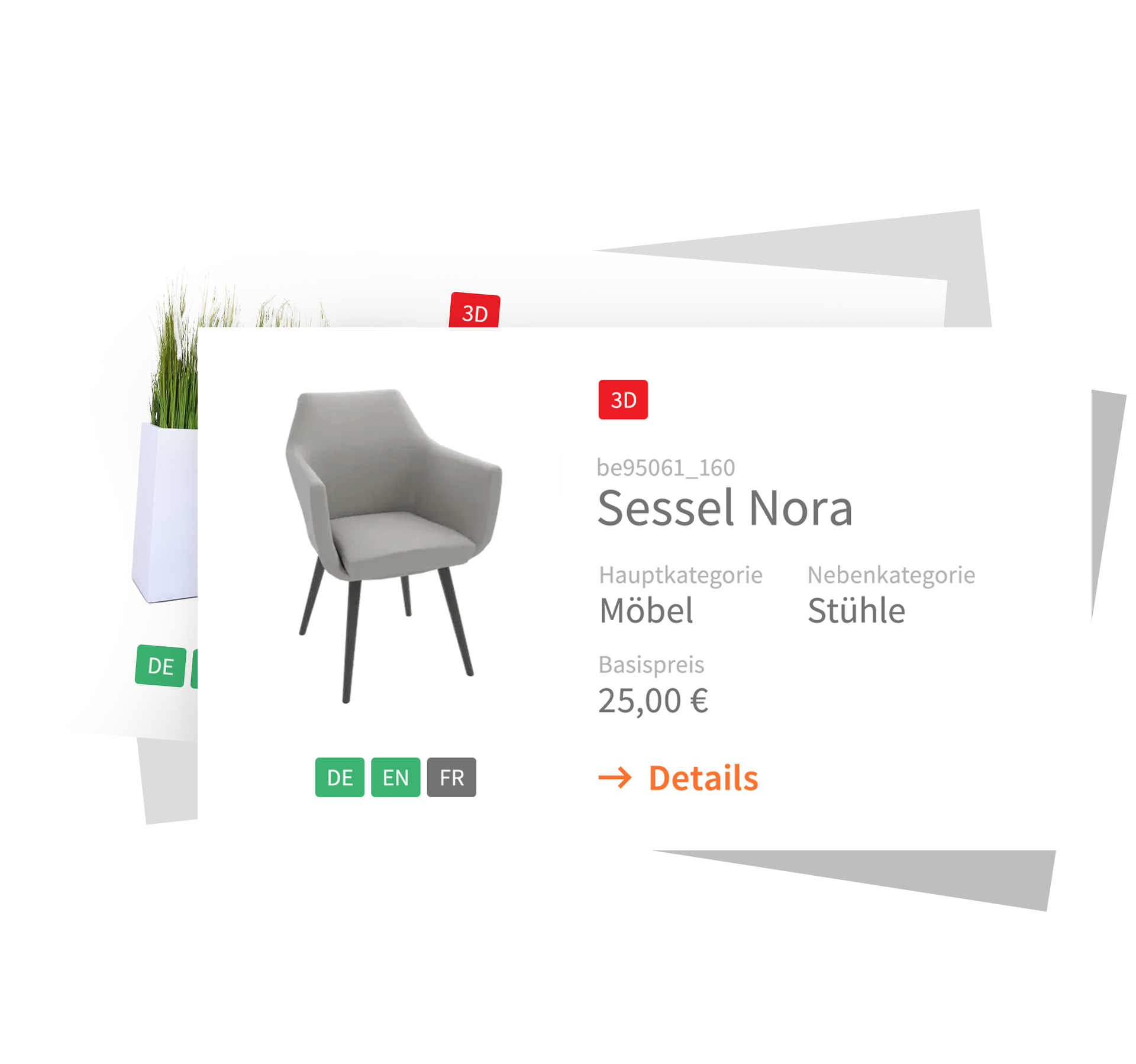
All products ...
All products available within the 3D configurator are centrally maintained via the admin area. In addition to images, availability, and pricing, descriptions, categorizations, and other event-specific information can also be managed here. All relevant data is clearly organized and accessible in one place.
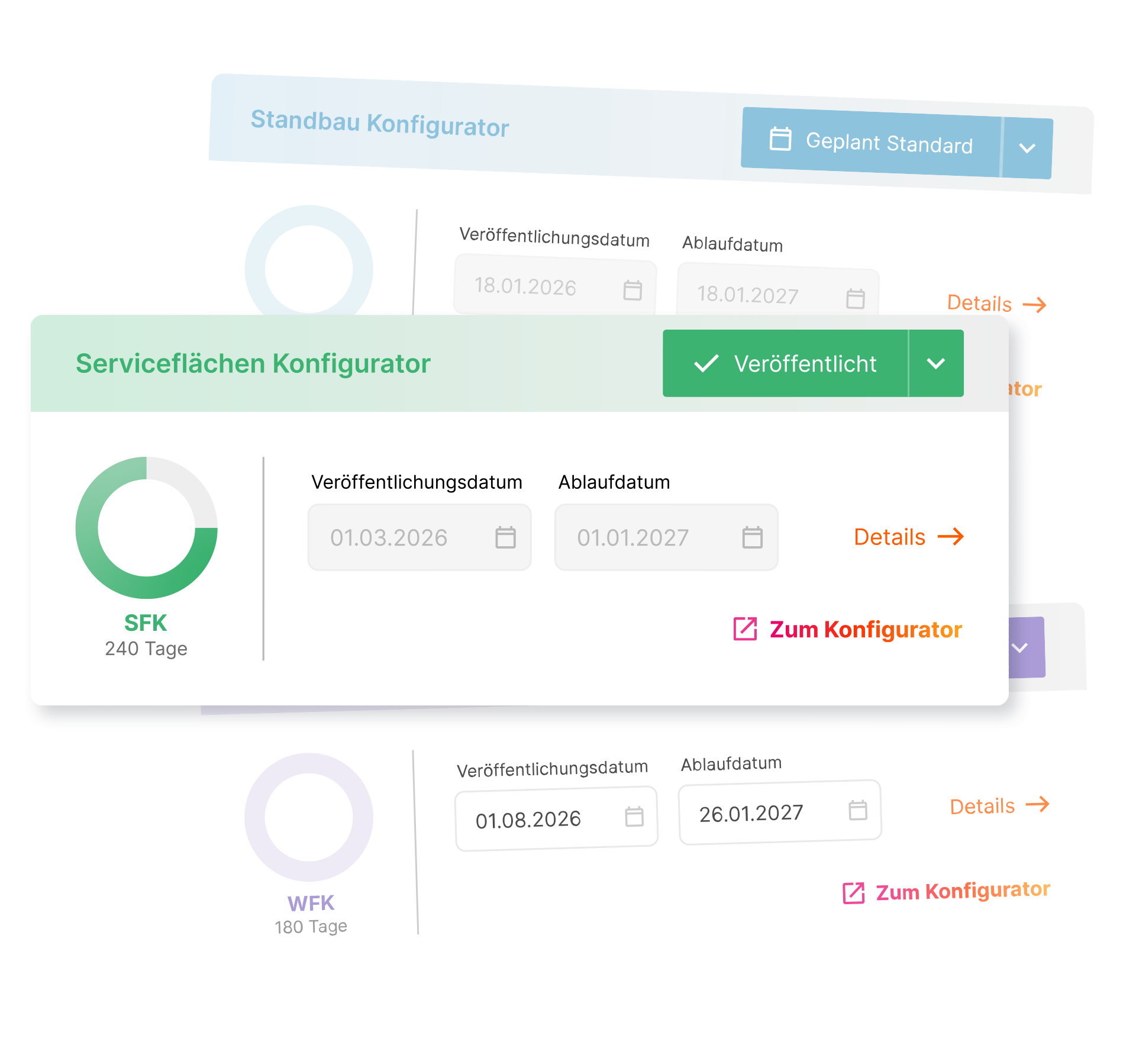
... at the right time
Since not every 3D configurator or planning tool within Messe Düsseldorf’s digital ecosystem should be available at the same time, a central control feature was integrated into the admin area in 2025. This allows individual 3D configurators to be activated, scheduled, and deployed specifically for selected events—including the 3D service space configurator.
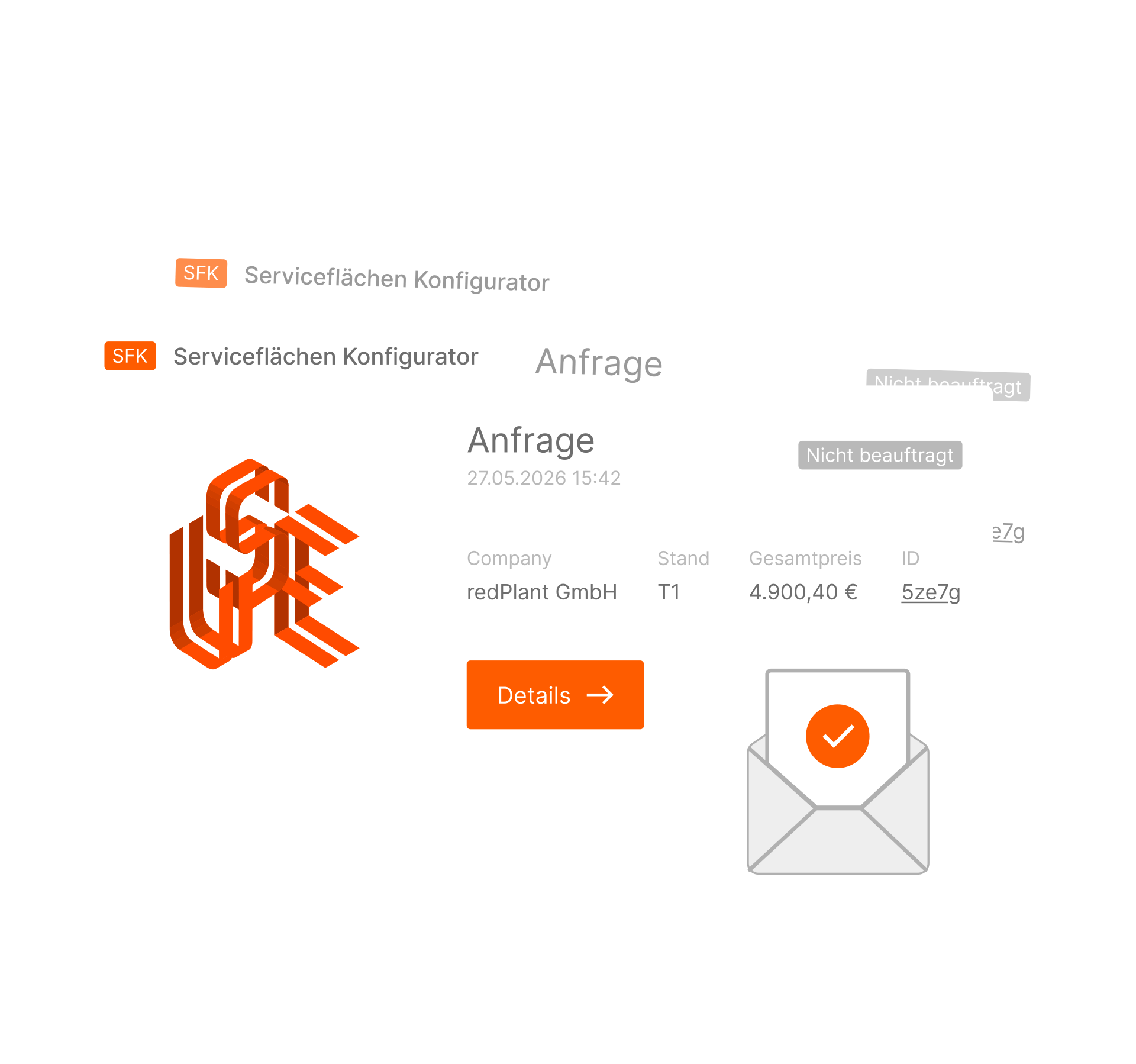
Full visibility
All submitted plans are also centrally collected within the admin area. The integrated inbox provides a clear overview of all processes, including key information, helping Messe Düsseldorf’s teams keep track of ongoing planning activities at all times. In addition, all relevant details are automatically shared via email.
Features

WebGL
The 3D Realtime Configurator was implemented using WebGL and is available in all major web browsers.

Responsive Design
Thanks to its responsive design, the configurator can be used flexibly across a wide range of devices — from smartphones to desktop environments.

Individual ID
Each planning can be saved under a unique ID and can be accessed or further edited at any time.

Realtime pricing
All prices are automatically recalculated with every change to the configuration and are immediately displayed in their updated form.

Grafik-Upload
Custom graphics can be uploaded directly via the user interface and individually placed on all printable surfaces.

Datasheet
A clear and concise data sheet containing all relevant information is automatically generated for each planning.

Admin area
All content within the 3D configurator can be centrally managed and independently maintained via the admin area.